
On this page
- 01Key takeaways
- 02Why do businesses open links in new tabs?
- 03What problems do new tabs cause?
- 04When does a new tab make sense?
- 05How do you warn visitors about new tabs?
- 06What about PDFs and documents?
- 07What about social media links?
- 08What does this look like in practice?
- 09Link behaviour checklist
- 10Next step
- 11Sources and further reading
- 12Frequently asked questions
Key takeaways
Most links on a business website should open in the same tab. Opening every external link in a new tab breaks the back button and can disorient visitors, especially on phones. Nielsen Norman Group advises deciding by the visitor's task: a new tab can help when someone is midway through a form or needs to refer back. Warn visitors when it happens.
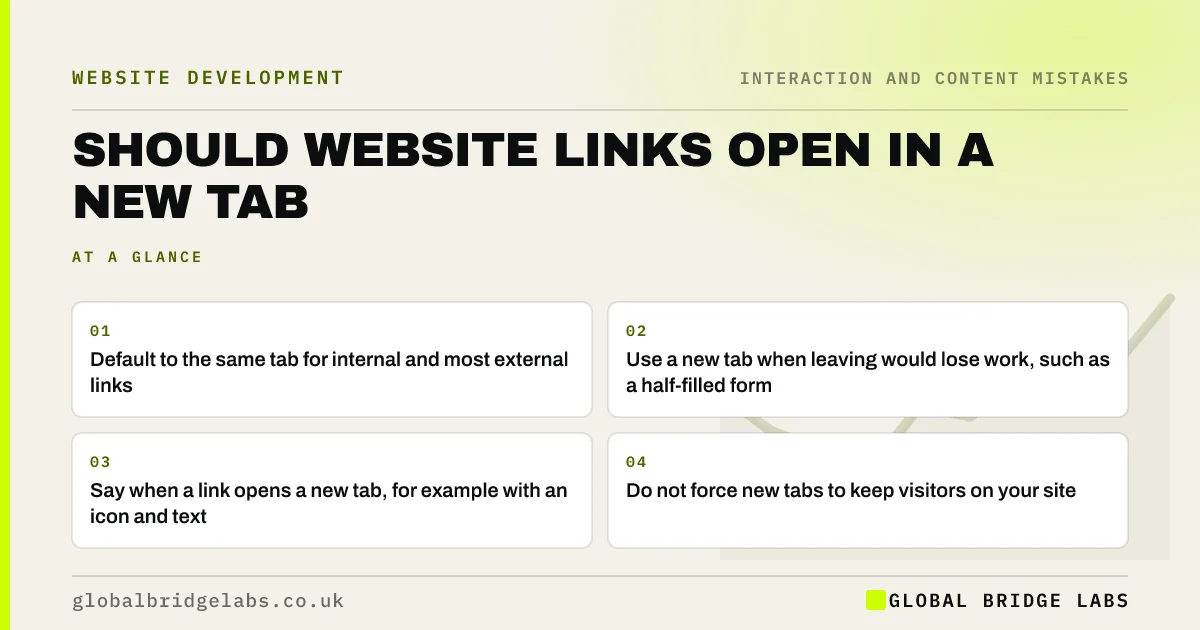
- Default to the same tab for internal and most external links.
- Use a new tab when leaving would lose work, such as a half-filled form.
- Say when a link opens a new tab, for example with an icon and text.
- Do not force new tabs to keep visitors on your site.
Want your link behaviour checked? Message us on WhatsApp.
Chat on WhatsApp →Why do businesses open links in new tabs?
The usual reason is to keep visitors on the site: if an external link opens in a new tab, your page stays open behind it. In practice visitors are capable of returning, and many find unexpected new tabs annoying, especially on mobile, where switching tabs is less obvious.
What problems do new tabs cause?
Nielsen Norman Group's long-standing guidance lists the problems: the back button stops working for the new tab, visitors lose track of where they came from, and on phones the switch can go unnoticed. Screen reader users may not be told a new tab has opened. These costs apply to every forced new tab.
When does a new tab make sense?
A new tab makes sense when leaving the page would lose something: help or terms linked from inside a form, a map while filling in a booking, or a document a visitor needs to read alongside the page. Decide by what the visitor will do next, not by whether the link is internal or external.
How do you warn visitors about new tabs?
Tell visitors before they click. Add a small icon and text, such as '(opens in new tab)', that is visible or available to screen readers. WCAG recommends warning people about changes of context so they are not surprised.
Want accessible link styles across your site? Message us on WhatsApp and we will discuss your requirements.
Chat on WhatsApp →What about PDFs and documents?
Links to PDFs and other documents surprise visitors because they open in a different viewer. Say what the link is and how big it is ('Price list, PDF, 1.2MB'). Better still, put important content such as price lists and menus on a normal web page.
What about social media links?
Social icons in a footer are often set to open in new tabs. That is a reasonable choice if you warn visitors, but ask first whether you want to send visitors away to social media at all from a page where they could enquire.
What does this look like in practice?
A pattern we see: every link on a site, including internal ones, opens a new tab, and mobile visitors end up with several copies of the site open. Setting internal links to open in the same tab restores normal back-button behaviour.
Link behaviour checklist
- Open internal links in the same tab.
- Open most external links in the same tab.
- Use new tabs only to protect work in progress.
- Warn visitors when a link opens a new tab.
- Label document links with type and size.
- Move key PDF content onto web pages.
Next step
Click five links on your site on a phone and note which open new tabs without warning.
Message us on WhatsApp for a usability review, or book a 30-minute consultation.
Chat on WhatsApp →Sources and further reading
- Opening links in new browser windows and tabs · Nielsen Norman Group
- Web Content Accessibility Guidelines (WCAG) 2.2 · W3C
- Why GOV.UK content should be published in HTML and not PDF · Government Digital Service
Frequently asked questions
Should external links open in a new tab?
Usually not by default. Nielsen Norman Group advises deciding by the visitor's task. Open a new tab when leaving would lose work in progress, and warn visitors when it happens.
Is opening links in a new tab bad for accessibility?
It can be if visitors are not warned, because screen reader users and others may not realise a new tab opened and the back button no longer works. Add visible or screen-reader text such as 'opens in new tab'.
Does opening links in a new tab help SEO?
No. It does not affect rankings. Any perceived benefit of keeping visitors on your site is outweighed by the usability costs if new tabs open unexpectedly.
Written by

Global Bridge Labs (GBL) is a UK–Sri Lanka partner for social media, websites and BPO. Everything here comes from client delivery, not theory.


