On this page
- 01Key takeaways
- 02What should a customer support page include?
- 03Why separate support from sales?
- 04Where should the support page be linked?
- 05What guides should it include?
- 06Should it show response times?
- 07When is a support page unnecessary?
- 08What does this look like in practice?
- 09Customer support page checklist
- 10Next step
- 11Sources and further reading
- 12Frequently asked questions
Key takeaways
A customer support page gives existing customers one place to find help: how to contact support, opening hours and response times, logins, common guides, aftercare and warranty claims, and service status. It speeds up help for customers and keeps your sales line and homepage focused on new buyers.
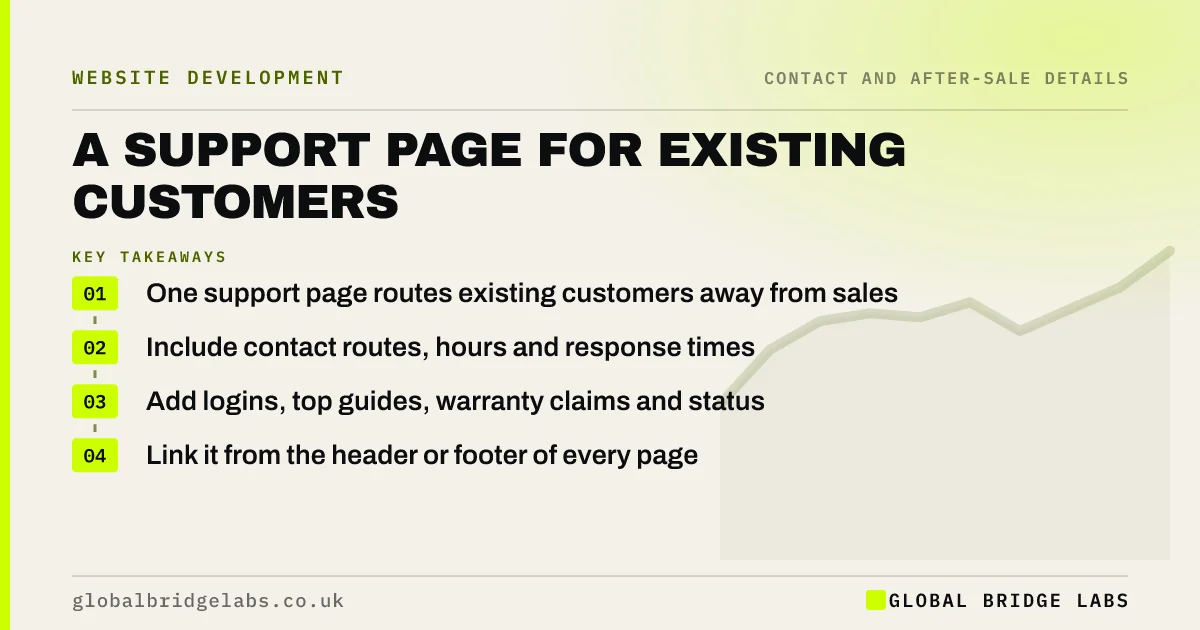
- One support page routes existing customers away from sales.
- Include contact routes, hours and response times.
- Add logins, top guides, warranty claims and status.
- Link it from the header or footer of every page.
Want a support page outline? Message us on WhatsApp.
Chat on WhatsApp →What should a customer support page include?
A support page should include how to contact support, when it is open and how fast it replies, logins or portals, the five or six most common guides, aftercare and warranty claim routes, and any service status information. Global Bridge Labs (GBL) suggests building it from the questions customers already ask after buying.
Why separate support from sales?
Existing customers and new buyers want different things, and mixing them slows both. When support requests arrive on the sales line, buyers wait longer, and customers repeat themselves to the wrong person. A clear support route improves service for customers and response times for buyers.
Where should the support page be linked?
Link it from a 'Help' or 'Support' item in the header or utility navigation and from the footer of every page, in the same place each time. WCAG 2.2 includes a criterion on consistent help, asking that help routes appear in the same relative order across pages.
What guides should it include?
Include the guides that answer the questions customers ask most: how to use or care for the product, how to change a booking, how to update payment details, how to make a warranty claim. Write each as numbered steps, and keep them as web pages, not PDFs, so they work on a phone.
Should it show response times?
Yes. Saying 'We reply to support emails within one working day' sets expectations and reduces chasers. Only publish times you meet. The UK Customer Satisfaction Index was 78.3 out of 100 in July 2026, and timely, first-time resolution remains one of the factors customers value most.
When is a support page unnecessary?
It is unnecessary for businesses with little after-sale contact, such as one-off services with no ongoing relationship. A line on the contact page about existing jobs is enough. It earns its place once support requests are a regular part of your week.
What does this look like in practice?
A pattern we see: existing customers use the 'Get a quote' form to report problems, because it is the only form on the site. Adding a support page with its own route and the top guides moves those messages to the right team and makes the quote form cleaner data.
Customer support page checklist
- List the questions customers ask after buying.
- Add contact routes, hours and response times.
- Link logins and portals.
- Write the top guides as numbered steps.
- Add warranty and aftercare routes.
- Link it consistently from every page.
Next step
Count how many messages to your sales line last month came from existing customers. If it is more than a handful, build a support page.
Message us on WhatsApp for a support page plan, with no pitch.
Chat on WhatsApp →Sources and further reading
- Understanding WCAG 2.2 success criterion 3.2.6: Consistent Help · W3C
- UK Customer Satisfaction Index · Institute of Customer Service
- Utility navigation: what it is and how to design it · Nielsen Norman Group
Frequently asked questions
What should be on a customer support page?
Contact routes, hours and response times, logins, common how-to guides, aftercare and warranty claims, and service status if relevant. Build it from the questions customers already ask, and keep it short.
Where should the support link go on a website?
Put it in the header or utility navigation and in the footer, in the same place on every page. Existing customers then find it quickly without wading through sales pages.
Do small businesses need a help centre?
Most do not need a full help centre. A single support page with contacts, response times and a handful of guides is enough for most small businesses. Expand it only as support questions grow.
Written by

Global Bridge Labs (GBL) is a UK–Sri Lanka partner for social media, websites and BPO. Everything here comes from client delivery, not theory.