
On this page
- 01Key takeaways
- 02What is a contact page for?
- 03Mistake 1: a form as the only option
- 04Mistake 2: no reply expectation
- 05Mistake 3: a long form
- 06Mistake 4: missing practical details
- 07Mistake 5: a bare, anonymous page
- 08Mistake 6: forms that fail quietly
- 09What does this look like in practice?
- 10Contact page checklist
- 11Next step
- 12Sources and further reading
- 13Frequently asked questions
Key takeaways
A good contact page offers more than one way to get in touch, says when and how quickly you reply, keeps the form short and shows real people and a real location. The common mistakes are a form as the only option, no opening hours, no reply expectation, a long form and a page so bare it feels like a dead end.
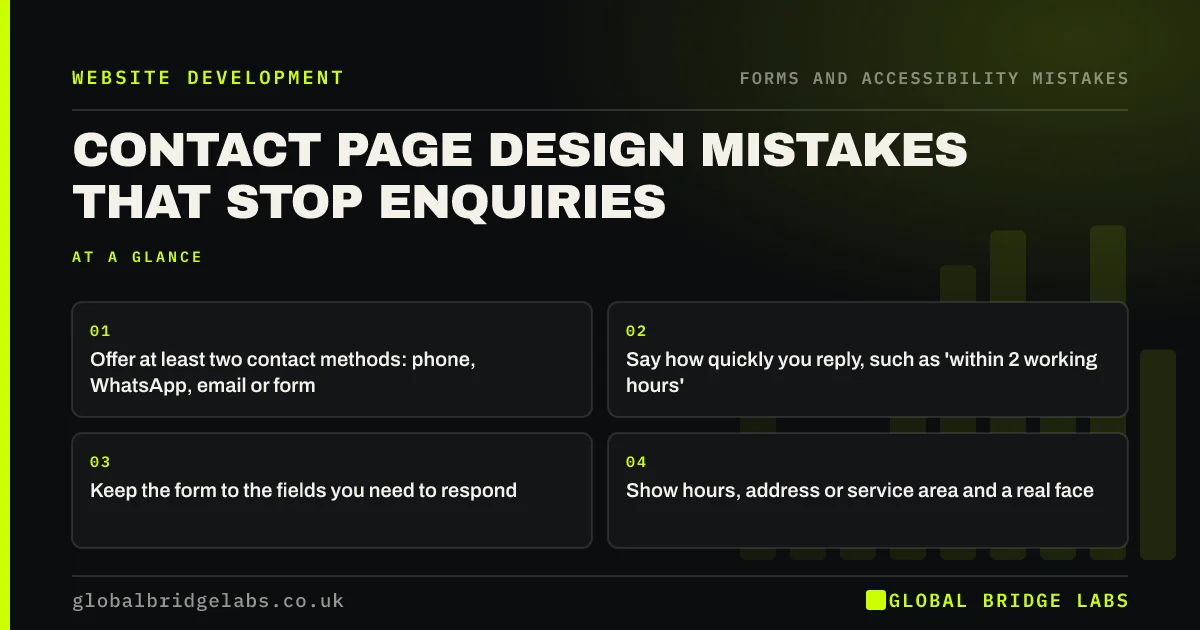
- Offer at least two contact methods: phone, WhatsApp, email or form.
- Say how quickly you reply, such as 'within 2 working hours'.
- Keep the form to the fields you need to respond.
- Show hours, address or service area and a real face.
Want your contact page reviewed? Message us on WhatsApp.
Chat on WhatsApp →What is a contact page for?
A contact page is where visitors who have decided to get in touch go to do it, and where others check you are real and reachable. It should make contacting you feel easy and low-risk. Its job is to turn intention into an enquiry, not to make visitors work.
Mistake 1: a form as the only option
Some buyers want to call now; others want to send an email they can keep. A form alone suits neither and can make a business look hard to reach. Show a phone number, a WhatsApp link if you answer it and an email address alongside the form.
Mistake 2: no reply expectation
Visitors who send a form do not know whether anyone will read it. Say when you will reply ('We reply within two working hours, Monday to Friday') and what happens next. Then meet that promise; a slow reply undoes the work the page did.
Mistake 3: a long form
Asking for budget, company size, how they found you and a detailed description before a first conversation puts people off. Ask only what you need to reply usefully. Every field should earn its place.
Mistake 4: missing practical details
Opening hours, address or service area, parking or directions for visiting customers, and company details are often missing. Visitors use them to judge whether you can help and whether you are a genuine business.
Want a contact page that turns visits into enquiries? Message us on WhatsApp and we will discuss your requirements.
Chat on WhatsApp →Mistake 5: a bare, anonymous page
A contact page with only a form and a stock image of a headset feels like writing to a void. A photo of the people who reply, a short line of reassurance and a recent review make getting in touch feel like contacting people.
Mistake 6: forms that fail quietly
Forms that do not send, send to an old email address or show unclear errors lose enquiries invisibly. Test the form on a phone every month and after any site change, and make sure submissions go to an inbox someone checks.
What does this look like in practice?
A pattern we see: a contact page has an eight-field form, no phone number and no reply promise. Reducing the form, adding a phone and WhatsApp option and stating a reply time gives buyers several easy routes and sets clear expectations.
Contact page checklist
- Show phone, email and WhatsApp alongside the form.
- State your reply time and next step.
- Cut the form to essential fields.
- Show hours, address or area and company details.
- Add a real photo and a review.
- Test the form monthly on a phone.
Next step
Send yourself an enquiry through your own form on a phone and time how long it takes to arrive.
Message us on WhatsApp for a contact page review, or book a 30-minute consultation.
Chat on WhatsApp →Sources and further reading
- Structuring forms · GOV.UK Service Manual
- Question pages pattern · GOV.UK Design System
- How to use click to chat · WhatsApp Help Center
Frequently asked questions
What should be on a contact us page?
Phone, email and WhatsApp if you use it, a short form, opening hours, your address or service area, how quickly you reply and what happens next. A photo of the people who reply and a recent review help visitors feel confident.
Should a contact page have a form or a phone number?
Both. Different buyers prefer different methods: urgent enquiries want to call, business buyers often prefer email or a form. Offering at least two options makes it easier for everyone.
How many fields should a contact form have?
As few as you need to reply usefully, often name, a contact method and a short message. Extra fields such as budget or company size can wait for the first conversation unless they are essential to routing.
Written by

Global Bridge Labs (GBL) is a UK–Sri Lanka partner for social media, websites and BPO. Everything here comes from client delivery, not theory.


