
On this page
- 01Key takeaways
- 02Who are the non-buyers on your homepage?
- 03Where should each group go?
- 04Why do existing customers need a better route?
- 05How do non-buyers affect your numbers?
- 06When should non-buyers get homepage space?
- 07What does this look like in practice?
- 08Non-buyer routes checklist
- 09Next step
- 10Sources and further reading
- 11Frequently asked questions
Key takeaways
Non customer website visitors, such as job seekers, suppliers, sales callers and existing customers looking for support, are normal on a homepage. Give each a small, clear route, usually in the header or footer, so they find what they need quickly, stop filling your enquiry form and stop distorting your conversion numbers.
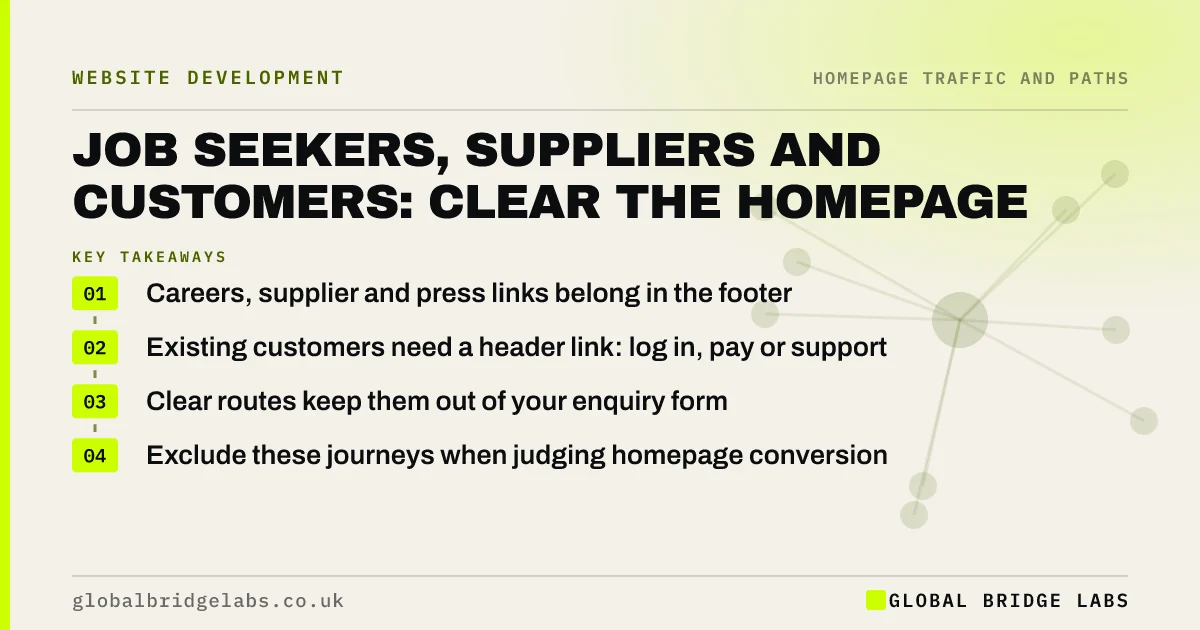
- Careers, supplier and press links belong in the footer.
- Existing customers need a header link: log in, pay or support.
- Clear routes keep them out of your enquiry form.
- Exclude these journeys when judging homepage conversion.
Want your non-buyer routes tidied? Message us on WhatsApp.
Chat on WhatsApp →Who are the non-buyers on your homepage?
Non-buyers include job seekers, recruiters, suppliers wanting to pitch, journalists, students and existing customers who need help rather than a new purchase. They are not a problem, but if they cannot find their route they use the main enquiry form, clutter your inbox and lower your measured conversion rate.
Where should each group go?
Give each a route that matches how often they come.
- Existing customers: a header link such as 'Log in', 'Pay a bill' or 'Support'.
- Job seekers: 'Careers' in the footer, or the menu if you hire often.
- Suppliers and partners: a short 'Work with us' page in the footer.
- Press: contact details on the About page.
Why do existing customers need a better route?
Existing customers are valuable, and a frustrating hunt for support damages repeat business. A clear header link to log in, rebook or get help takes no space and stops support requests arriving as new enquiries, which wastes sales time.
How do non-buyers affect your numbers?
They count as homepage sessions but rarely convert, so they lower your rate. Once they have their own routes, you can track clicks on those links and set them aside when measuring buyers. This gives a truer picture of how the homepage serves customers.
When should non-buyers get homepage space?
When they matter commercially: a business struggling to recruit may give careers a homepage section for a while, and a membership business may lead with a login. Make it a deliberate, temporary choice rather than a permanent addition.
What does this look like in practice?
A pattern we see: a third of 'enquiries' through the homepage form are CVs, sales pitches and support requests. Adding careers and supplier links in the footer and a support link in the header usually cuts those quickly and makes real enquiries easier to spot.
Non-buyer routes checklist
- Sort last month's form submissions by type.
- Add a header link for existing customers.
- Add careers and supplier links to the footer.
- Track clicks on those links.
- Set them aside when measuring buyer conversion.
Next step
Go through last month's homepage form submissions and mark any that were not new buyers. Each type needs its own route.
Message us on WhatsApp to set up the routes, or book a 30-minute consultation.
Chat on WhatsApp →Sources and further reading
- Utility navigation: what it is and how to design it · Nielsen Norman Group
- Web page footers 101: design patterns and when to use each · Nielsen Norman Group
Frequently asked questions
Where should the careers link go on my website?
In the footer for most small businesses, and in the main menu if you hire often. Give it its own page with current vacancies, so applicants do not use the enquiry form and recruitment does not compete with the main call to action.
Should my homepage have a customer login link?
Yes, if customers log in, pay or rebook online. Put a small link in the header so existing customers find it immediately. It takes little space and stops support requests arriving as new enquiries.
Why am I getting job applications through my contact form?
Usually because there is no clear careers route, so applicants use the only form they can find. Add a careers page linked from the footer or menu with instructions on how to apply.
Written by

Global Bridge Labs (GBL) is a UK–Sri Lanka partner for social media, websites and BPO. Everything here comes from client delivery, not theory.


