
On this page
- 01Key takeaways
- 02Should your homepage have a contact form?
- 03How many fields should a homepage form have?
- 04Where should the form go on the page?
- 05What should surround the form?
- 06When is a homepage form a bad idea?
- 07What does this look like in practice?
- 08Homepage form checklist
- 09Next step
- 10Sources and further reading
- 11Frequently asked questions
Key takeaways
A contact form on homepage layouts helps when your main action is an enquiry and the form is short: three to five fields, placed near the end of the page or beside the hero, with what happens next written beside the button. A long form in the hero can scare people off; a form only on a separate contact page adds a step.
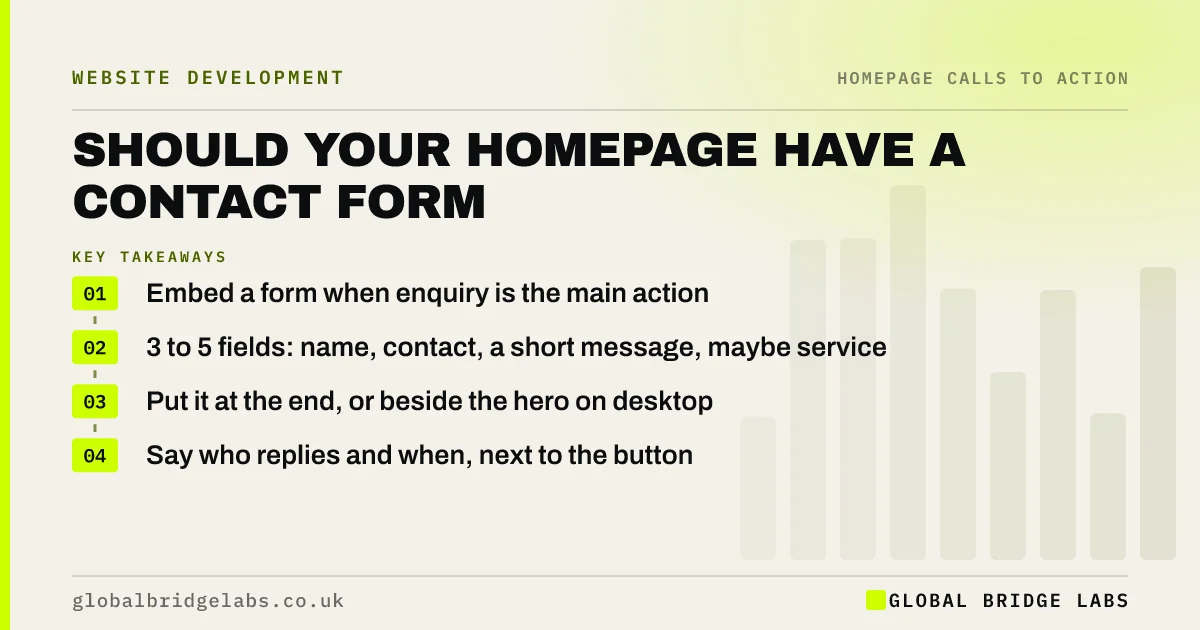
- Embed a form when enquiry is the main action.
- 3 to 5 fields: name, contact, a short message, maybe service.
- Put it at the end, or beside the hero on desktop.
- Say who replies and when, next to the button.
Want your homepage form cut to the right length? Message us on WhatsApp.
Chat on WhatsApp →Should your homepage have a contact form?
Your homepage should have a contact form when an enquiry is the main action and visitors usually decide on the homepage. It saves the click to a contact page, which is a step some never take. If calls or bookings are your main action, a button to those is better than a form.
How many fields should a homepage form have?
Three to five: name, email or phone, a short message and perhaps a service choice or postcode if it changes who replies. Every extra field asks more of a visitor who is not yet committed. Collect detail later in the conversation, not in the first form. Full guidance on form design is in our contact form guide.
Where should the form go on the page?
The most common pattern is near the end, after proof, as the final call to action. On desktop, a short form beside the hero can work for high-intent visitors such as branded searchers. On mobile, keep the hero for the message and link the hero button to the form further down.
What should surround the form?
Surround it with reassurance: who will reply, how fast, what happens next and a link to your privacy notice. Under UK GDPR you must tell people how you will use their details. A line such as 'We reply within one working day, no sales calls' often matters as much as the fields.
When is a homepage form a bad idea?
It is a bad idea when the form is long or complex, such as a detailed quote request, because it dominates the page and scares off early visitors. It is also wrong when spam is a problem and your protection hurts real users. Then link to a dedicated form page instead.
What does this look like in practice?
A pattern we see: a 12-field quote form embedded in the hero, which few visitors start. Moving a 4-field version to the end of the page and keeping the detailed form for after the first reply usually increases the number of enquiries, with little loss of quality.
Homepage form checklist
- Embed a form only if enquiry is the main action.
- Keep it to 3 to 5 fields.
- Place it at the end, or beside the hero on desktop.
- Say who replies and when.
- Link to your privacy notice.
- Test it on a phone, including the confirmation.
Next step
Count the fields on your current form and ask of each one: would we refuse to reply without it? Remove every field where the answer is no.
Message us on WhatsApp for a form review, or book a 30-minute consultation.
Chat on WhatsApp →Sources and further reading
- Structuring forms · GOV.UK Service Manual
- Right to be informed (privacy information) · Information Commissioner's Office
- Placeholders in form fields are harmful · Nielsen Norman Group
Frequently asked questions
Should I put a contact form on my homepage?
Yes, if an enquiry is your main action and the form is short. A three-to-five field form near the end of the page saves visitors a click to the contact page. If calls or bookings are your main action, link to those instead.
How many fields should a homepage contact form have?
Three to five: name, email or phone, a short message, and possibly a service or postcode if it changes who replies. Gather extra detail after the first reply rather than asking for it upfront.
Do I need a privacy notice next to my contact form?
You need to tell people how you will use their personal data, usually by linking to your privacy notice near the form. A short line such as 'We only use your details to reply to you' also reassures visitors.
Written by

Global Bridge Labs (GBL) is a UK–Sri Lanka partner for social media, websites and BPO. Everything here comes from client delivery, not theory.


