
On this page
- 01Key takeaways
- 02When should booking be the homepage's main action?
- 03Should the booking widget sit on the homepage?
- 04What makes a booking flow convert?
- 05What if the booking tool belongs to someone else?
- 06When should you not push online booking?
- 07What does this look like in practice?
- 08Booking button checklist
- 09Next step
- 10Sources and further reading
- 11Frequently asked questions
Key takeaways
A book online button on a homepage lifts bookings for appointment businesses such as salons, clinics, restaurants and tutors, because it lets visitors act the moment they decide. It only works if the booking tool loads fast on a phone, shows real availability and prices, and takes no more than a few taps to finish.
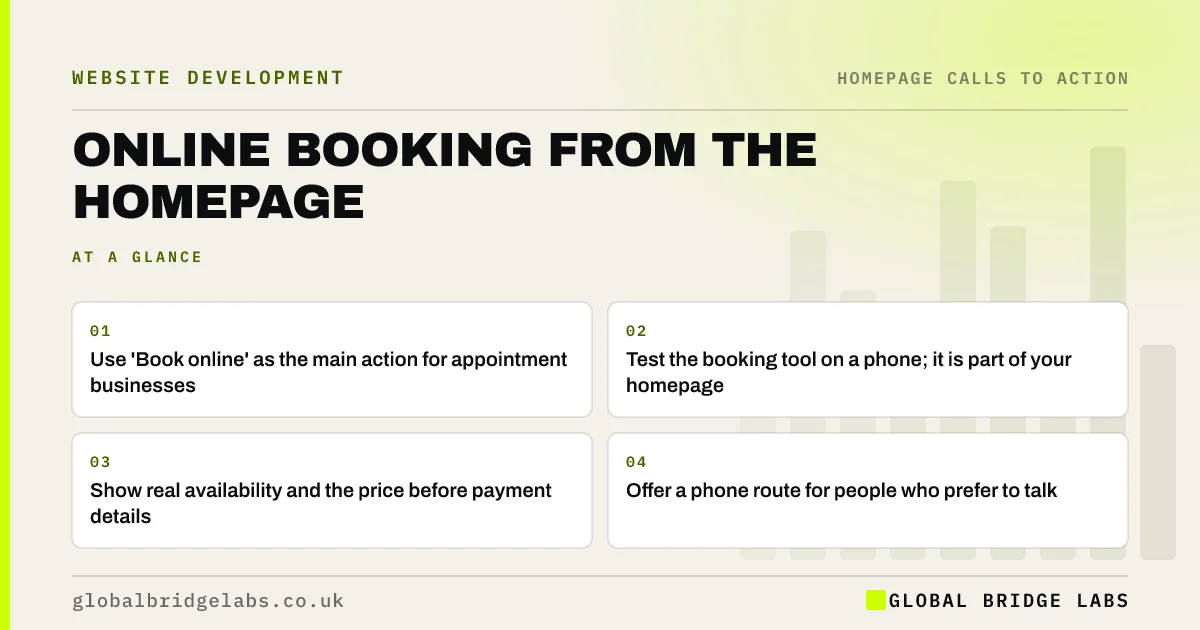
- Use 'Book online' as the main action for appointment businesses.
- Test the booking tool on a phone; it is part of your homepage.
- Show real availability and the price before payment details.
- Offer a phone route for people who prefer to talk.
Want your booking route tested end to end? Message us on WhatsApp.
Chat on WhatsApp →When should booking be the homepage's main action?
Booking should be the main action when customers already know what they want and only need a time, such as a haircut, a table, a physio appointment or a lesson. For services needing a quote or assessment first, booking a consultation or call can play the same role.
Should the booking widget sit on the homepage?
Usually a clear 'Book online' button that opens the booking flow is better than an embedded widget. Third-party widgets often add heavy scripts that slow the homepage, and they can look broken on small screens. Link to the flow, and keep the homepage light.
What makes a booking flow convert?
A good flow shows available times first, keeps the steps few, states the price and any deposit before asking for card details, and confirms immediately by email or text. Ask only for details you need. Every extra screen in the flow is a place to give up.
What if the booking tool belongs to someone else?
Many firms use a booking platform they cannot redesign. You can still choose which services appear first, write clear service names and prices, and test the flow monthly on a phone. If the platform makes booking hard, that is a reason to compare alternatives.
When should you not push online booking?
Do not push it when every job needs a conversation to scope, when prices vary too much to show, or when your diary is managed by hand and online slots would go out of date. A request form with a promised reply time is more honest in those cases.
What does this look like in practice?
A pattern we see in salons and clinics: the homepage says 'Call to book' while most visits come from phones in the evening, when nobody answers. Adding a clear 'Book online' button with real slots usually moves bookings into those evening hours.
Booking button checklist
- Make 'Book online' the main action if customers know what they want.
- Link to the booking flow rather than embedding a heavy widget.
- Test the full flow on a phone each month.
- Show price and deposit before card details.
- Confirm bookings instantly by email or text.
- Keep a phone route as secondary.
Next step
Book an appointment with your own business on your phone tonight. Count the taps and note anything that made you hesitate.
Message us on WhatsApp with what you found, or book a 30-minute consultation.
Chat on WhatsApp →Sources and further reading
- Consumer Contracts (Information, Cancellation and Additional Charges) Regulations 2013 · legislation.gov.uk
- Loading third-party JavaScript · web.dev (Google)
- Stop trying to delight your customers (Dixon, Freeman and Toman, 2010) · Harvard Business Review
Frequently asked questions
Should I have a book now button on my homepage?
Yes, if customers usually know what they want and only need to choose a time, such as salons, clinics, restaurants and lessons. Make it the primary button and make sure the booking flow is quick and works well on a phone.
Should I embed a booking widget on my homepage?
Usually it is better to link a clear 'Book online' button to the booking flow. Embedded widgets can slow the homepage and display poorly on mobile. If you embed one, check its effect on loading speed and layout.
Do I need to show prices in an online booking system?
It is good practice to show the price and any deposit before asking for payment details, and consumer law expects clear information before a contract is made. Surprises at the final step are a common reason people abandon bookings.
Written by

Global Bridge Labs (GBL) is a UK–Sri Lanka partner for social media, websites and BPO. Everything here comes from client delivery, not theory.


