On this page
- 01Key takeaways
- 02Why does admin grow with every new location?
- 03Which admin should you centralise?
- 04How does a central hub improve service?
- 05Should the hub be in-house or outsourced?
- 06When is the right time to centralise?
- 07What do you need to make centralisation work?
- 08When should admin stay local?
- 09What does a central admin hub cost?
- 10What does this look like in practice?
- 11Centralisation checklist
- 12Next step
- 13Sources and further reading
- 14Frequently asked questions
Key takeaways
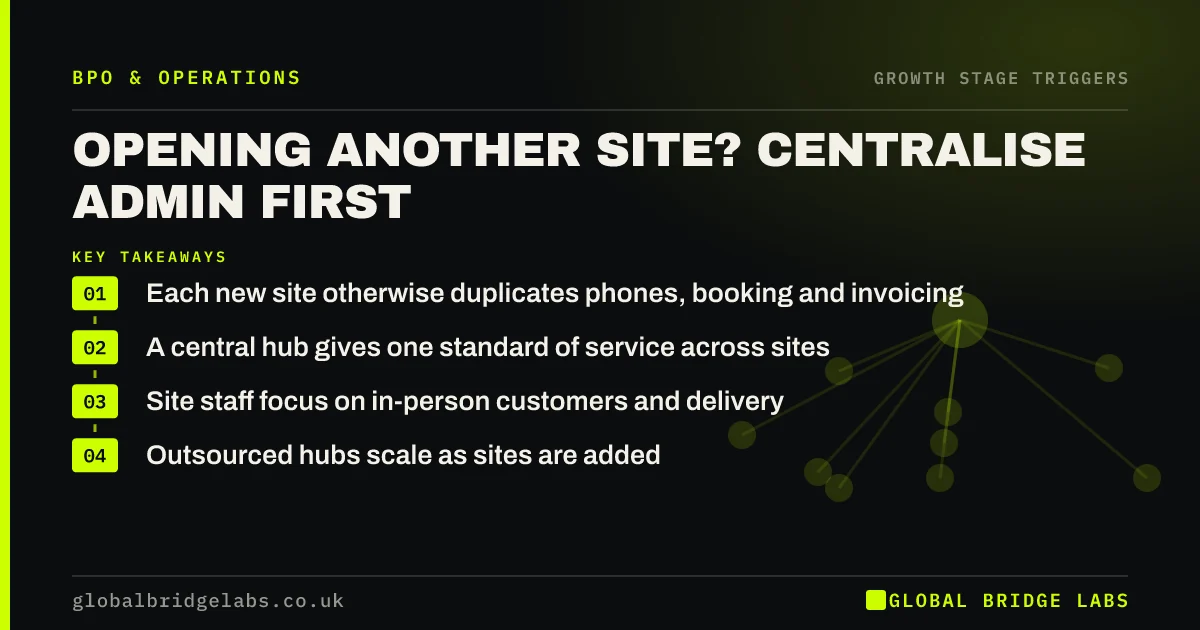
Centralise admin across multiple locations before opening another site, because each new location otherwise adds its own phones, bookings, invoicing and data entry. A central hub, in-house or outsourced, handles these once for every site, gives consistent service, and lets site staff focus on customers in front of them.
- Each new site otherwise duplicates phones, booking and invoicing.
- A central hub gives one standard of service across sites.
- Site staff focus on in-person customers and delivery.
- Outsourced hubs scale as sites are added.
Opening another site? Message us on WhatsApp and we will talk through centralising admin.
Chat on WhatsApp →Why does admin grow with every new location?
Because each site usually copies the first. It gets its own phone line, its own diary and its own person doing admin between other jobs. Service varies by site, customers get different answers, and nobody sees the whole picture. By the third site, the owner is managing several versions of the same process.
Which admin should you centralise?
Centralise work that does not need someone physically on site: phones, bookings, enquiries, email, invoicing, credit control, supplier admin and reporting. Keep on-site work such as reception, delivery and in-person service local.
- Phone answering and call routing for all sites.
- Bookings and diary management across locations.
- Enquiries by email, web, chat and WhatsApp.
- Invoicing, payments and credit control.
- Reporting that compares sites like for like.
How does a central hub improve service?
A central hub answers every site's calls and messages to the same standard, can book customers into whichever site has availability, and covers each site's staff when they are busy or away. It also produces consistent reporting, so you can compare sites on the same numbers.
Want to see how a hub would work for your sites? Ask us on WhatsApp.
Chat on WhatsApp →Should the hub be in-house or outsourced?
An in-house hub suits businesses with enough steady volume to keep a team busy and a manager to run it. An outsourced hub suits businesses adding sites over time, with volume that swings, or without space and management capacity for a central team. It scales as sites are added, without a recruitment round per site.
When is the right time to centralise?
Before the second or third site opens. Centralising two sites is simple; centralising five, each with its own habits, is a change programme. If you already have several sites, start with one process, such as phones or bookings, across all of them, then add the next.
What do you need to make centralisation work?
Shared systems and one process. Every site needs to use the same booking system, the same phone routing and the same written answers. Site managers need a simple way to update availability and pass on local information. Without shared systems, a hub just becomes another place for messages to wait.
When should admin stay local?
When sites serve very different customers, when local knowledge is essential to every contact, or when sites operate as separate franchises. Even then, back-office work such as invoicing and reporting can usually be centralised while customer contact stays local.
What does a central admin hub cost?
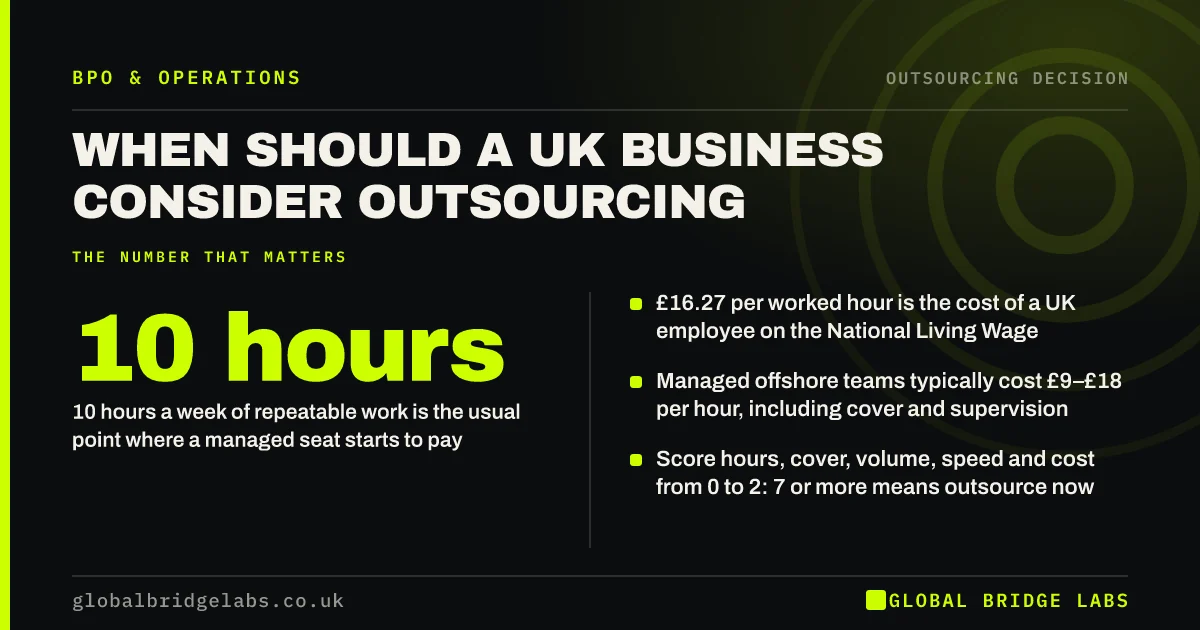
A hub costs the hours needed to cover every site's contact and admin during opening hours, which is usually fewer than the scattered hours spent at each site today, because work is batched and nobody waits between calls. As indicative ranges, managed offshore teams cost £9–£18 per hour and onshore teams £20–£35.
Compare the hub's cost with the admin hours site staff spend now, the calls missed at each site, and the owner's time spent coordinating between sites.
What does this look like in practice?
A pattern we see in UK clinic and garage groups: each site has a receptionist juggling phones and walk-ins, and calls are missed at every site during busy hours. An outsourced central booking team answering all sites' phones fills diaries across the group, and site reception focuses on customers at the desk.
Centralisation checklist
Use this before opening another site.
- List admin each site does that needs no one on site.
- Move every site to shared booking and phone systems.
- Write one set of answers for all sites.
- Choose an in-house or outsourced hub.
- Start with one process across all sites.
- Report every site on the same numbers.
Next step
Tell us how many sites you have and plan to open. We will suggest what to centralise first and whether an outsourced hub fits.
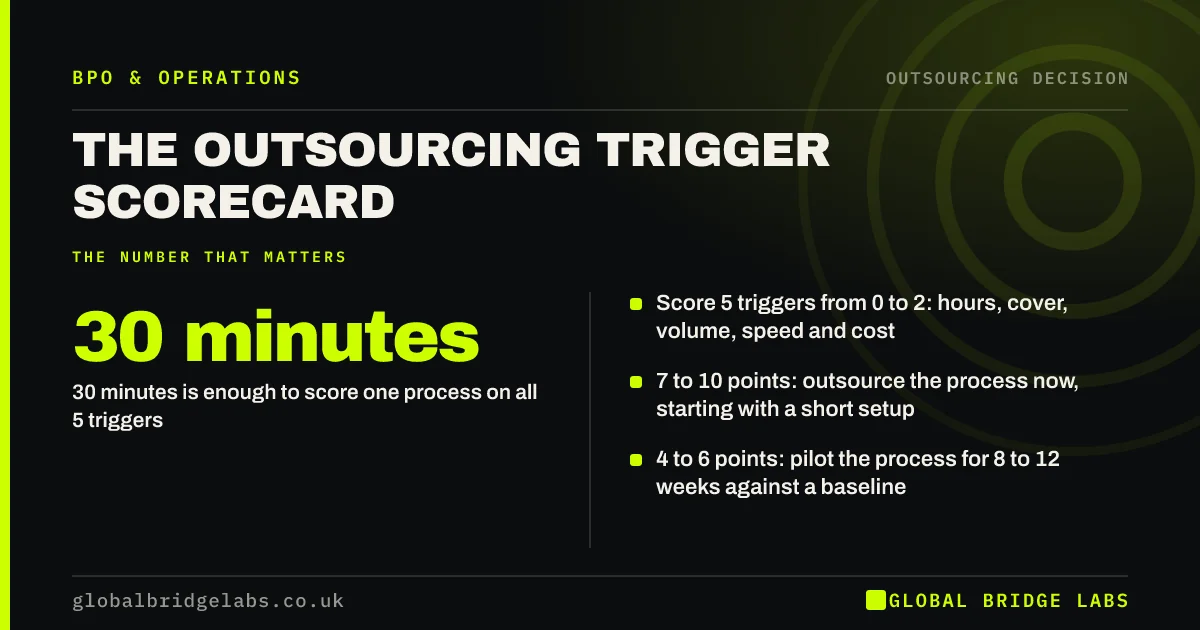
Message us on WhatsApp about your sites, or book a 30-minute consultation.
Chat on WhatsApp →Sources and further reading
- UK Customer Satisfaction Index · Institute of Customer Service
- Contracts and liabilities between controllers and processors · Information Commissioner's Office
- National Minimum Wage and National Living Wage rates · GOV.UK
Frequently asked questions
How do you manage admin across multiple locations?
Centralise admin that does not need someone on site, such as phones, bookings, enquiries, invoicing and reporting, into one hub using shared systems and one written process. Keep in-person work local. The hub can be in-house or outsourced.
Should each branch have its own phone line?
Customers can still call a local number, but routing all calls to a central team usually means fewer missed calls and consistent answers. The central team can book customers into any branch with availability and pass local matters to site staff.
When should a multi-site business centralise admin?
Ideally before the second or third site opens, while processes are still simple. If you already have several sites, start with one process across all of them, such as phones or bookings, then add others once it runs well.
Written by

Global Bridge Labs (GBL) is a UK–Sri Lanka partner for social media, websites and BPO. Everything here comes from client delivery, not theory.