
On this page
- 01Key takeaways
- 02What is the difference between infinite scroll and pagination?
- 03When does infinite scroll work?
- 04Why is infinite scroll a mistake for most business sites?
- 05Is 'Load more' a good compromise?
- 06How does each option affect SEO?
- 07What helps visitors on long lists?
- 08What does this look like in practice?
- 09Listing checklist
- 10Next step
- 11Sources and further reading
- 12Frequently asked questions
Key takeaways
Infinite scroll loads more items automatically as visitors scroll; pagination splits them into numbered pages. For most business websites and online shops, where visitors search and compare, pagination or a 'Load more' button works better. Infinite scroll suits endless browsing feeds, but it hides the footer, makes it hard to return to an item and can stop search engines finding everything.
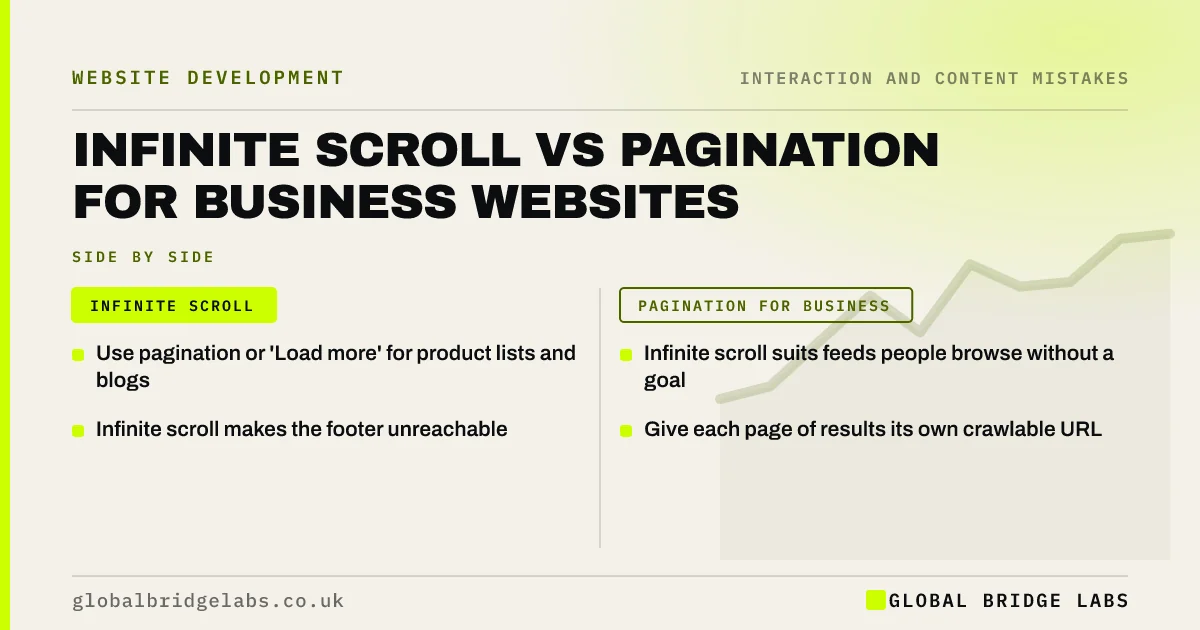
- Use pagination or 'Load more' for product lists and blogs.
- Infinite scroll suits feeds people browse without a goal.
- Infinite scroll makes the footer unreachable.
- Give each page of results its own crawlable URL.
Want your product listings reviewed? Message us on WhatsApp.
Chat on WhatsApp →What is the difference between infinite scroll and pagination?
Infinite scroll appends new items to the bottom of a list as the visitor nears it, with no page breaks. Pagination shows a fixed number of items and links to further numbered pages. 'Load more' is a middle option: a button that adds the next batch on the same page when clicked.
When does infinite scroll work?
Nielsen Norman Group's guidance is that infinite scroll suits content people browse casually with no specific goal, such as social feeds or image galleries. Each item is roughly equal in value, and visitors are not trying to find, compare or return to a particular one.
Why is infinite scroll a mistake for most business sites?
Buyers on a shop or service site are looking for something specific. Infinite scroll makes that harder in several ways.
- The footer, with contact details and policies, keeps moving out of reach.
- Pressing back after viewing a product often returns to the top of the list.
- Visitors cannot tell how many items there are or how far they have gone.
- Long pages get slow and heavy on phones.
- Items loaded only by scrolling may not be found by search engines.
Is 'Load more' a good compromise?
Often, yes. A 'Load more' button keeps the visitor in control, lets them reach the footer, and avoids the jump to a new page. For it to work well, back navigation should return visitors to where they were, and each batch should also be available at its own URL for search engines.
Want listings that are easy to browse and crawl? Message us on WhatsApp and we will discuss your requirements.
Chat on WhatsApp →How does each option affect SEO?
Google needs to reach every product or article through crawlable links. With pagination, each page has its own URL and links to the next. With infinite scroll or 'Load more', provide paginated URLs behind the scenes so crawlers can follow them. Google's guidance on crawlable links applies.
What helps visitors on long lists?
Whatever pattern you choose, good filters and sorting reduce scrolling. Show the total count, let visitors filter by what matters (price, size, location), and remember their place when they come back from an item.
What does this look like in practice?
A pattern we see: a shop switches to infinite scroll for a modern feel, and shoppers who view a product then press back land at the top of the list and give up. Switching to 'Load more' with remembered position fixes it.
Listing checklist
- Use pagination or 'Load more' for shops and blogs.
- Keep the footer reachable.
- Return visitors to their place after back.
- Show the total number of items.
- Provide crawlable URLs for each page of results.
- Offer filters and sorting.
Next step
Open a product list, click an item, press back and see where you land.
Message us on WhatsApp for an e-commerce usability review, or book a 30-minute consultation.
Chat on WhatsApp →Sources and further reading
- Infinite scrolling: when to use it, when to avoid it · Nielsen Norman Group
- SEO link best practices for Google · Google Search Central
- E-commerce checkout usability: research and benchmark · Baymard Institute
Frequently asked questions
Is infinite scroll better than pagination?
For feeds people browse casually, infinite scroll can work. For shops and business sites where visitors search, compare and return to items, pagination or a 'Load more' button is usually better.
Is infinite scroll bad for SEO?
It can be if items load only when visitors scroll, because search engines may not trigger the loading. Provide paginated URLs with crawlable links behind infinite scroll or 'Load more' so every item can be found.
Should an online shop use load more or pagination?
Either can work. 'Load more' feels smoother on mobile and keeps the footer reachable; pagination makes it easy to know where you are. The key is that back navigation returns shoppers to the same place.
Written by

Global Bridge Labs (GBL) is a UK–Sri Lanka partner for social media, websites and BPO. Everything here comes from client delivery, not theory.


