
On this page
- 01Key takeaways
- 02Do you need a copyright notice on a UK website?
- 03Why does an old year hurt credibility?
- 04How do you keep it current?
- 05What else in the footer affects credibility?
- 06What does this look like in practice?
- 07Footer credibility checklist
- 08Next step
- 09Sources and further reading
- 10Frequently asked questions
Key takeaways
Legally, the copyright year in your footer matters little: in the UK, copyright applies automatically without a notice. For credibility, it matters more than it should. A footer saying '© 2019' tells visitors the site has not been touched for years. Update it automatically, or remove the year, and keep the rest of the footer current.
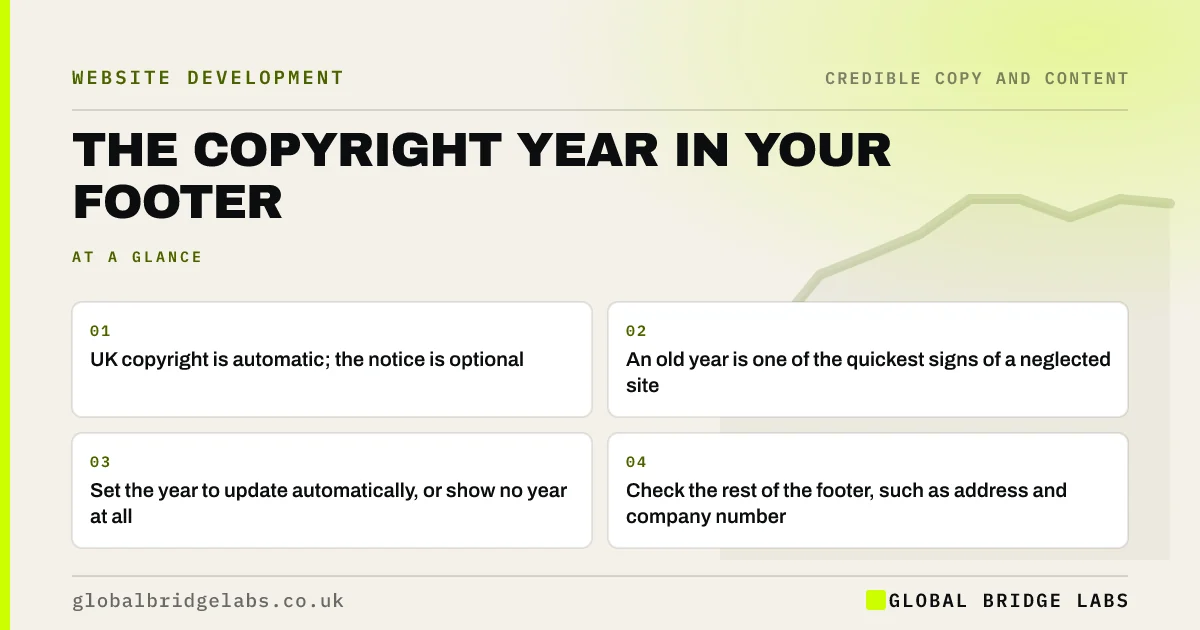
- UK copyright is automatic; the notice is optional.
- An old year is one of the quickest signs of a neglected site.
- Set the year to update automatically, or show no year at all.
- Check the rest of the footer, such as address and company number.
Want your footer checked for credibility gaps? Message us on WhatsApp.
Chat on WhatsApp →Do you need a copyright notice on a UK website?
No. In the UK, copyright protection applies automatically when original work is created, and you do not need to register or display a notice, as GOV.UK explains. A notice such as '© 2026 Business Name Ltd' can still be useful, because it tells people who owns the content and reminds them it is protected.
Why does an old year hurt credibility?
An old year hurts credibility because it is a date, and dates are how visitors check whether a site is maintained. It sits in the footer that careful buyers scroll to for company details. Seeing '© 2018' there, alongside other details, suggests nobody has looked at the site in years, which raises doubts about everything else.
How do you keep it current?
Most platforms can insert the current year automatically. In WordPress, many themes include a dynamic year setting; in custom code, a one-line script prints the year. Alternatively, show a range from your founding year, such as '© 2012–2026', which also signals longevity, as long as it updates.
Want an automatic footer year and a full footer check? Message us on WhatsApp and we will discuss your requirements.
Chat on WhatsApp →What else in the footer affects credibility?
The footer is where buyers look for legitimacy details. For a UK limited company, the website should show the registered company name, number, registered office and place of registration. Add a business email, a phone number, privacy and cookie policies, and links to active social profiles only.
What does this look like in practice?
A pattern we see: a recently redesigned site still shows '© 2021' because the year was typed into the footer text. The new site looks three years old to anyone who scrolls down. A dynamic year fixes it permanently.
Footer credibility checklist
- Make the copyright year update automatically.
- Show company name, number and registered office.
- Link privacy and cookie policies.
- Link only active social profiles.
- Check every footer link works.
Next step
Scroll to the bottom of your homepage now. If the year is wrong, that is a five-minute fix.
Message us on WhatsApp for a footer and legitimacy review, or book a 30-minute consultation.
Chat on WhatsApp →Sources and further reading
- How copyright protects your work · GOV.UK
- Running a limited company: signs, stationery and promotional material · GOV.UK
- Stanford guidelines for web credibility · Stanford Web Credibility Project
Frequently asked questions
Should I update the copyright year on my website?
Yes, or set it to update automatically. Legally it makes little difference in the UK, but an old year makes the site look neglected, which lowers credibility. A dynamic year or a range ending in the current year avoids the problem.
Is a copyright notice required in the UK?
No. UK copyright is automatic and does not require registration or a notice. A notice is still useful to show ownership and discourage copying, and it is common practice on business websites.
What should a website footer include?
For a UK limited company: registered name, company number, registered office and place of registration, plus contact details, privacy and cookie policy links, a copyright line and links to active social profiles. Keep it current.
Written by

Global Bridge Labs (GBL) is a UK–Sri Lanka partner for social media, websites and BPO. Everything here comes from client delivery, not theory.


