On this page
- 01Key takeaways
- 02Why is it hard to know which posts work?
- 03What is the simplest method?
- 04What can tracked links tell you?
- 05Which platform signals point to buyers?
- 06What do you do with the answer?
- 07What are the limits of post-level tracking?
- 08What does this look like in practice?
- 09Post tracking checklist
- 10Next step
- 11Sources and further reading
- 12Frequently asked questions
Key takeaways
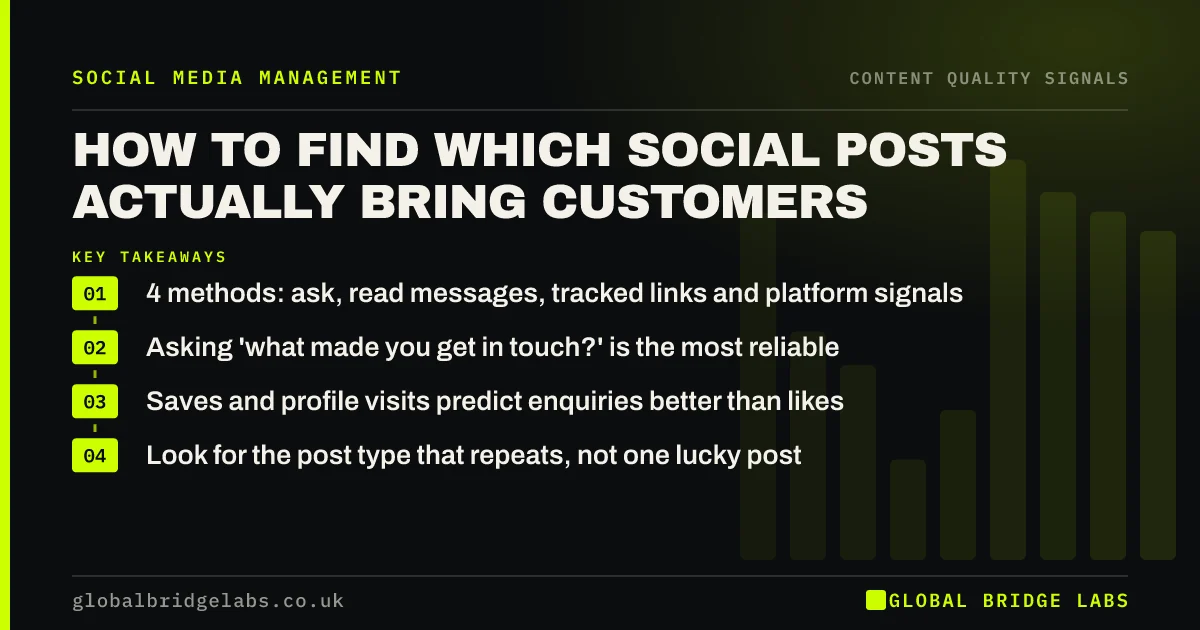
To find which social media posts generate leads, combine four methods: ask every enquirer, read what they say in messages, use tracked links, and watch which posts get saves and profile visits. No single method is complete. Together they show which post types to make more of.
- 4 methods: ask, read messages, tracked links and platform signals.
- Asking 'what made you get in touch?' is the most reliable.
- Saves and profile visits predict enquiries better than likes.
- Look for the post type that repeats, not one lucky post.
Want help tracing your enquiries back to posts? Message us on WhatsApp.
Chat on WhatsApp →Why is it hard to know which posts work?
It is hard because buyers rarely enquire straight from one post. They see several over weeks, check the profile, perhaps ask a friend, then call. The analytics record a phone call from nowhere. This is normal, and it is why you need more than one method.
What is the simplest method?
The simplest method is to ask. Add one question to every first conversation: 'What made you get in touch today?' People often name a specific post or topic. Record the answer in your enquiry log. It costs nothing and catches what software cannot.
What can tracked links tell you?
Tracked links tell you which post sent a visitor to your website. Add UTM parameters, short tags on the end of a link, so your analytics records the platform and the post. This works for links in bios, stories and adverts. It will not capture people who see a post and search for you later.
- Use a different tagged link for each campaign.
- Name the post or topic in the campaign tag.
- Check the results in your website analytics.
- Keep a list of the links you have used.
Want tracked links set up properly? Message us on WhatsApp and we will discuss your requirements.
Chat on WhatsApp →Which platform signals point to buyers?
Saves, shares by private message, profile visits and link clicks point to buyers more reliably than likes. A save says 'I will need this'. A profile visit says 'who are these people?' Sort your posts by these signals each month and note which types come top.
What do you do with the answer?
Make more of the type, not a copy of the post. If a job post with a price range brought two enquiries, the lesson is 'job posts with price ranges', and you should publish one every week. Reduce the types that have brought nothing in three months.
What are the limits of post-level tracking?
The limits are that some influence will never be traceable, and small numbers mislead. One enquiry does not prove a post works. Look for patterns over a quarter. Do not cut awareness content solely because it is never named, since it may be why the named post was seen at all.
What does this look like in practice?
A pattern we see with UK small businesses once they start asking: the posts customers mention are almost never the ones with the most likes. They are the plain, specific ones, a job with a price or an answered question, that the owner nearly did not post.
Post tracking checklist
Put these in place.
- Every enquirer is asked what prompted them.
- Answers are logged against the post or topic.
- Links from social media carry UTM tags.
- Posts are sorted monthly by saves and profile visits.
- Winning post types are scheduled weekly.
- Decisions wait for a quarter of data.
Next step
Start asking the question on your next enquiry. After ten answers you will already see which type of post is doing the work.
Message us on WhatsApp for help reading your first quarter of data, or book a 30-minute consultation.
Chat on WhatsApp →Sources and further reading
- URL builders: collect campaign data with custom URLs · Google Analytics Help
- About key events · Google Analytics Help
- Meta Business Help Centre · Meta
Frequently asked questions
How do I know which social media posts bring in customers?
Ask every enquirer what prompted them, note any post they mention in messages, use tagged links to your website and check which posts earn saves and profile visits. Patterns across these four sources show which post types work. Review them together once a month.
Do likes show which posts generate leads?
Not reliably. Likes come from friends, peers and casual viewers. Saves, private shares, profile visits and link clicks are better signs that a likely buyer was interested. Sort your posts by those signals each month to see which types are really working for you.
What are UTM links?
UTM links are web addresses with short tags added to the end that tell your analytics where a visitor came from, such as the platform and campaign. They let you see which post or advert sent traffic to your website.
How long should I track before changing my content?
About three months. Enquiry numbers are small for most businesses, so a single month can mislead. Look for post types that are mentioned or saved repeatedly across the quarter. If two types clearly lead after a quarter, schedule them weekly and cut back on the rest.
Written by

Global Bridge Labs (GBL) is a UK–Sri Lanka partner for social media, websites and BPO. Everything here comes from client delivery, not theory.