On this page
Key takeaways
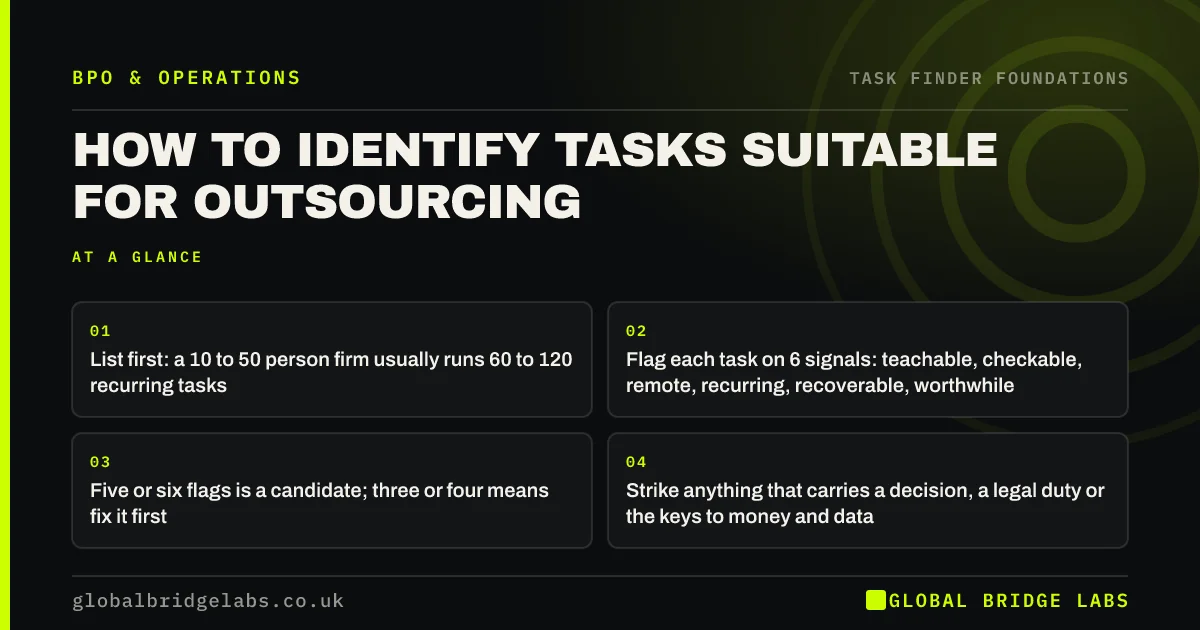
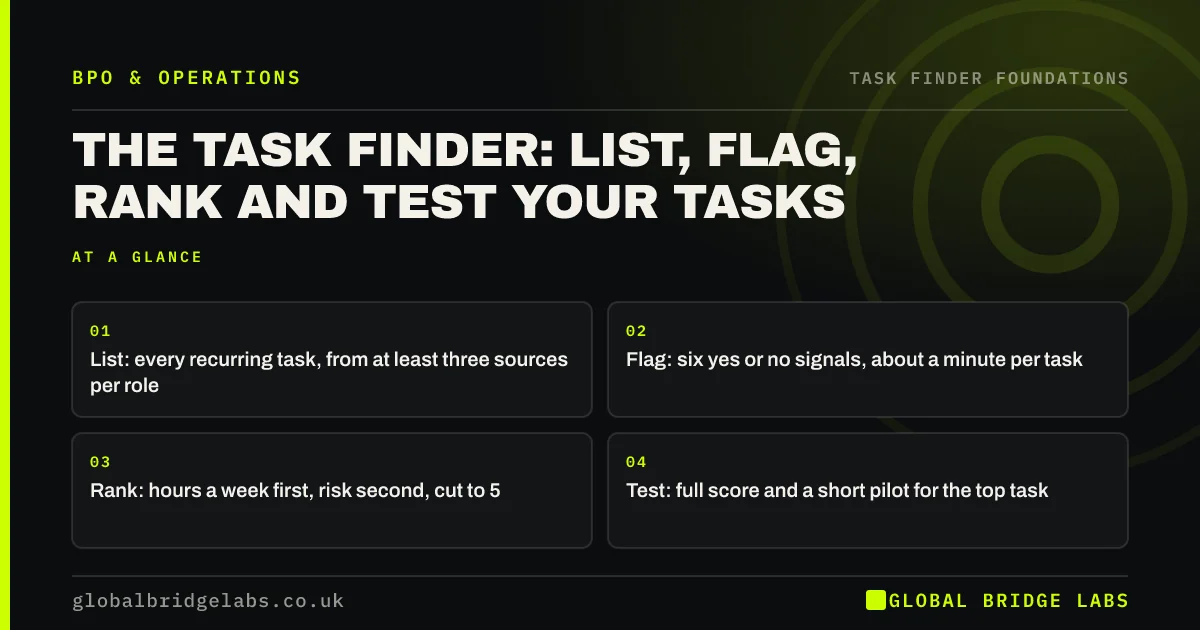
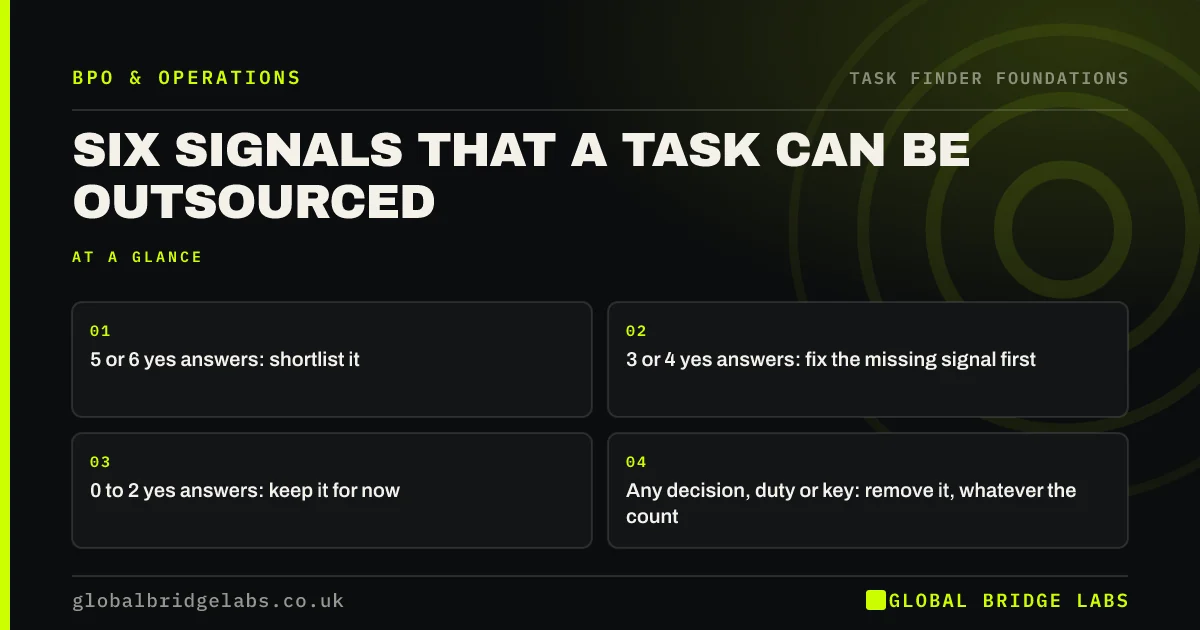
Where to find tasks to outsource? In the records your business already keeps: diaries, inboxes, job descriptions, software exports, call logs, support tickets, spreadsheets and the list of work that piles up during annual leave. Records show the work as it is done, not as people remember it. Use at least three sources for every role.
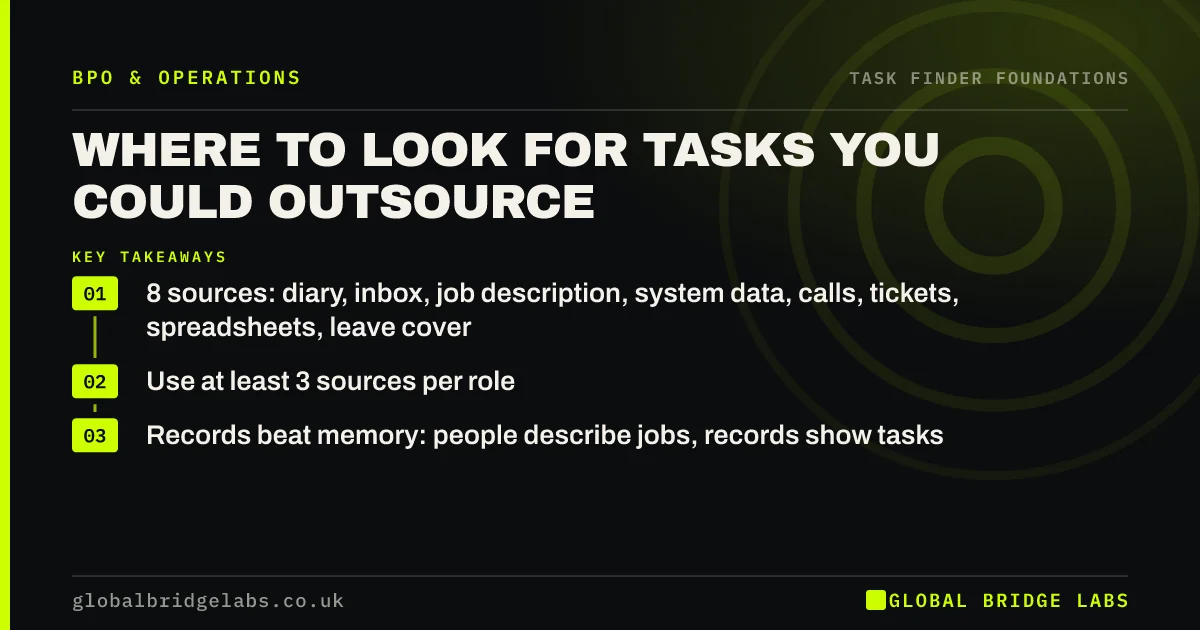
- 8 sources: diary, inbox, job description, system data, calls, tickets, spreadsheets, leave cover.
- Use at least 3 sources per role.
- Records beat memory: people describe jobs, records show tasks.
Want help pulling tasks out of your records? Message us on WhatsApp.
Chat on WhatsApp →Why do records find more than interviews?
Records find more because people summarise their work. Asked what they do, a coordinator says 'I handle orders'. Their inbox shows 40 delivery queries a week, their diary shows a Friday stock update, and the shared drive shows a spreadsheet only they edit. Each of those is a separate task to judge.
What does each source reveal?
Each source is good at one kind of task and blind to others, which is why you need more than one.
- Diaries: recurring meetings, prep time and booking work.
- Inboxes: repeat requests and chasing.
- Job descriptions: tasks people were hired for, and ones that crept in.
- Software data: manual edits, exports and imports.
- Call logs and tickets: the reasons customers contact you.
- Spreadsheets: the manual work around your systems.
- Leave cover: what stops when one person is away.
Which source should you start with?
Start with the inbox and the diary of the busiest person, often the owner. Together they show where time goes with little effort: a week's sent mail sorted by subject and a month of calendar entries. Add system data next, because it shows work nobody mentions.
What does this look like in practice?
A pattern we see: interviews with managers produce a modest list. Adding inboxes and leave cover notes makes it much longer, and the strongest candidate, a steady stream of supplier invoice queries, appears only in the accounts inbox.
Task sources checklist
- Check diaries and inboxes for every role.
- Read job descriptions against real work.
- Export software data on manual edits.
- Sort calls and tickets by reason.
- Ask what piled up during the last holiday.
Next step
Pick the three sources easiest to reach this week, usually inbox, diary and leave cover, and use them for every role on your long list.
Message us on WhatsApp for the eight-source checklist, or book a 30-minute consultation.
Chat on WhatsApp →Sources and further reading
- User research · GOV.UK Service Manual
- Labour productivity · Office for National Statistics
Frequently asked questions
Where do hidden admin tasks come from?
Mostly from the gaps between systems and roles: a spreadsheet that fills a gap in software, chasing that nobody formally owns, and requests that arrive by email instead of a form. They grow quietly because each one is small, so they rarely appear in job descriptions or interviews.
What is the best source for finding tasks to outsource?
There is no single best source, but inboxes are the richest for most small firms because so much work arrives and is answered by email. Combine the inbox with the diary and with what piled up during annual leave for a quick, reliable picture of each role.
Do I need special software to find tasks?
No. Most of what you need is already in email, calendars, your accounting or order system and a few spreadsheets. Simple exports and a sort by subject or type are enough. Specialist process tools only make sense for larger, system-heavy operations.
Written by

Global Bridge Labs (GBL) is a UK–Sri Lanka partner for social media, websites and BPO. Everything here comes from client delivery, not theory.