On this page
Key takeaways
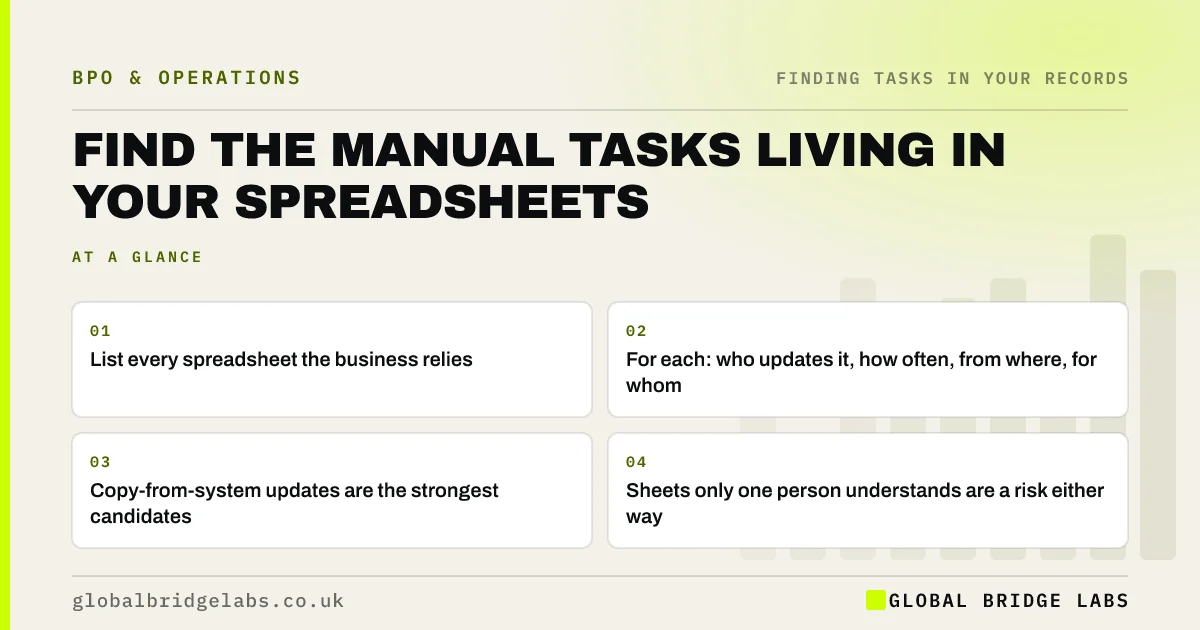
To find manual tasks in spreadsheets, list every sheet the business depends on, then record who updates it, how often, where the data comes from and who uses the result. Each regular update is a task. Sheets fed by copying from another system usually hide the most suitable outsourcing work, and sometimes work that should be automated instead.
- List every spreadsheet the business relies on.
- For each: who updates it, how often, from where, for whom.
- Copy-from-system updates are the strongest candidates.
- Sheets only one person understands are a risk either way.
Want help listing the tasks in your spreadsheets? Message us on WhatsApp.
Chat on WhatsApp →Why do spreadsheets hide so much work?
Spreadsheets fill the gaps software leaves: a stock list the shop system cannot produce, a job tracker the CRM does not handle, a commission sheet nobody else can work out. Each one needs regular manual updates that are invisible to everyone except the person doing them. They rarely appear in job descriptions.
How do you build a spreadsheet inventory?
Start from shared storage and ask each team to add the sheets kept on their own drives.
- 1. Search shared drives for spreadsheets edited in the last 90 days.
- 2. Ask each team which sheets they could not work without.
- 3. For each sheet, record owner, update frequency and minutes per update.
- 4. Note the data source: typed in, copied from a system, or calculated.
- 5. Note who uses the output and for what decision.
Which spreadsheet tasks should move?
Updates that copy data from systems, apply clear rules and produce a checkable result move well. Sheets that hold business decisions, such as pricing or budgets, keep their decisions inside, though the data refresh can move. Before outsourcing a copy task, check whether a direct export or integration would remove it.
What does this look like in practice?
A pattern we see: a team finds far more active spreadsheets than it expected, several updated weekly by copying from the order system, with the work split between a few people. Some are replaced by a system report; the rest become one well-defined outsourced task.
Spreadsheet inventory checklist
- List every sheet edited in the last 90 days.
- Record owner, frequency and minutes per update.
- Note the data source and the user of the output.
- Check for exports or integrations first.
- Add the remaining updates to the long list.
Next step
Search your shared drive for spreadsheets edited in the last 90 days and ask who owns each one. The list is usually longer than anyone expects.
Message us on WhatsApp for the spreadsheet inventory template, or book a 30-minute consultation.
Chat on WhatsApp →Sources and further reading
- Principle (d): Accuracy · Information Commissioner's Office
- Labour productivity · Office for National Statistics
Frequently asked questions
How do I find manual work in spreadsheets?
List every spreadsheet the business relies on and record who updates it, how often, where the data comes from and who uses the result. Each regular update is a manual task. Updates copied from other systems are usually the most suitable to outsource or automate.
Should spreadsheet updates be outsourced or automated?
Check automation first. If a direct export, report or integration can produce the sheet, the task disappears. If the update needs judgement about messy data, a quick document check or several sources, outsourcing is usually the better fit.
What if only one person understands a spreadsheet?
That is a risk whether you outsource or not. Ask them to record one update on video and write a one-page note of the steps and rules. That documentation makes the task outsourceable and protects you if they leave.
Written by

Global Bridge Labs (GBL) is a UK–Sri Lanka partner for social media, websites and BPO. Everything here comes from client delivery, not theory.