On this page
- 01Key takeaways
- 02Do you need to show your VAT number on your website?
- 03Who has to register for VAT?
- 04Where should the VAT number go?
- 05Why do business buyers look for it?
- 06What if you are not VAT registered?
- 07When does the VAT number matter less?
- 08What does this look like in practice?
- 09VAT number checklist
- 10Next step
- 11Sources and further reading
- 12Frequently asked questions
Key takeaways
If you are VAT registered and provide services or sell online, the Electronic Commerce Regulations 2002 require your VAT number to be made available on your website. Put it in the footer beside your company details. If you are not VAT registered, do not show a number or imply that prices include VAT you do not charge.
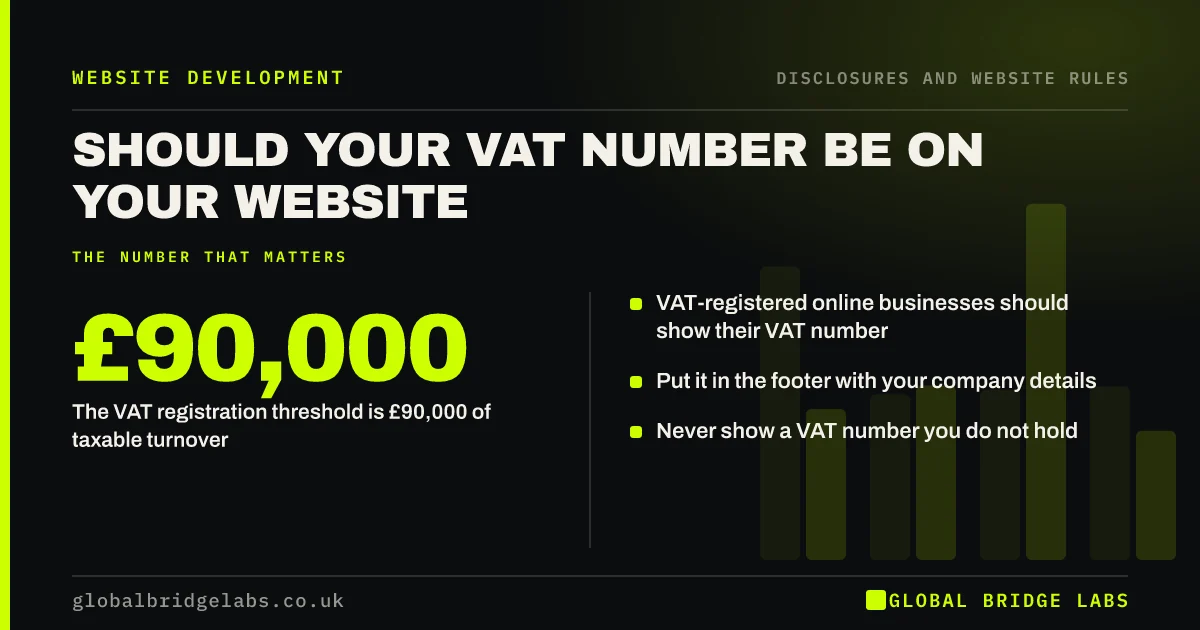
- VAT-registered online businesses should show their VAT number.
- The VAT registration threshold is £90,000 of taxable turnover.
- Put it in the footer with your company details.
- Never show a VAT number you do not hold.
Want your footer details checked? Message us on WhatsApp.
Chat on WhatsApp →Do you need to show your VAT number on your website?
If you are VAT registered and your website offers goods or services online, yes. Regulation 6 of the Electronic Commerce Regulations 2002 requires online service providers carrying on VAT-able activities to make their VAT identification number available. Global Bridge Labs (GBL) recommends adding it to the footer disclosure line.
Who has to register for VAT?
You must register for VAT if your taxable turnover goes over the threshold, currently £90,000 in a rolling 12 months, or you expect it to. Many businesses below the threshold register voluntarily. Only show a VAT number once you are registered and have received it from HMRC.
Where should the VAT number go?
Put it in the footer of every page, after the company number and registered office: '... registered office: [address]. VAT number GB 123 4567 89.' It also belongs on VAT invoices, as HMRC's VAT guide requires, and on your terms and conditions.
Why do business buyers look for it?
Business buyers who reclaim VAT check that a supplier is registered before they buy, and some verify the number. Showing it saves a question and signals an established, compliant business. Make sure it matches the number on your invoices.
What if you are not VAT registered?
Do not show a VAT number, and do not label prices 'inc VAT' if you do not charge it. You can say 'not VAT registered' where business buyers might ask, which also explains why your invoices show no VAT. Update the website the day you register.
When does the VAT number matter less?
It matters less on a brochure site with no online ordering, where the Electronic Commerce Regulations' duties are narrower. Even then, adding it to the footer costs nothing and answers business buyers' questions. It is rarely a reason for a buyer to choose you, but its absence can raise doubts.
What does this look like in practice?
A pattern we see: the VAT number appears on invoices but nowhere on the website, and procurement teams email to ask for it before raising a purchase order. Adding it to the footer removes the delay.
VAT number checklist
- Confirm your VAT registration status.
- Add the number to the footer.
- Match it to invoices and terms.
- Label prices correctly as inc or ex VAT.
- Say 'not VAT registered' if buyers ask.
- Update the site on the day you register.
Next step
If you are VAT registered, add your VAT number to the footer line beside your company details today.
Message us on WhatsApp for a website disclosure check, with no pitch.
Chat on WhatsApp →Sources and further reading
- Electronic Commerce (EC Directive) Regulations 2002 · legislation.gov.uk
- VAT registration thresholds · GOV.UK
Frequently asked questions
Is it a legal requirement to show a VAT number on a website?
For VAT-registered businesses providing goods or services online, the Electronic Commerce Regulations 2002 require the VAT number to be made available. Many businesses show it in the footer with their company details to meet the requirement.
Where do I put my VAT number on my website?
Put it in the footer of every page, next to your company name, number and registered office. Also show it on VAT invoices and in your terms and conditions so every document matches.
Should I say I am not VAT registered on my website?
It can help if business buyers ask, because it explains why invoices show no VAT. It is not required. Never imply VAT is included in prices if you do not charge it.
Written by

Global Bridge Labs (GBL) is a UK–Sri Lanka partner for social media, websites and BPO. Everything here comes from client delivery, not theory.