
On this page
- 01Key takeaways
- 02What is a sticky header?
- 03When does a sticky header help?
- 04When does a sticky header get in the way?
- 05How tall should a sticky header be?
- 06What should a sticky header contain?
- 07What are the accessibility considerations?
- 08What does this look like in practice?
- 09Sticky header checklist
- 10Next step
- 11Sources and further reading
- 12Frequently asked questions
Key takeaways
A sticky header stays at the top of the screen as visitors scroll, keeping the menu and contact action in reach. It helps on long pages and sites where visitors navigate a lot. It gets in the way when it is too tall, covers content, animates distractingly or hides text when a visitor jumps to a link. Keep it compact and simple.
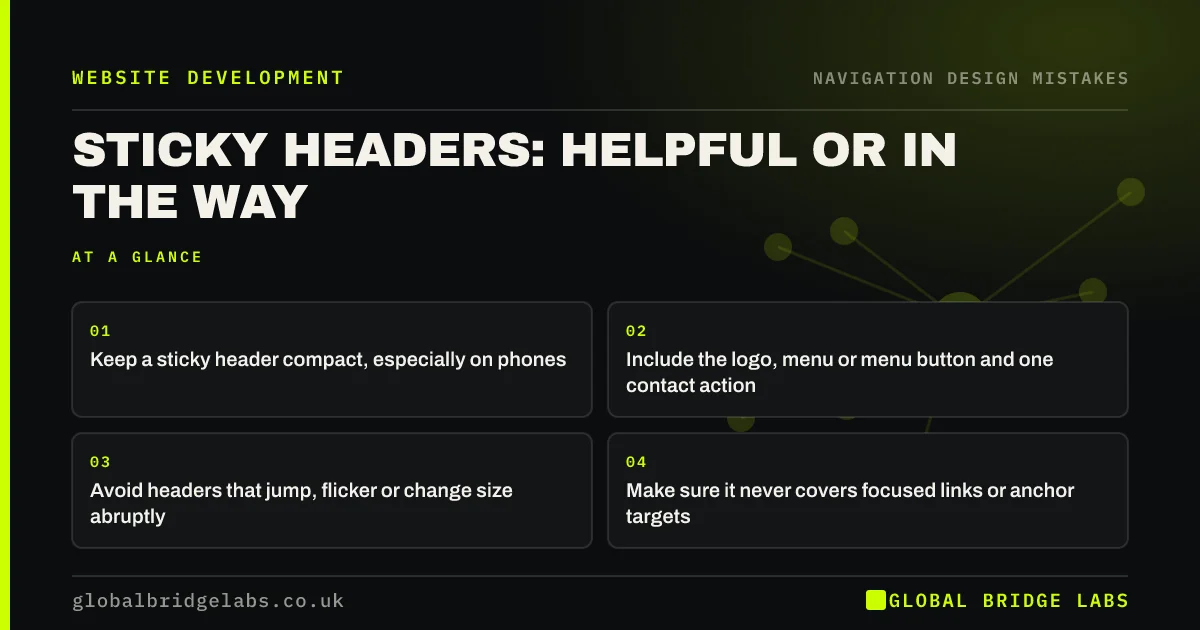
- Keep a sticky header compact, especially on phones.
- Include the logo, menu or menu button and one contact action.
- Avoid headers that jump, flicker or change size abruptly.
- Make sure it never covers focused links or anchor targets.
Want your header checked on mobile? Message us on WhatsApp.
Chat on WhatsApp →What is a sticky header?
A sticky, or fixed, header is a site header that remains visible at the top of the browser window while the page scrolls underneath it. Some show all the time; others hide when scrolling down and reappear when scrolling up.
When does a sticky header help?
Sticky headers help on long pages, such as service pages, product listings and guides, where scrolling back to the top to navigate or call would be a chore. Nielsen Norman Group notes they can be useful when visitors often need the navigation, as long as they are designed to minimise distraction.
When does a sticky header get in the way?
A tall sticky header permanently takes part of the screen. On a phone in landscape it can cover a large share of the view. Headers that animate on every scroll movement are distracting, and some cover the target when a visitor follows a link to a section further down the page.
- Too tall, with a large logo, a promotional bar and a menu.
- Jumps or changes size abruptly as you scroll.
- Covers the heading of a section linked from the contents.
- Covers the link or form field a keyboard user has tabbed to.
- Stacks with a cookie banner or sticky call-to-action bar.
How tall should a sticky header be?
As compact as possible while staying readable and easy to tap. Many sites shrink the header slightly once scrolling begins. On phones, aim to keep it to a small fraction of the screen, and consider showing it only when visitors scroll up.
What should a sticky header contain?
The logo linking home, the menu (or a menu button on mobile) and one primary contact action, such as call, WhatsApp or book. Leave out promotional banners, social icons and secondary links. Do not combine a sticky header with a separate sticky call-to-action bar on mobile without checking how much screen is left.
Want a compact header with one clear action? Message us on WhatsApp and we will discuss your requirements.
Chat on WhatsApp →What are the accessibility considerations?
WCAG 2.2 includes a criterion, Focus Not Obscured, requiring that a focused element is not entirely hidden by sticky content. Test by tabbing through the page with the keyboard: every link and field should stay visible. Also check that the header still works when text is enlarged or the page is zoomed.
What does this look like in practice?
A pattern we see: a sticky header with an announcement bar, a large logo and a menu takes up a big slice of a phone screen, and a cookie banner covers the bottom. Removing the announcement bar and shrinking the logo restores most of the screen for content.
Sticky header checklist
- Keep it compact, especially on phones.
- Include logo, menu and one contact action.
- Remove promotional bars from the sticky area.
- Avoid abrupt animations.
- Check focused links are never hidden.
- Check anchor links do not land under it.
Next step
Scroll your longest page on a phone and estimate how much of the screen the header covers.
Message us on WhatsApp for a header review, or book a 30-minute consultation.
Chat on WhatsApp →Sources and further reading
- Sticky headers: 5 ways to make them better · Nielsen Norman Group
- Web Content Accessibility Guidelines (WCAG) 2.2 · W3C
- Understanding SC 1.4.10: Reflow · W3C Web Accessibility Initiative
Frequently asked questions
Should my website have a sticky header?
On longer pages and sites where visitors navigate between pages often, a compact sticky header with the menu and one contact action helps. On short pages it adds little. Keep it small on mobile and make sure it never hides content.
Are sticky headers bad for mobile?
They can be if they are tall, because they take screen space permanently. A compact header, or one that hides when scrolling down and reappears when scrolling up, works better on phones.
Do sticky headers affect accessibility?
They can. WCAG 2.2 requires that a focused element is not entirely hidden by sticky content. Test by tabbing through the page and following anchor links to check nothing disappears beneath the header.
Written by

Global Bridge Labs (GBL) is a UK–Sri Lanka partner for social media, websites and BPO. Everything here comes from client delivery, not theory.


