
On this page
- 01Key takeaways
- 02What do trades customers look for on a homepage?
- 03What should the first screen say?
- 04Which trust signals matter for trades?
- 05How should a trades homepage handle quotes?
- 06What do trades homepages get wrong?
- 07What does this look like in practice?
- 08Trades homepage checklist
- 09Next step
- 10Sources and further reading
- 11Frequently asked questions
Key takeaways
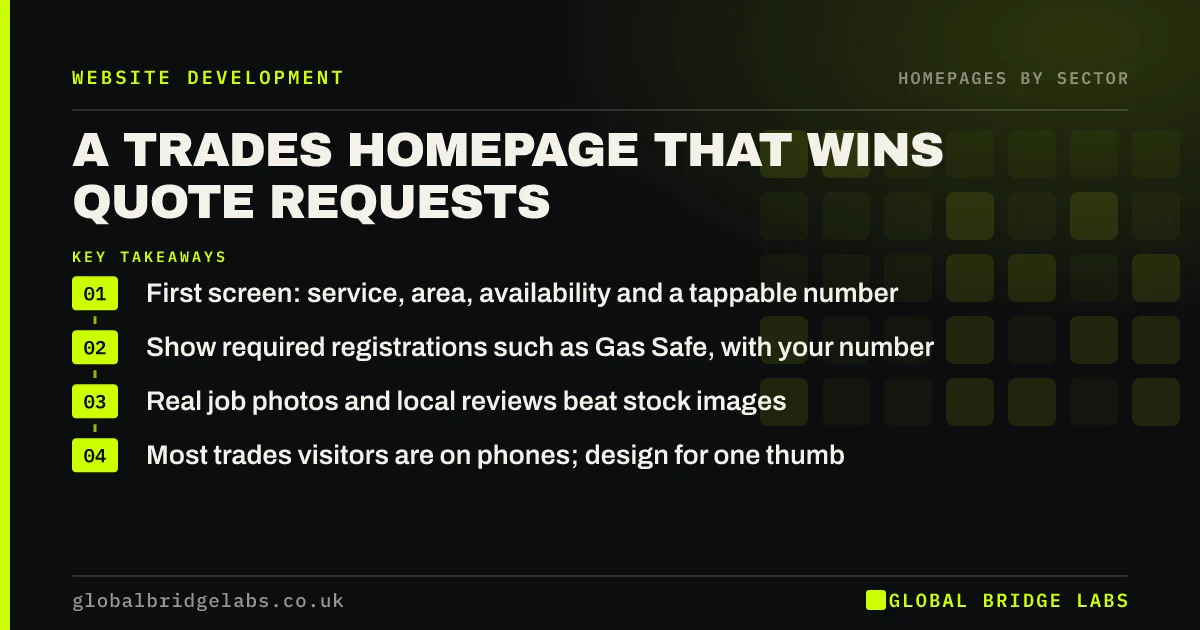
A trades website homepage wins quote requests when it answers, in the first screen, what you do, where you work, how soon you can come and why you can be trusted, with a tappable phone number and a quote button. Real job photos, Gas Safe or other required registrations and local reviews do more than any slogan.
- First screen: service, area, availability and a tappable number.
- Show required registrations such as Gas Safe, with your number.
- Real job photos and local reviews beat stock images.
- Most trades visitors are on phones; design for one thumb.
Want your trades homepage checked? Message us on WhatsApp.
Chat on WhatsApp →What do trades customers look for on a homepage?
Trades customers want to know quickly whether you do the job, cover their area, can come soon enough and can be trusted in their home. Many are on a phone and some have an urgent problem. A homepage that answers those four questions in the first screen wins more of them than a beautiful one that does not.
What should the first screen say?
Name the trade and service, the towns you cover and your typical response or lead time: 'Plumbing and heating repairs across Leicester, most jobs within 48 hours'. Add a tappable phone number and a 'Get a quote' button. If you offer emergency call-outs, say so with hours.
Which trust signals matter for trades?
Required registrations come first: anyone working on gas appliances must be on the Gas Safe Register, and electricians often belong to a competent person scheme. Show the scheme and your registration number so buyers can check. Then local reviews with counts, insurance and real photos of finished jobs, ideally before and after.
How should a trades homepage handle quotes?
Make the quote route short: name, phone, postcode and a photo upload if it helps. Say whether you quote by photo, by visit or by phone and how fast. For small jobs, a call is often best; for larger projects, a form with a promised reply time works well.
What do trades homepages get wrong?
Common faults are a long list of every service and town, stock photos of smiling builders, a phone number that is an image and cannot be tapped, and no mention of availability. Many trades sites also hide the area on a contact page.
What does this look like in practice?
A pattern we see in trades: the owner is on site all day, the homepage pushes calls and many go unanswered. Adding a short quote form with 'we call back by 6pm' and a photo upload usually captures the jobs that used to ring out.
Trades homepage checklist
- Name trade, service and towns in the first screen.
- State availability or response time honestly.
- Make the phone number tappable.
- Show required registrations with numbers.
- Use real job photos and local reviews.
- Keep the quote form short with a reply promise.
Next step
Open your homepage on your phone while standing outside, as a customer would, and see if you can tap to call within five seconds.
Message us on WhatsApp for a trades homepage review, or book a 30-minute consultation.
Chat on WhatsApp →Sources and further reading
- Gas Safe Register · Gas Safe Register
- Competent person schemes: current schemes and how they are authorised · Ministry of Housing, Communities and Local Government
- TrustMark: the government endorsed quality scheme for work in and around the home · TrustMark
Frequently asked questions
What should a tradesman's website homepage include?
What you do, the area you cover, how soon you can come, a tappable phone number, a quote button, required registrations such as Gas Safe with your number, local reviews and real photos of your work. Put the first four in the first screen.
Should a builder's website show prices?
Showing typical ranges or 'from' prices can filter enquiries and reassure buyers, but many building jobs vary too much for fixed prices. If you do not show prices, explain how you quote and how fast.
Do I need to show my Gas Safe number on my website?
If you do gas work, showing your Gas Safe registration and number lets customers check you on the register, which builds trust. Make sure it is accurate, current and matches the register exactly.
Written by

Global Bridge Labs (GBL) is a UK–Sri Lanka partner for social media, websites and BPO. Everything here comes from client delivery, not theory.


