
On this page
- 01Key takeaways
- 02Why should a homepage show the service area?
- 03Where should the service area go on the homepage?
- 04How should you word a service area?
- 05Do you need separate area pages?
- 06When should you not name an area?
- 07What does this look like in practice?
- 08Service area checklist
- 09Next step
- 10Sources and further reading
- 11Frequently asked questions
Key takeaways
Putting your service area on homepage hero text answers a question every local buyer asks first: 'do you cover me?'. Name the towns or region in the subheadline, list the main areas once lower down, and link to area pages only if you have real local content. A hidden area list costs you both good-fit and poor-fit enquiries.
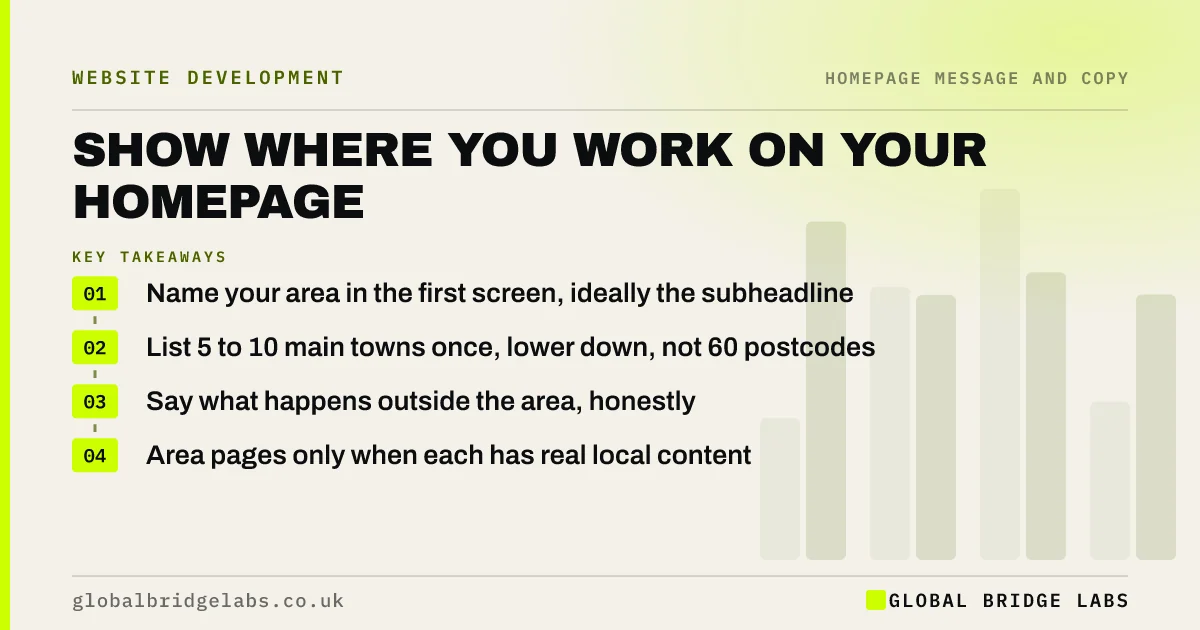
- Name your area in the first screen, ideally the subheadline.
- List 5 to 10 main towns once, lower down, not 60 postcodes.
- Say what happens outside the area, honestly.
- Area pages only when each has real local content.
Want your service area made clear on your homepage? Message us on WhatsApp.
Chat on WhatsApp →Why should a homepage show the service area?
A local buyer's first question is often 'do you cover me?'. If the homepage does not answer it, good-fit visitors hesitate and poor-fit visitors enquire anyway, wasting your time. Naming the area in the first screen is one of the cheapest homepage fixes for trades, clinics, cleaners and other local services.
Where should the service area go on the homepage?
Put a short version in the subheadline or directly under the headline, such as 'across Leeds, Bradford and Wakefield'. Repeat it lower down with a list of the main towns, and in the footer with your address if customers visit you. Avoid hiding it in an image or a map with no text, because search engines and screen readers cannot read that.
How should you word a service area?
Use the place names customers use: towns and well-known districts, not postcode prefixes alone. Give a radius only if people understand it, such as 'within 20 miles of Norwich'. Say what happens outside the area, for example 'larger projects across East Anglia', so borderline visitors still enquire.
Do you need separate area pages?
Only when each page has genuinely local content: jobs done there, local reviews, travel times or local rules. Thin pages that swap a town name are treated by Google as low value. Most small firms are better served by one clear area statement on the homepage and a strong Google Business Profile.
When should you not name an area?
Do not name an area if you sell nationally or online and location is irrelevant to buyers; it can make a national firm look small. In that case, state the delivery promise instead, such as 'UK-wide, next working day'.
What does this look like in practice?
A pattern we see with local trades: the area list sits on a 'Contact' page that few visitors open, and the phone rings with enquiries from 40 miles away while local visitors drift off. One line in the hero and a short town list fixes both.
Service area checklist
- Name the area in the first screen.
- Use towns customers recognise.
- List 5 to 10 main towns lower down in text.
- Say what happens outside the area.
- Keep address and area consistent with Google Business Profile.
Next step
Write one line that names your area the way customers would say it, and add it under your headline today.
Message us on WhatsApp for help wording it, or book a 30-minute consultation.
Chat on WhatsApp →Sources and further reading
- Tips to improve your local ranking on Google · Google Business Profile Help
- Google Business Profile Help · Google
- Spam policies for Google web search · Google Search Central
Frequently asked questions
Should I put my service area on my homepage?
Yes, if you serve customers in particular places. Name the main towns or region in the first screen so visitors know you cover them, then list main areas in text lower down. It reduces poor-fit enquiries and reassures local buyers.
How many towns should I list on my homepage?
Five to ten main towns or districts is usually enough. Long lists of every village or postcode look like keyword stuffing and are hard to read. If you cover a wide region, name it and give a few anchor towns.
Do area pages help local SEO?
They can, if each page has real local content such as projects, reviews and details for that place. Pages that only change the town name add little value and may be treated as low quality. A strong Google Business Profile often matters more.
Written by

Global Bridge Labs (GBL) is a UK–Sri Lanka partner for social media, websites and BPO. Everything here comes from client delivery, not theory.


