On this page
Key takeaways
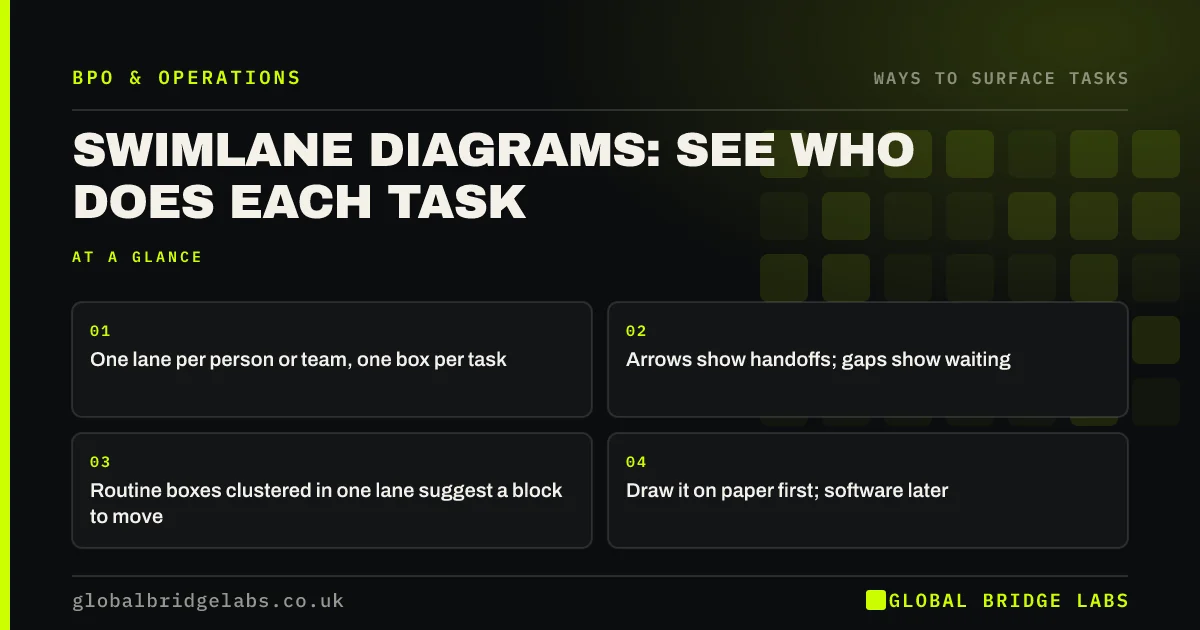
A swimlane diagram for a small business is a flowchart split into horizontal lanes, one per person or team, with each task drawn in the lane of whoever does it. It shows at a glance who does what, where work passes between people, and where it waits. Routine steps clustered in one lane are often a ready-made outsourcing candidate.
- One lane per person or team, one box per task.
- Arrows show handoffs; gaps show waiting.
- Routine boxes clustered in one lane suggest a block to move.
- Draw it on paper first; software later.
Want help drawing a swimlane for one flow? Message us on WhatsApp.
Chat on WhatsApp →Why use a swimlane to find tasks?
Because it shows ownership and handoffs, which lists cannot. A list says 'invoice raised'. A swimlane shows the salesperson triggering it, the coordinator checking it, the finance assistant raising it and the director approving it, with a two-day wait between each. You see which lane carries routine work and where the delays sit.
How do you draw one?
Pick one flow and draw it with the people who do it.
- 1. List everyone involved: one lane each.
- 2. Start at the trigger, such as an order arriving.
- 3. Draw each task in the doer's lane, in order.
- 4. Draw arrows for each handoff and note waits.
- 5. Mark routine, rule-based tasks in one colour.
What does a swimlane show about outsourcing?
Three things. Routine tasks clustered in one lane can often move as a block. Tasks bouncing between lanes suggest handoffs to simplify before moving anything. And a new 'provider' lane, drawn in, shows exactly where work would pass to and from an outside team, which is the start of your handover design.
What does this look like in practice?
A pattern we see: a quote-to-order swimlane shows work passing back and forth between several lanes, with most routine tasks sitting in the coordinator's lane. Redrawn with a provider lane, those routine tasks move together and some handoffs disappear.
Swimlane checklist
- Choose one flow and its trigger.
- Give each person or team a lane.
- Draw tasks in order in the doer's lane.
- Mark handoffs, waits and routine tasks.
- Draw the provider lane for candidate tasks.
Next step
Draw a swimlane for your busiest flow on a large sheet of paper with the people involved. It usually takes under an hour.
Message us on WhatsApp for a swimlane template, or book a 30-minute consultation.
Chat on WhatsApp →Sources and further reading
- Service blueprints: definition · Nielsen Norman Group
- Value Stream Mapping Overview · Lean Enterprise Institute
Frequently asked questions
What is a swimlane diagram?
A flowchart divided into lanes, one per person, role or team, with each task drawn in the lane of whoever does it. Arrows show how work passes between lanes. It makes ownership, handoffs and waiting visible in a way a simple task list cannot.
How can a swimlane help with outsourcing?
It shows where routine tasks cluster, which often form a block that can move together, and where handoffs create delay. Adding a provider lane shows exactly where work would pass to and from an outside team, which helps design a clean handover.
What software should I use for swimlanes?
Start on paper or a whiteboard with the people involved, because the conversation matters more than the drawing. Once agreed, any diagram tool or even a spreadsheet can record it. Keep it simple enough to update when the flow changes.
Written by

Global Bridge Labs (GBL) is a UK–Sri Lanka partner for social media, websites and BPO. Everything here comes from client delivery, not theory.