On this page
Key takeaways
Process mining for small business means using the event logs your systems record, each with a case, an activity and a timestamp, to rebuild how work actually flows. It shows the real paths, delays and rework. It is powerful for high-volume flows in one or two systems, but most small firms get 80% of the insight from simple exports and a spreadsheet.
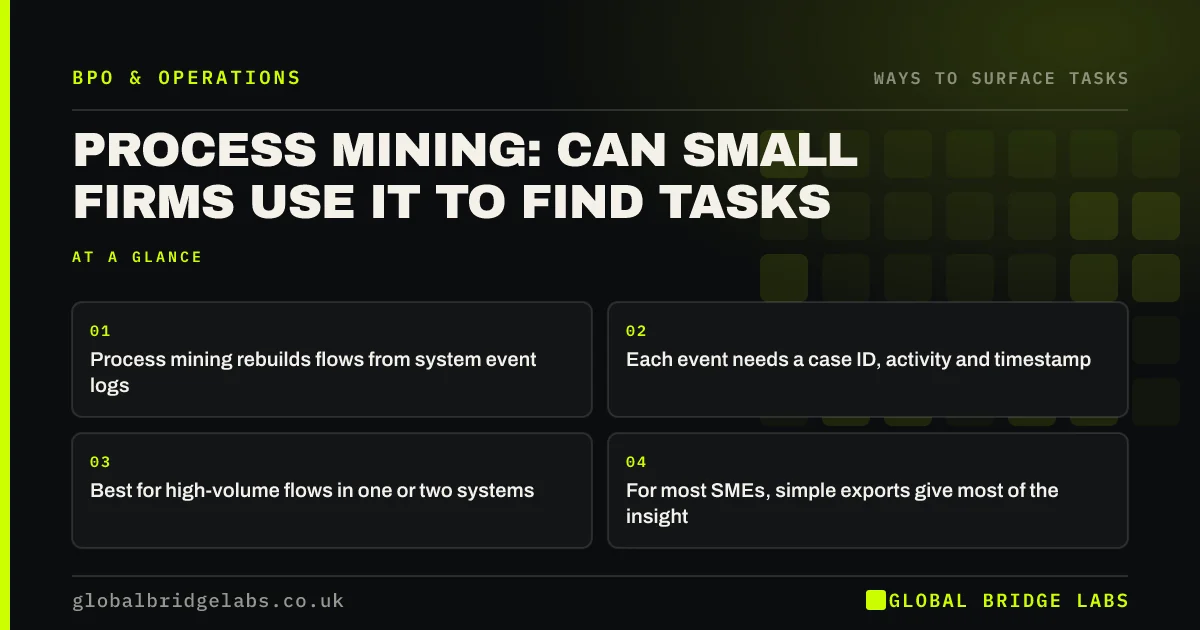
- Process mining rebuilds flows from system event logs.
- Each event needs a case ID, activity and timestamp.
- Best for high-volume flows in one or two systems.
- For most SMEs, simple exports give most of the insight.
Want to know if your data could support this? Message us on WhatsApp.
Chat on WhatsApp →What is process mining?
Process mining is a data technique that reads the event logs systems record, such as 'order created', 'payment received', 'order shipped', and reconstructs the actual sequence for every case. It shows the common paths, the unusual ones, where time is lost and how often steps are repeated, without anyone drawing a map by hand.
When does process mining make sense for an SME?
It works when several conditions are met.
- High volume: hundreds or thousands of cases a month.
- Most steps recorded in one or two systems.
- Logs with case IDs and timestamps you can export.
- A specific question, such as 'why do orders take five days?'
What is the simpler alternative?
Export the same events to a spreadsheet and calculate time between key steps, count cases that loop back, and count manual edits by type. That shows most of what a mining tool would, at no cost. Combine it with a swimlane drawn with the team, which captures the steps no system records.
What does this look like in practice?
A pattern we see: an online retailer exports a few months of order events. A simple spreadsheet shows a noticeable share of orders looping back for an address correction, adding delay. Address checking becomes a clear, high-volume task to hand over, and the form is fixed to reduce errors at source.
Process mining checklist
- Check volume and where events are recorded.
- Export case IDs, activities and timestamps.
- Calculate time between key steps.
- Count loops and manual edits.
- Use a tool only if the spreadsheet runs out.
Next step
Export one month of order or ticket events from your main system and calculate the average time between the first and last step. That single number tells you where to look.
Message us on WhatsApp for help reading your event data, or book a 30-minute consultation.
Chat on WhatsApp →Sources and further reading
- Labour productivity · Office for National Statistics
- Controllers and processors · Information Commissioner's Office
Frequently asked questions
What is process mining?
A technique that reconstructs how work actually flows by reading system event logs, where each event has a case reference, an activity and a timestamp. It shows the real paths, delays, loops and rework across every case, rather than the process as people describe it.
Is process mining worth it for a small business?
Only for high-volume flows recorded in one or two systems, with a specific question to answer. For most small firms, exporting the same events to a spreadsheet and measuring time between steps gives most of the insight without the cost of a specialist tool.
What data do I need for process mining?
An event log with three things for each event: a case identifier such as an order number, the activity name, and a timestamp. Many accounting, order, CRM and helpdesk systems can export this, sometimes through an activity or audit report.
Written by

Global Bridge Labs (GBL) is a UK–Sri Lanka partner for social media, websites and BPO. Everything here comes from client delivery, not theory.