On this page
- 01Key takeaways
- 02Why does subscription ownership matter?
- 03Where do ownership problems come from?
- 04How do you move a subscription back?
- 05What can be outsourced?
- 06What does this look like in practice?
- 07Subscription ownership checklist
- 08Next step
- 09Sources and further reading
- 10Frequently asked questions
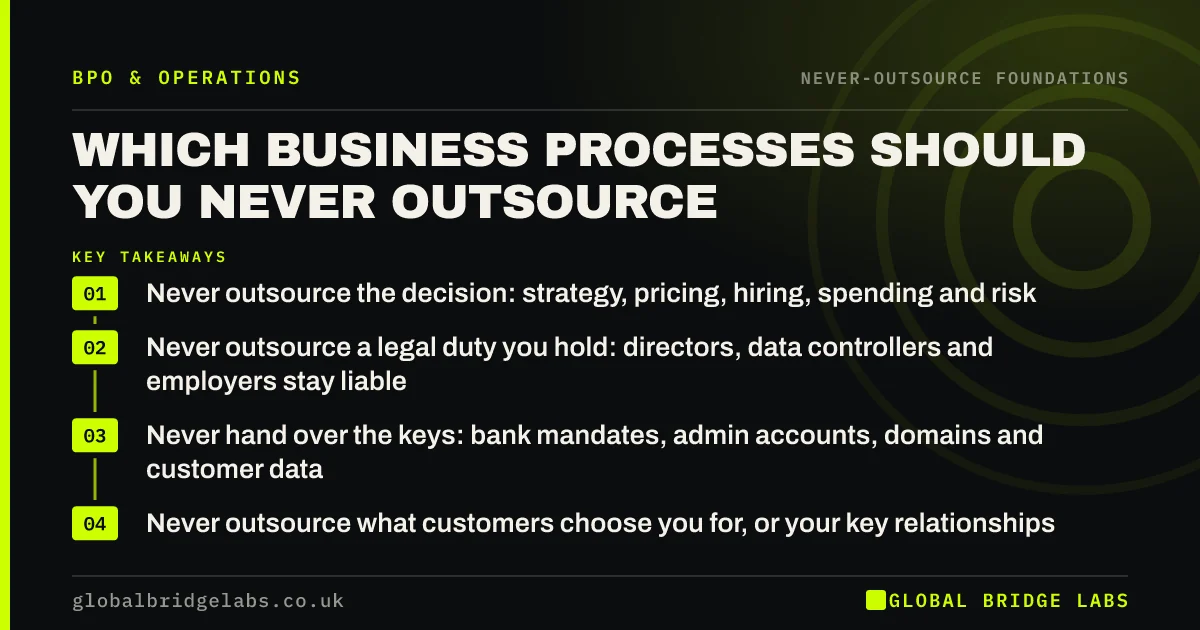
Key takeaways
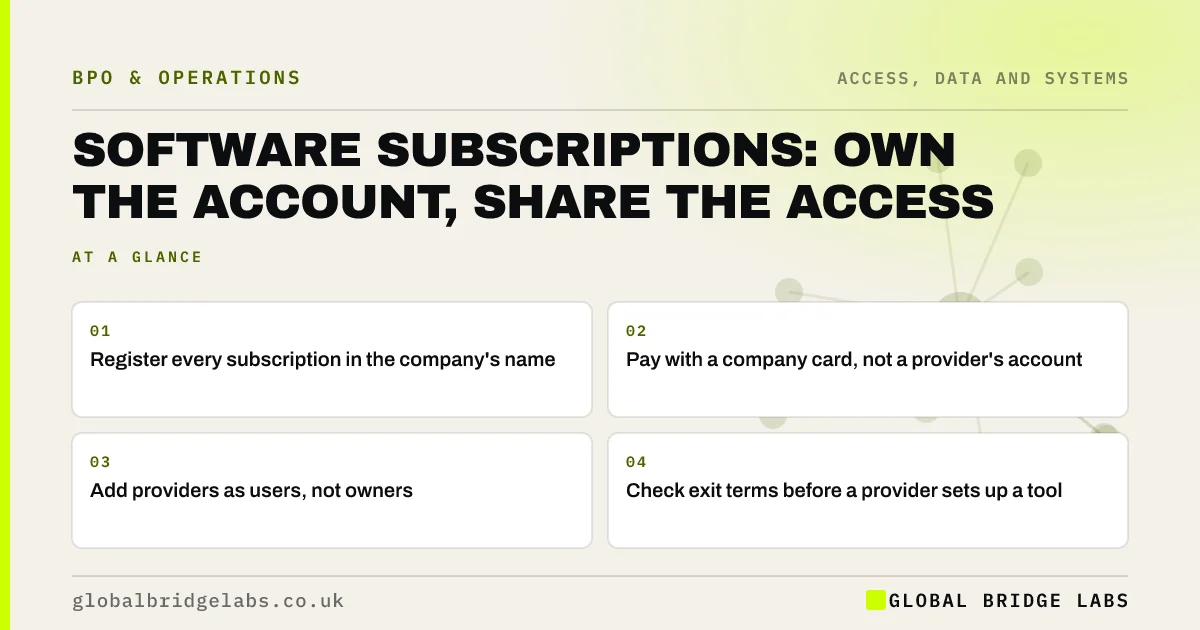
Who should own software subscriptions? The company: accounts registered in its name, paid with its card and administered by a named person inside. Providers can be added as users. When an agency or employee owns the subscription, your data and configuration leave with them, and switching becomes slow and expensive.
- Register every subscription in the company's name.
- Pay with a company card, not a provider's account.
- Add providers as users, not owners.
- Check exit terms before a provider sets up a tool.
Want your subscriptions checked for ownership gaps? Message us on WhatsApp.
Chat on WhatsApp →Why does subscription ownership matter?
Because the subscription holds your data, settings and history. If an agency owns the account for your booking system, email tool or CRM, ending the relationship can mean losing years of records or paying to rebuild. Ownership also decides who receives security alerts and renewal notices.
Where do ownership problems come from?
Speed and convenience.
- A provider signs up on its own account to get started.
- An employee uses a personal card and claims expenses.
- A free trial becomes a paid plan nobody tracks.
- Teams buy tools without telling anyone.
How do you move a subscription back?
Ask the current owner to transfer account ownership, which most platforms support. If they cannot, export all data, open a company account and import it. Agree this in writing, with a date, and remove the old owner's access afterwards.
What can be outsourced?
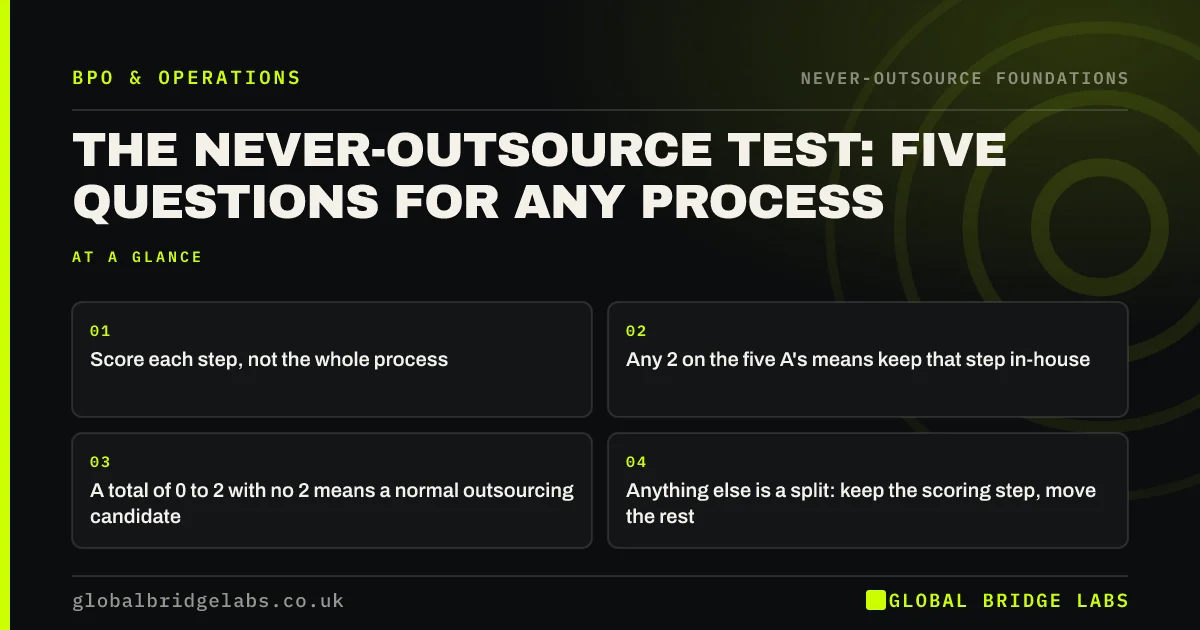
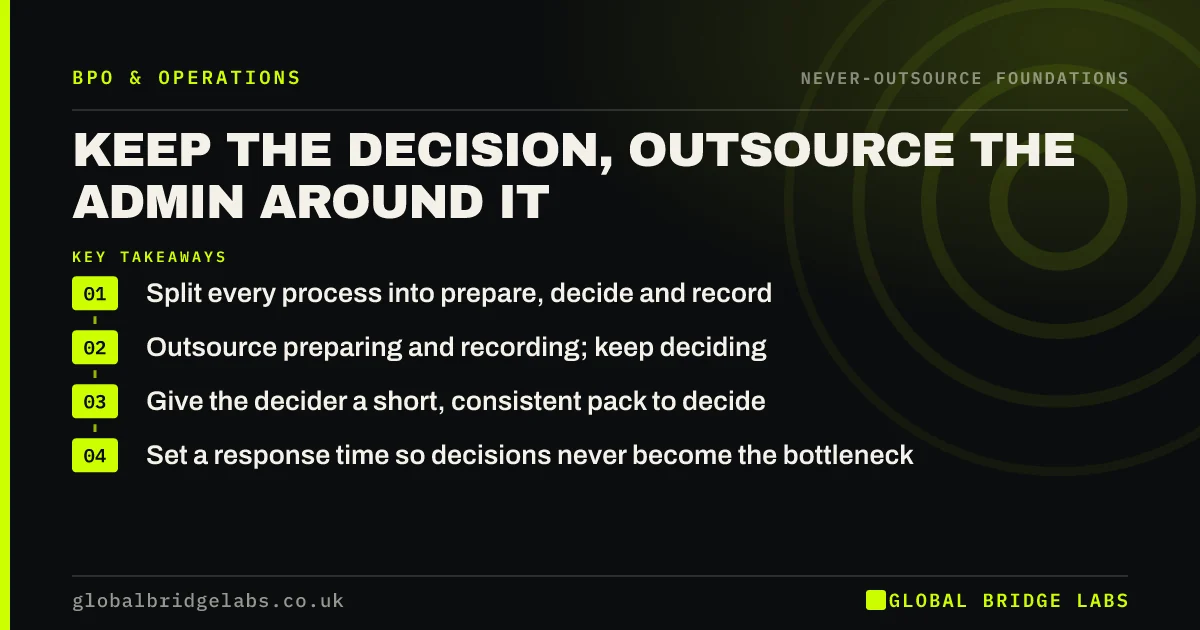
Tracking subscriptions, renewal dates, seat counts and costs, and chasing access changes. The NCSC warns that unmanaged 'shadow IT' creates security risk, so a regular review, even if run by a provider, is worth the effort. Decisions to buy or cancel stay inside.
What does this look like in practice?
A pattern we see: a business changes agency and finds its email marketing account, with every subscriber, belonged to the agency. Moving accounts into the company's name before any switch avoids the scramble.
Subscription ownership checklist
- List every paid tool and its owner.
- Transfer ownership to the company.
- Pay from company cards.
- Add providers as users only.
- Review subscriptions quarterly.
Next step
Check your company card statements and your providers' invoices for software charges. Anything billed through someone else is a candidate to move.
Message us on WhatsApp, or book a 30-minute consultation.
Chat on WhatsApp →Sources and further reading
- Shadow IT · National Cyber Security Centre
- Contracts and liabilities between controllers and processors · Information Commissioner's Office
Frequently asked questions
Should an agency own my software accounts?
No. Accounts for tools that hold your data, such as CRM, email marketing or booking systems, should be registered and paid for by your company, with the agency added as a user. That keeps your data and configuration if the agency relationship ends.
How do I transfer a software subscription to my company?
Ask the current owner to transfer account ownership through the platform's settings or support team. If transfer is not possible, export all data, open a new company account and import it, then remove the old owner's access.
What is shadow IT?
Shadow IT means software and services used by staff or providers without the business's knowledge or approval. It can create security and data protection risks and unexpected costs, which is why a regular subscription review is useful.
Written by

Global Bridge Labs (GBL) is a UK–Sri Lanka partner for social media, websites and BPO. Everything here comes from client delivery, not theory.