On this page
- 01Key takeaways
- 02Why should admin accounts never be outsourced?
- 03Which accounts count as master accounts?
- 04How should providers get access?
- 05What if a provider needs admin rights?
- 06What does this look like in practice?
- 07Admin account checklist
- 08Next step
- 09Sources and further reading
- 10Frequently asked questions
Key takeaways
Who should own admin accounts? Your business, always. The top-level administrator account for email, cloud storage, accounting, CRM, website and banking should be held by a named person in your company, protected with multi-factor authentication. Providers get their own named logins with only the rights they need, which you can remove the same day they leave.
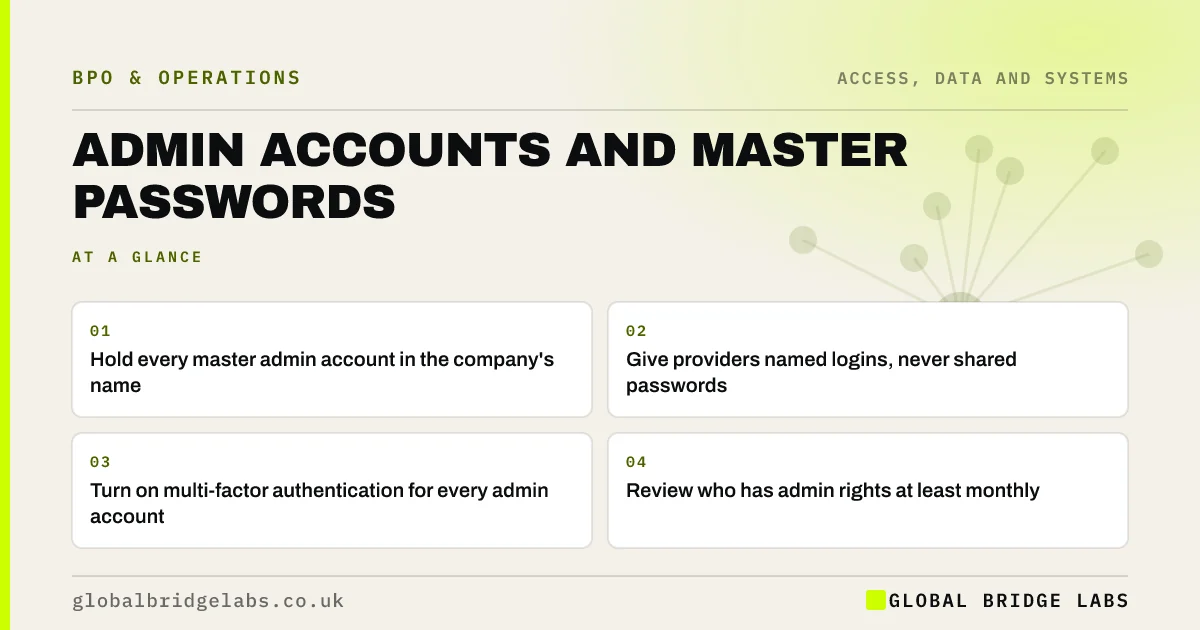
- Hold every master admin account in the company's name.
- Give providers named logins, never shared passwords.
- Turn on multi-factor authentication for every admin account.
- Review who has admin rights at least monthly.
Want a quick audit of who holds admin rights in your systems? Message us on WhatsApp.
Chat on WhatsApp →Why should admin accounts never be outsourced?
Because whoever holds the master admin account controls the system: they can add users, change settings, export data and lock everyone else out. If a provider holds it and the relationship ends badly, or the provider is breached, you may lose access to your own business. Ownership of admin accounts is ownership of the business's systems.
Which accounts count as master accounts?
Any account that can grant access to others or change the system itself.
- Email and office suite administrator.
- Domain registrar and website hosting.
- Accounting and payroll software owner.
- CRM and e-commerce platform owner.
- Online banking administrator.
- Social media business manager.
How should providers get access?
Through their own named user accounts with the least rights they need. Shared logins make it impossible to see who did what or to remove one person cleanly. The NCSC's guidance for system owners recommends separate admin accounts, multi-factor authentication and removing access promptly when it is no longer needed.
What if a provider needs admin rights?
Sometimes an IT provider does. Give them a separate named admin account, not the master one, log what they do, and keep a sealed 'break glass' master account that only your directors can use. If you ever change provider, you can still get in.
What does this look like in practice?
A pattern we see: a former freelancer still holds the only admin login to a business's website or email. Moving master accounts into the company's name and giving providers named logins removes that risk in an afternoon.
Admin account checklist
- List every system and its master account holder.
- Move master accounts into the company's name.
- Turn on multi-factor authentication.
- Give providers named, limited logins.
- Review admin rights monthly.
Next step
For your five most important systems, write who holds the master admin account. Any name outside the business is the first fix.
Message us on WhatsApp, or book a 30-minute consultation.
Chat on WhatsApp →Sources and further reading
- Password administration for system owners · National Cyber Security Centre
- Small organisations guide to cyber security · National Cyber Security Centre
Frequently asked questions
Should an IT provider have the admin password?
They can have their own named admin account if their work needs it, but the master administrator account should stay with a director in your business, protected by multi-factor authentication. That way you can always regain control if you change provider.
Is it safe to share logins with an outsourced team?
Shared logins are a poor practice. Give each person their own named account with only the access they need. This shows who did what, lets you remove one person without changing everyone's password, and supports multi-factor authentication.
What is a break glass account?
It is an emergency administrator account kept secure and used only when normal access fails, for example if a provider leaves or an admin is locked out. In a small business, a director holds it, with strong authentication and a record of any use.
Written by

Global Bridge Labs (GBL) is a UK–Sri Lanka partner for social media, websites and BPO. Everything here comes from client delivery, not theory.