On this page
Key takeaways
Updating records admin, keeping customer, supplier, staff and product records accurate, is often the task nobody owns. Records drift, duplicates grow and reports stop being trusted. It is highly outsourceable: the rules are clear, the work is screen-based and quality is easy to measure. Give it a named owner inside and an outside team to do the updating.
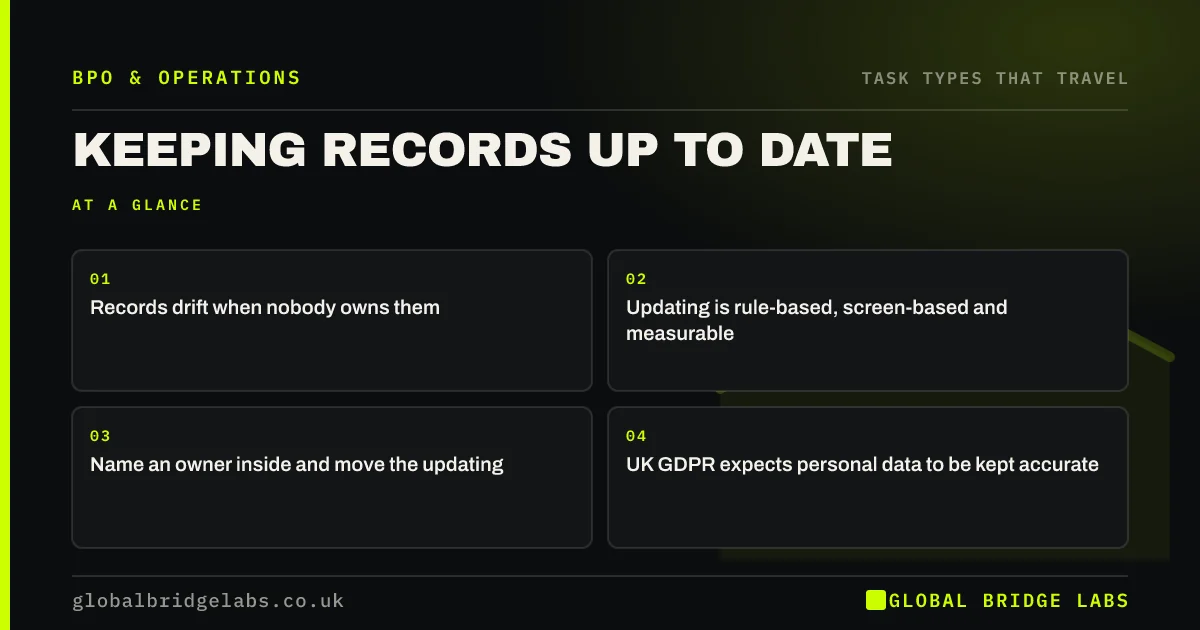
- Records drift when nobody owns them.
- Updating is rule-based, screen-based and measurable.
- Name an owner inside and move the updating.
- UK GDPR expects personal data to be kept accurate.
Want your record updating sized? Message us on WhatsApp.
Chat on WhatsApp →Why do records go out of date?
Because updating them is everyone's job and so nobody's. A salesperson learns a contact has moved but does not change the CRM. A supplier changes their address by email and accounts do not update it. Each lapse is small; together they make data unreliable. The accuracy principle in UK GDPR also expects personal data to be kept accurate and up to date.
Which record tasks are common candidates?
Most firms have several of these.
- Updating customer contact details from emails and calls.
- Merging duplicate records.
- Updating supplier details and terms.
- Keeping staff records and training logs current.
- Updating product details, prices and stock fields.
Which record changes should stay inside?
Changes that move money or carry fraud risk stay with a verified process inside: changing supplier or staff bank details, for example, should need a call-back to a known number and a second person's approval. Changes to prices and credit limits are decisions, so the outside team updates them only from an approved list.
What does this look like in practice?
A pattern we see: a CRM full of duplicates and dead email addresses that nobody trusts. An outside team cleans it once, then keeps records updated each week from incoming emails and call notes. Reporting becomes trusted again.
Record updating checklist
- List the record types you rely on.
- Name an owner for each inside.
- Write rules for updates and merges.
- Keep bank detail and price changes under control.
- Track accuracy with a monthly sample.
Next step
Pull a sample of 50 records from your main system and check them. The error rate tells you how big the updating task really is.
Message us on WhatsApp for the record check sheet, or book a 30-minute consultation.
Chat on WhatsApp →Sources and further reading
- Principle (d): Accuracy · Information Commissioner's Office
- Controllers and processors · Information Commissioner's Office
Frequently asked questions
Can record updating be outsourced?
Yes. Updating contact details, merging duplicates, maintaining supplier and staff records and keeping product data current are rule-based, screen-based tasks that are easy to check. Keep a named owner inside and control any changes that affect payments or prices.
Do I have to keep customer records accurate?
Under UK GDPR, personal data should be accurate and, where necessary, kept up to date, and reasonable steps should be taken to correct or erase inaccurate data. Beyond the law, accurate records make marketing, invoicing and service work properly.
How do I stop records drifting again?
Give each record type an owner, make updates part of a routine rather than an occasional clean-up, use required fields and drop-downs in your systems, and sample records monthly. An outsourced team running the routine keeps it from slipping when everyone is busy.
Written by

Global Bridge Labs (GBL) is a UK–Sri Lanka partner for social media, websites and BPO. Everything here comes from client delivery, not theory.