On this page
Key takeaways
Monitoring tasks to outsource are the watch-and-flag jobs: keeping an eye on shared inboxes, order queues, stock levels, online reviews, booking systems and alerts, then telling the right person when something needs action. They are hard to fit around other work because they need regular attention, which is exactly why they travel well to a dedicated team.
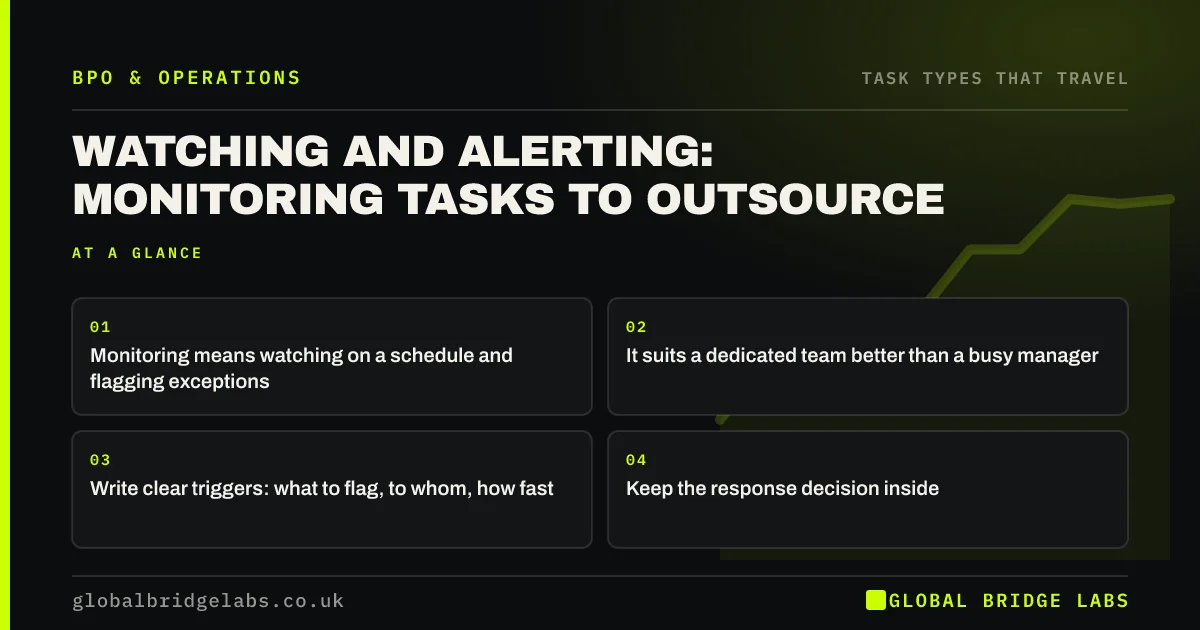
- Monitoring means watching on a schedule and flagging exceptions.
- It suits a dedicated team better than a busy manager.
- Write clear triggers: what to flag, to whom, how fast.
- Keep the response decision inside.
Want your monitoring tasks listed and sized? Message us on WhatsApp.
Chat on WhatsApp →Why is monitoring hard to do in-house?
Because it needs regular attention at set times, and busy people check when they remember. A shared inbox checked twice a day by whoever is free means slow replies. A stock report looked at weekly means late reorders. A dedicated team checking every hour, against written triggers, catches issues early.
Which monitoring tasks are common candidates?
These are usually screen-based and rule-driven.
- Shared inboxes and web chat queues.
- Order and fulfilment queues for stuck orders.
- Stock levels against reorder points.
- Online reviews and social comments.
- Booking systems for cancellations to backfill.
- System and integration error alerts.
What makes monitoring work when outsourced?
Triggers and routes. For each thing watched, write what counts as a problem, who gets told and how fast. 'Flag any order unshipped after 48 hours to the warehouse lead by 10am' is a task anyone can run. 'Keep an eye on orders' is not. The decision about the response stays with the person flagged.
What does this look like in practice?
A pattern we see: an online retailer finds stuck orders only when customers complain. An outside team checks the order queue three times a day against five triggers and flags issues to the right person. Complaints about late orders fall noticeably within weeks.
Monitoring task checklist
- List everything someone 'keeps an eye on'.
- Write triggers for each one.
- Set check times and response times.
- Name who receives each type of flag.
- Review missed and false alerts monthly.
Next step
Ask your team what they 'keep an eye on' and how often they actually check. Every answer with no schedule is a monitoring candidate.
Message us on WhatsApp for monitoring trigger templates, or book a 30-minute consultation.
Chat on WhatsApp →Sources and further reading
- Small organisations guide to cyber security · National Cyber Security Centre
- Publishing consumer reviews and complying with consumer protection law · Competition and Markets Authority
Frequently asked questions
What monitoring tasks can be outsourced?
Watch-and-flag jobs such as checking shared inboxes, chat queues, order queues, stock levels, online reviews, booking systems and system alerts on a schedule, then flagging problems to the right person. The response decision stays with your team, guided by agreed triggers and timings.
How do I set triggers for monitoring?
For each thing watched, write what counts as a problem, such as an order unshipped after 48 hours, who should be told, and how quickly. Start with a few clear triggers and add more as patterns appear. Vague instructions like 'keep an eye on it' do not work.
Can monitoring run outside UK hours?
Yes. A team in a different time zone can watch queues and alerts early in the UK morning or into the evening, flagging issues for the start of the next UK day or escalating urgent ones by an agreed route.
Written by

Global Bridge Labs (GBL) is a UK–Sri Lanka partner for social media, websites and BPO. Everything here comes from client delivery, not theory.