On this page
- 01Key takeaways
- 02Why publish product specifications on your website?
- 03What should a specification include?
- 04Should data sheets be HTML or PDF?
- 05Should spec sheets sit behind a form?
- 06How do you keep specifications accurate?
- 07When is publishing specs a bad idea?
- 08What does this look like in practice?
- 09Product specification checklist
- 10Next step
- 11Sources and further reading
- 12Frequently asked questions
Key takeaways
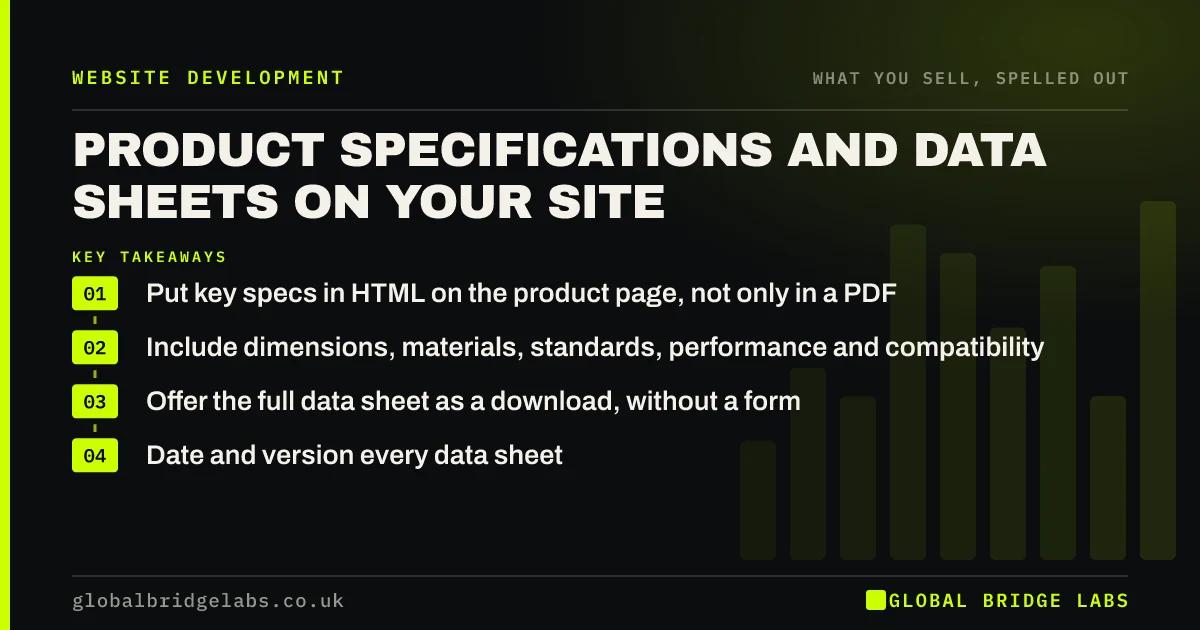
Publish product specifications as text on each product page, with a downloadable data sheet as a secondary option. Trade buyers, specifiers and procurement teams need dimensions, materials, standards, performance and compatibility before they will request a quote. Specs hidden in PDFs or behind forms slow them down and send them to competitors.
- Put key specs in HTML on the product page, not only in a PDF.
- Include dimensions, materials, standards, performance and compatibility.
- Offer the full data sheet as a download, without a form.
- Date and version every data sheet.
Want your product pages reviewed? Message us on WhatsApp.
Chat on WhatsApp →Why publish product specifications on your website?
Publishing specifications lets trade buyers, engineers and specifiers check fit and compliance without calling you. If they cannot confirm a dimension or standard, they move to a supplier whose site shows it. Global Bridge Labs (GBL) sees specs as the decisive offer information for manufacturers, distributors and wholesalers.
What should a specification include?
A specification should include everything a buyer needs to decide whether the product fits their job, using the units and terms their industry uses. Lead with the few specs buyers filter on, then list the rest.
- Dimensions and weights, with units.
- Materials and finishes.
- Standards and certifications met.
- Performance figures and tolerances.
- Compatibility and installation requirements.
- Lead time and pack quantities.
Should data sheets be HTML or PDF?
Both, with HTML first. Key specs in page text are searchable, readable on a phone and quotable by search engines and AI tools. The Government Digital Service publishes in HTML rather than PDF for these reasons. Offer the full PDF data sheet as a download for buyers who need to file it.
Should spec sheets sit behind a form?
Generally no. Gating spec sheets behind a contact form delays buyers who are mid-comparison and gives you poor-quality leads from people who only wanted the document. Keep specs open and put the form on the quote request, where intent is real.
How do you keep specifications accurate?
Keep specs accurate by holding them in one master source, versioning and dating every data sheet, and updating web pages and PDFs together when a product changes. An out-of-date spec can cause a wrong order, and specifications you publish can form part of what you have agreed to supply.
When is publishing specs a bad idea?
Publishing full specs can be a bad idea for custom-engineered products, where every job differs, or where detail would reveal genuinely confidential methods. In those cases, publish capability ranges, such as maximum sizes and materials handled, and examples of past work instead.
What does this look like in practice?
A pattern we see with distributors: product pages show a photo and a 'request a data sheet' form. Engineers on deadline go elsewhere. Moving the main specs into the page and making the PDF a direct download tends to increase quote requests, because the buyers who arrive have already confirmed the fit.
Product specification checklist
- List the specs buyers filter on.
- Put them in HTML on each product page.
- Use industry units and terms.
- Offer the full data sheet without a form.
- Date and version every sheet.
- Update page and PDF together.
Next step
Pick your best-selling product and check whether a buyer could confirm its key specs on a phone without downloading anything.
Message us on WhatsApp for a product page review, with no pitch.
Chat on WhatsApp →Sources and further reading
- Why GOV.UK content should be published in HTML and not PDF · Government Digital Service
- PDF: still unfit for human consumption, 20 years later · Nielsen Norman Group
- Consumer Rights Act 2015 · legislation.gov.uk
Frequently asked questions
Should I put technical data sheets on my website?
Yes. Publish key specifications as text on the product page and offer the full data sheet as a download. Trade buyers and specifiers use them to confirm fit before requesting a quote, and missing specs send them to competitors.
Should I make customers fill in a form to download spec sheets?
Usually not. Gating spec sheets delays buyers mid-comparison and produces leads with little intent. Keep specifications open, and put your form on the quote or sample request where buying intent is clear.
How often should product specifications be updated?
Update them whenever the product changes, and review them all at least once a year. Date and version every data sheet so buyers can tell which is current, and update web pages and PDFs together.
Written by

Global Bridge Labs (GBL) is a UK–Sri Lanka partner for social media, websites and BPO. Everything here comes from client delivery, not theory.