On this page
Key takeaways
Most cloud phone systems can report service level, abandonment and waits, but the reports are often hidden, set up differently or missing key settings. Find the queue or call centre reports, check the threshold and formula, export half-hourly data and confirm how abandoned and overflow calls are counted. Ask your provider if anything is unclear.
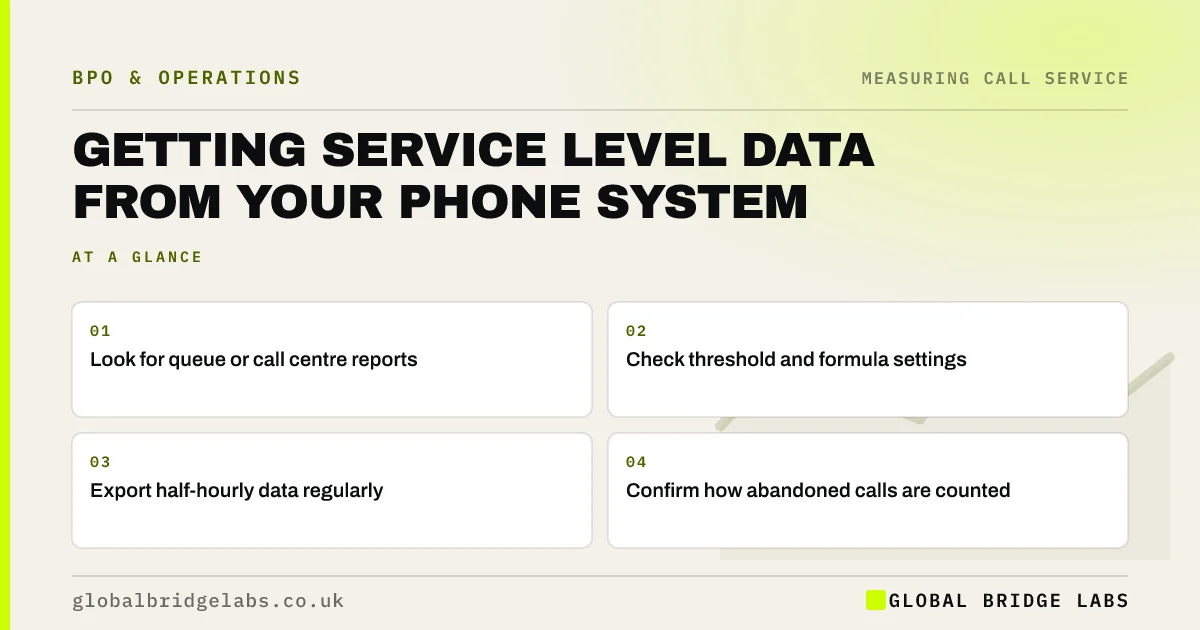
- Look for queue or call centre reports.
- Check threshold and formula settings.
- Export half-hourly data regularly.
- Confirm how abandoned calls are counted.
Can't find the right reports in your phone system? Message us on WhatsApp.
Chat on WhatsApp →Where are the reports?
In most cloud phone systems, service level reporting sits under call queues, hunt groups or call centre analytics. Basic plans may only show call logs; queue reports can need a higher tier or an add-on. Check your plan before assuming the data is not available.
Which settings should you check?
The service level threshold, the short-abandon cut-off, whether the clock starts before or after the menu and how calls that overflow or go to voicemail are counted. Default settings may not match the formula you have agreed.
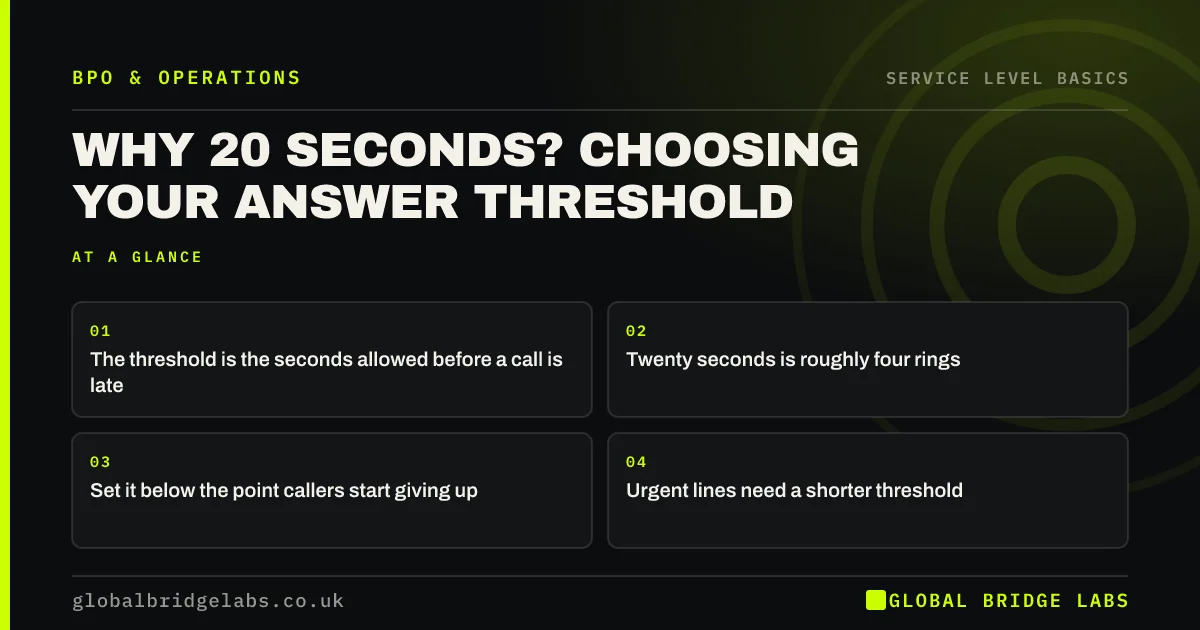
- Threshold in seconds.
- Short-abandon cut-off.
- Clock start point.
- Overflow and voicemail treatment.
What data should you export?
Calls offered, answered, abandoned, service level and longest wait by half hour, plus individual call records with wait time, duration and outcome if available. Export weekly and keep a copy, as some systems only keep detailed data for a limited time.
Want help reading a phone system export? Send it to us on WhatsApp.
Chat on WhatsApp →What if the data is missing?
Ask your provider what is available on your plan, whether settings can be changed and whether raw call records can be exported. If queue data is not available, call logs with timestamps can still show answer times and hang-ups with some spreadsheet work.
What does this look like in practice?
A pattern we see: a business believes its phone system cannot report service level. The reports are available under a queue analytics menu, but the threshold is set to 30 seconds by default. Changing it to 20 makes the figures match the agreed target.
The business also finds that detailed records are kept for only 90 days, so it sets up a weekly export to keep a full history for seasonal planning.
Phone system reporting checklist
- Find the queue reports.
- Check threshold and formula settings.
- Confirm overflow and voicemail treatment.
- Export half-hourly data weekly.
- Keep your own copy of the data.
Next step
Log in to your phone system, find the queue reports and write down the threshold, clock start and abandon settings currently in use.
Message us on WhatsApp to get better call data, or book a 30-minute consultation.
Chat on WhatsApp →Sources and further reading
- Measuring success · GOV.UK Service Manual
- Call charges and phone numbers · GOV.UK
Frequently asked questions
Can my phone system report service level?
Most cloud phone systems with call queues can, though it may be under queue or call centre analytics and may need a particular plan. Basic systems may only offer call logs. Ask your provider which reports are available and whether the threshold can be set to match your target.
Why does my phone system show different figures to my provider?
They may use different formulas, thresholds, abandon cut-offs or start points for the clock. Overflow and voicemail calls may also be counted differently. Agree one definition and ask both to report on it, or recalculate from raw call records yourself.
How long do phone systems keep call data?
It varies by provider and plan. Some keep detailed records for a limited period, such as a few months, while summaries last longer. Export data regularly and store it securely, so you have history for seasonal forecasting and year-on-year comparisons.
Written by

Global Bridge Labs (GBL) is a UK–Sri Lanka partner for social media, websites and BPO. Everything here comes from client delivery, not theory.