On this page
- 01Key takeaways
- 02What is website technical debt?
- 03What are the signs of technical debt?
- 04How do you measure what it costs?
- 05When does patching cost more than rebuilding?
- 06How do you avoid rebuilding the same debt?
- 07When is patching still the right call?
- 08Can technical debt be paid down gradually?
- 09What does this look like in practice?
- 10Technical debt checklist
- 11Next step
- 12Sources and further reading
- 13Frequently asked questions
Key takeaways
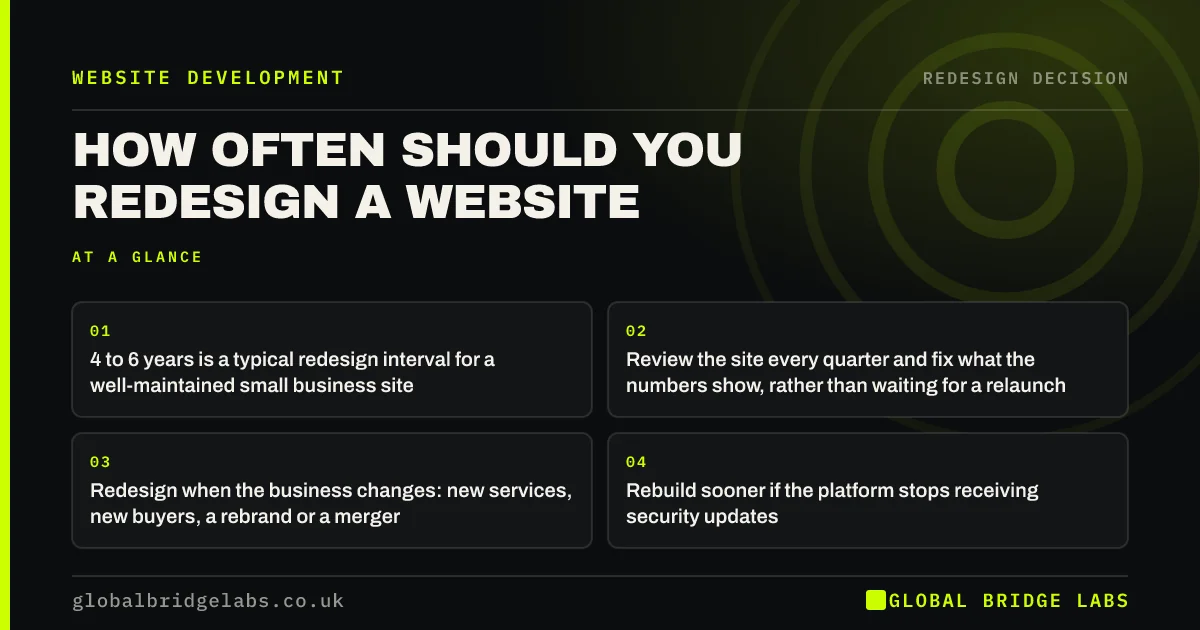
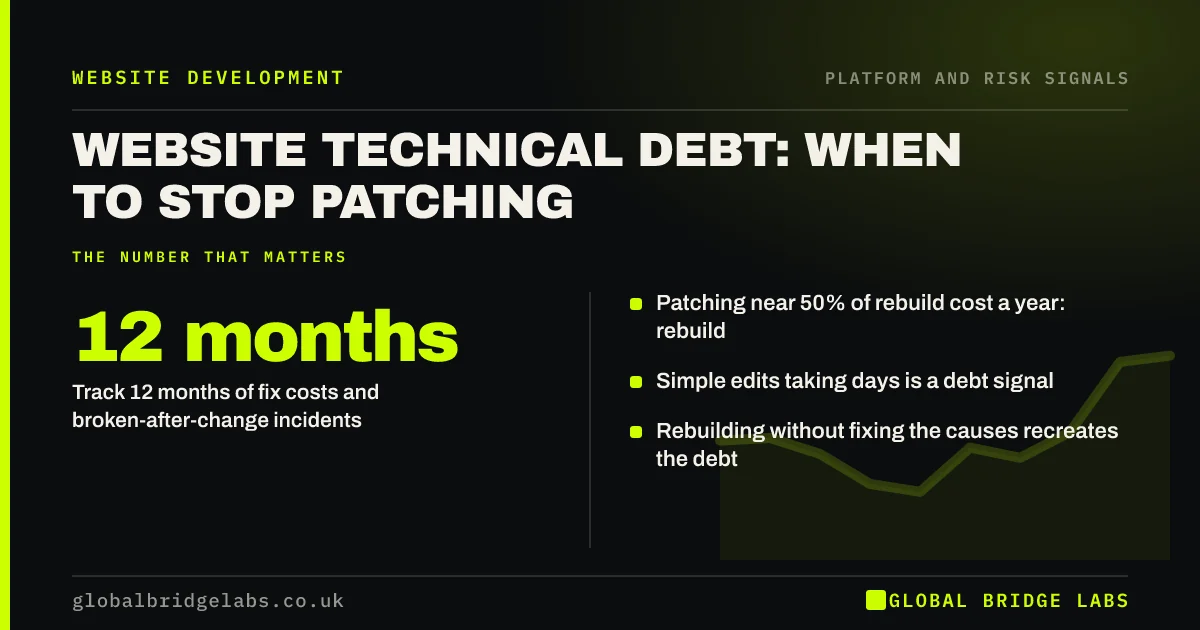
Website technical debt is the accumulated cost of shortcuts, workarounds and deferred updates that make every change slower and riskier. Track what you spend on fixes and how often changes break things. When a year of patching approaches half the cost of a rebuild, or simple changes routinely take days, rebuilding is usually cheaper.
- Track 12 months of fix costs and broken-after-change incidents.
- Patching near 50% of rebuild cost a year: rebuild.
- Simple edits taking days is a debt signal.
- Rebuilding without fixing the causes recreates the debt.
Spending more on fixes every year? Tell us on WhatsApp.
Chat on WhatsApp →What is website technical debt?
Website technical debt is the build-up of quick fixes, custom workarounds, outdated components and skipped updates that makes a site harder, slower and riskier to change. Like financial debt, it charges interest: every new change costs more because it has to work around what is already there.
What are the signs of technical debt?
Owners notice the symptoms long before anyone names the cause.
- Simple edits take days and cost more each time.
- Updates are skipped because they break things.
- Only one developer understands how the site works.
- Duplicate plugins or code doing the same job.
- Fixes in one place break something elsewhere.
Recognise these signs? We will assess your site on WhatsApp.
Chat on WhatsApp →How do you measure what it costs?
Add up 12 months of developer invoices for fixes and small changes, count how many changes broke something, and note how long simple requests took. Compare the annual total with a realistic rebuild quote plus a year of maintenance.
- Fix and change invoices over 12 months.
- Number of incidents where a change broke the site.
- Average time from request to change live.
- Hours lost internally chasing and checking fixes.
When does patching cost more than rebuilding?
A useful rule of thumb from our delivery work: when a year of patching approaches half the cost of a rebuild, or when the site cannot be updated to supported software at all, rebuilding is usually cheaper over two to three years. Typical UK rebuilds for small business sites cost £5,000 to £20,000 or more.
How do you avoid rebuilding the same debt?
Fix the causes, not just the code. Use a mainstream platform, fewer plugins, documented customisations, a staging environment and a maintenance routine. Make ownership and documentation part of the contract so the next developer can pick it up.
When is patching still the right call?
When the platform is supported, the debt is concentrated in a few areas, and those can be cleaned up in a focused project. Paying down debt in place, for example removing duplicate plugins and replacing one fragile feature, is often cheaper than a rebuild.
Can technical debt be paid down gradually?
Yes, when the platform is supported. Set aside part of the monthly maintenance budget for clean-up: removing one unused plugin, replacing one fragile feature or documenting one customisation each month. Over a year, that steadily lowers the cost of every future change.
Gradual pay-down fails when the foundation itself is unsupported or when every fix creates a new problem. At that point, a planned rebuild clears the debt in one go, and the maintenance routine that follows keeps it from building up again.
- Reserve part of maintenance time for clean-up.
- Tackle one debt item a month.
- Document every customisation you keep.
- Rebuild when the foundation is unsupported.
What does this look like in practice?
A pattern in UK e-commerce: a shop with years of custom checkout tweaks, where each update to the platform breaks something and the monthly fix bill keeps rising. Rebuilding on a supported platform with standard checkout features replaces the workarounds, and the fix bill falls to routine maintenance.
Technical debt checklist
Pull these numbers together.
- Total 12 months of fix and change invoices.
- Count changes that broke something.
- Check if all software can update to supported versions.
- Get a realistic rebuild quote.
- Compare two to three years of each path.
- Fix the causes in whichever path you choose.
Next step
If your site costs more to change every year, we will compare patching and rebuilding with you in 30 minutes using your own invoices.
Message us on WhatsApp for a technical debt review, or book a 30-minute consultation.
Chat on WhatsApp →Sources and further reading
- Updating WordPress · WordPress.org
- Supported PHP versions and end-of-life dates · The PHP Group
- Small Business Guide: cyber security · National Cyber Security Centre
Frequently asked questions
What is technical debt in a website?
It is the accumulated cost of shortcuts, custom workarounds, outdated components and skipped updates that make a site harder, slower and riskier to change. Each new change costs more because it must work around what is already there. It builds up quietly until changes become slow and costly.
When is it cheaper to rebuild a website than fix it?
Usually when a year of patching approaches half the cost of a rebuild, when changes routinely break the site, or when the site cannot run supported software at all. Compare two to three years of each path using your own invoices.
Why do small website changes cost so much?
Often because of technical debt: fragile custom code, duplicate plugins, outdated components and no documentation. The developer must work around these carefully, test more and fix side effects, which multiplies the time for simple edits. Documentation helps any developer work faster.
How do I avoid technical debt on a new website?
Use a mainstream supported platform, keep plugins to a minimum, document customisations, use a staging environment, set up a maintenance routine, and hold ownership of the domain, files and accounts in your business's name. Review the site's health once a year.
Written by

Global Bridge Labs (GBL) is a UK–Sri Lanka partner for social media, websites and BPO. Everything here comes from client delivery, not theory.