
On this page
- 01Key takeaways
- 02Why does navigation affect support volume?
- 03How do you find the contacts navigation could prevent?
- 04Where should answers be linked?
- 05How much time can this save?
- 06When should customers still be able to contact you?
- 07What does this look like in practice?
- 08Support navigation checklist
- 09Next step
- 10Sources and further reading
- 11Frequently asked questions
Key takeaways
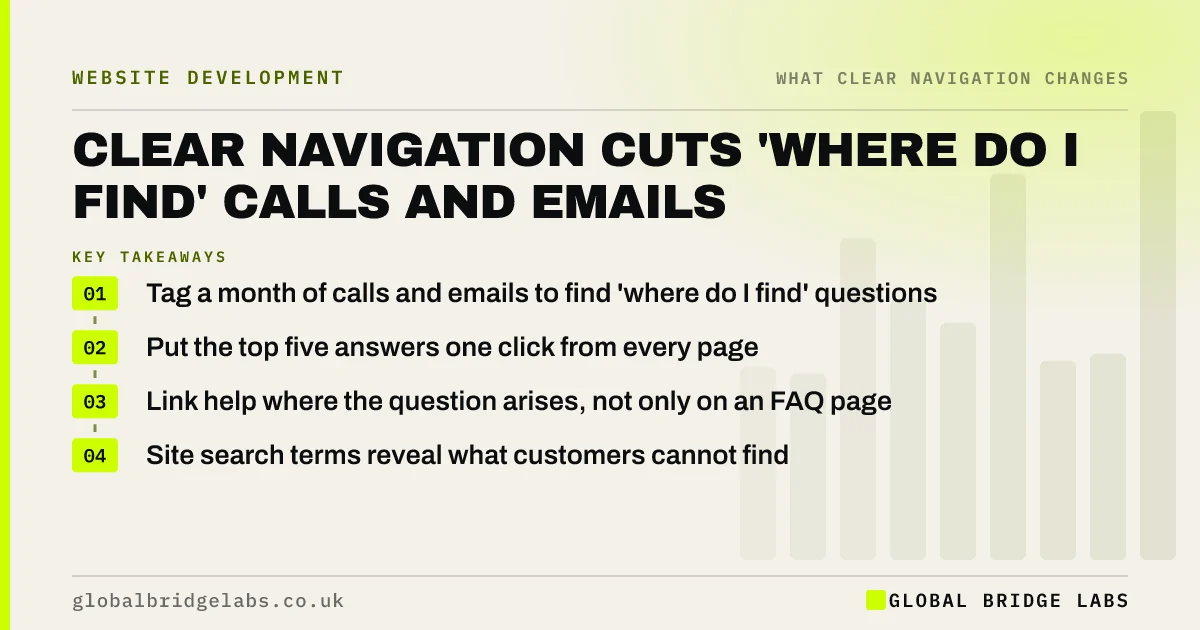
Clear navigation reduces customer service contacts by letting customers find answers, forms and account details themselves. Many calls and emails are 'where do I find' questions: opening hours, how to pay, how to return, where to log in. Track which ones arrive most, then link each answer from the menu, footer or the page where the question arises.
- Tag a month of calls and emails to find 'where do I find' questions.
- Put the top five answers one click from every page.
- Link help where the question arises, not only on an FAQ page.
- Site search terms reveal what customers cannot find.
Want to know which contacts your website could prevent? Message us on WhatsApp.
Chat on WhatsApp →Why does navigation affect support volume?
Every customer who cannot find an answer on the site has two options: give up or get in touch. For existing customers, getting in touch is common. Questions about returns, invoices, opening hours and login are often answered somewhere on the site, but buried. Clear navigation turns those contacts into self-service.
How do you find the contacts navigation could prevent?
Tag a month of calls, emails and chats by reason. Mark the ones where the answer already exists on the site, or could. Then compare with site search terms and the pages customers visit just before using the contact form. The overlap shows what customers look for and fail to find.
- Tag one month of contacts by reason.
- Mark answers that exist on the site already.
- Check site search terms for the same topics.
- Look at pages viewed just before the contact form.
- Rank by volume.
Where should answers be linked?
Link answers where the question arises. Delivery and returns belong on product and checkout pages; payment options on invoices and quotes; opening hours in the header or footer; login in the utility area at the top right. Customers rarely visit an FAQ page first.
- Utility navigation: login, basket and search, out of the way
- Navigation for returning customers: logins and reorders
Want your top contact reasons mapped to page links? Message us on WhatsApp and we will discuss your requirements.
Chat on WhatsApp →How much time can this save?
That depends on your volume. As an illustrative example, if a team handles 400 contacts a month and a quarter are 'where do I find' questions, that is 100 contacts. At five minutes each, preventing half of them saves about four hours a month, before counting the customer's time. Measure your own contact mix rather than assuming.
When should customers still be able to contact you?
Always. Navigation should make self-service easy, not make contact hard. Hiding the phone number to force self-service frustrates customers with real problems. Keep contact options visible and consistent; WCAG 2.2 success criterion 3.2.6, Consistent Help, asks for help to appear in the same place on each page.
What does this look like in practice?
A pattern we see: an online retailer's support inbox fills with 'where is my order' and 'how do I return' emails, while the tracking and returns pages are linked only from the footer. Adding them to the utility navigation and order confirmation emails moves many of those contacts to self-service. Where volume remains high, an outsourced team can handle the rest.
Support navigation checklist
- Tag a month of contacts by reason.
- List the top five 'where do I find' questions.
- Link each answer where the question arises.
- Put login and order tracking in the utility area.
- Keep contact options visible on every page.
- Re-tag contacts a month later.
Next step
Ask whoever answers your phone and inbox for the five questions they hear most often.
Message us on WhatsApp for a support-contact review, or book a 30-minute consultation.
Chat on WhatsApp →Sources and further reading
- Understanding WCAG 2.2 success criterion 3.2.6: Consistent Help · W3C
- Enhanced measurement events · Google Analytics Help
- Utility navigation: what it is and how to design it · Nielsen Norman Group
Frequently asked questions
Can a better website reduce customer service calls?
Yes, for questions the website can answer: opening hours, delivery, returns, payment, login and where to find documents. Clear navigation puts those answers in view. Complex problems still need people, so keep contact options visible.
Is an FAQ page enough?
Rarely on its own. Customers tend to look for answers on the page where the question arises, not on a separate FAQ page. Link short answers from product, checkout, account and contact pages, and use the FAQ page as a backup.
How do I know which questions to fix first?
Tag a month of calls, emails and chats by reason, then rank by volume. Start with the most common questions whose answer already exists on the site, because those need only better links, not new content.
Written by

Global Bridge Labs (GBL) is a UK–Sri Lanka partner for social media, websites and BPO. Everything here comes from client delivery, not theory.


