
On this page
Key takeaways
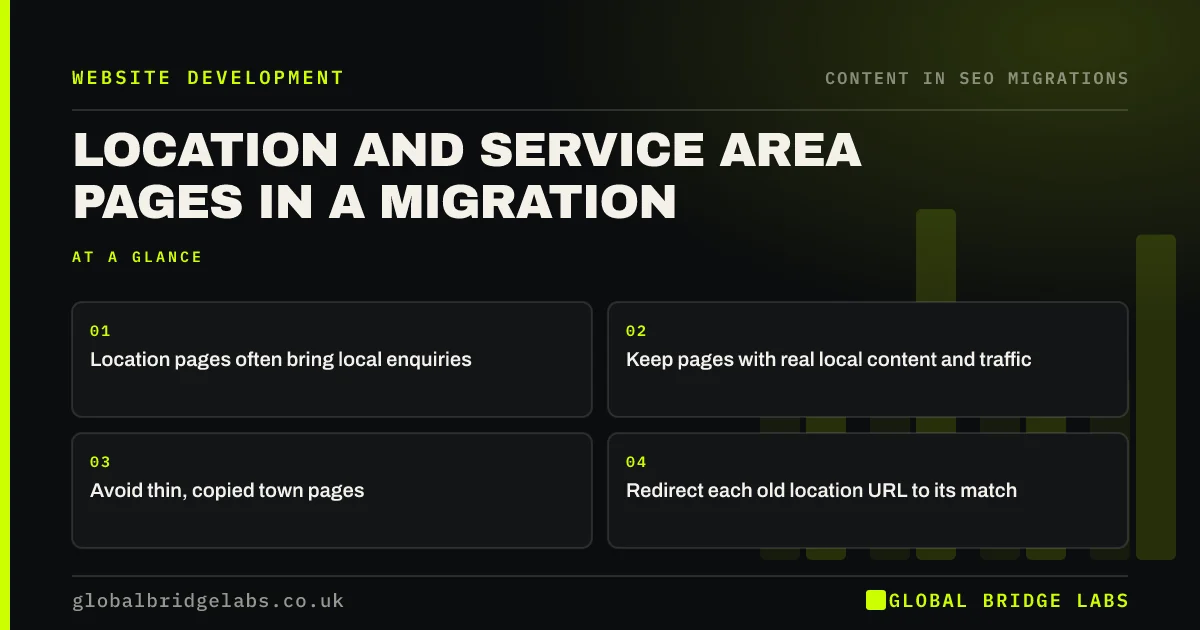
Location pages, such as a page for each town you serve, often bring local search enquiries. In a migration they are easy to damage: merged into one areas page, replaced with thin templated copies or left without redirects. Keep pages with real local content and traffic, carry that content across, redirect each old URL to its match and keep them linked from the site.
- Location pages often bring local enquiries.
- Keep pages with real local content and traffic.
- Avoid thin, copied town pages.
- Redirect each old location URL to its match.
Got lots of town pages? Message us on WhatsApp before you rebuild.
Chat on WhatsApp →Why are location pages vulnerable?
They are often numerous, built at different times and inconsistent in quality. A rebuild is a tempting moment to tidy them, which is fine if done carefully. The risk comes when pages that brought local enquiries are merged into a single list of towns, or replaced by near-identical pages with only the town name changed. Google's spam policies warn against doorway pages created only to rank for many places.
Which location pages should you keep?
Use data rather than instinct to decide.
- Pages with clicks and enquiries in the last year.
- Pages with local detail: projects, reviews, team, directions.
- Pages for places where you have an office or real presence.
- Pages linked from local directories or partners.
- Thin pages with no traffic can be merged or improved.
How do you move them?
Map each old location URL to its new equivalent, keeping the same town slug. Carry the local content across, including projects, reviews and local details. Keep the pages linked from a clear areas section or menu, so they are not orphaned. After launch, check that local search clicks to these pages hold in Search Console, and that your Google Business Profile links to the right page.
Want help deciding which town pages to keep? Message us on WhatsApp.
Chat on WhatsApp →What does this look like in practice?
A pattern we see: a trades business has 25 town pages, a few with real local projects and reviews and many thin. The rebuild keeps and improves the strong pages, merges the thin ones into a regional page and redirects each old URL. Local enquiries hold, and the site is easier to maintain.
Location pages checklist
- List location pages with traffic and enquiries.
- Keep pages with real local content.
- Merge or improve thin pages.
- Redirect each old location URL.
- Keep location pages linked internally.
Next step
Export clicks and enquiries for each location page over the last year. That shows which pages deserve to move as they are and which can be merged.
Message us on WhatsApp about location pages, or book a 30-minute consultation.
Chat on WhatsApp →Sources and further reading
- Tips to improve your local ranking on Google · Google Business Profile Help
- Site moves with URL changes · Google Search Central
- Spam policies for Google web search · Google Search Central
Frequently asked questions
Should I keep my location pages in a redesign?
Keep location pages that bring local traffic or enquiries, or that have real local content such as projects, reviews or an office address. Thin pages with only a town name changed can be merged into a regional page or improved. Redirect every old URL to its closest new page.
Are town pages bad for SEO?
Not if each one offers genuinely useful local information. Pages that only swap the town name in identical copy can be treated as doorway pages under Google's spam policies. Focus on fewer pages with real local detail, rather than many near-copies.
How do I redirect location pages?
Keep the town slug the same where possible and redirect each old location URL to its matching new page. If a thin town page is merged into a regional page, redirect it there, and make sure the regional page mentions that town and serves people from it.
Written by

Global Bridge Labs (GBL) is a UK–Sri Lanka partner for social media, websites and BPO. Everything here comes from client delivery, not theory.


