
On this page
- 01Key takeaways
- 02What are jump links?
- 03When does a page need jump links?
- 04How should a contents list be designed?
- 05What goes wrong with jump links?
- 06Do jump links help search?
- 07What does this look like in practice?
- 08Jump links checklist
- 09Next step
- 10Sources and further reading
- 11Frequently asked questions
Key takeaways
Jump links are links that move visitors to a section further down the same page. A short contents list of jump links at the top of a long page lets visitors see what it covers and go straight to the part they need, such as prices or process. Add one to pages longer than a few screens, worded exactly like the headings they link to.
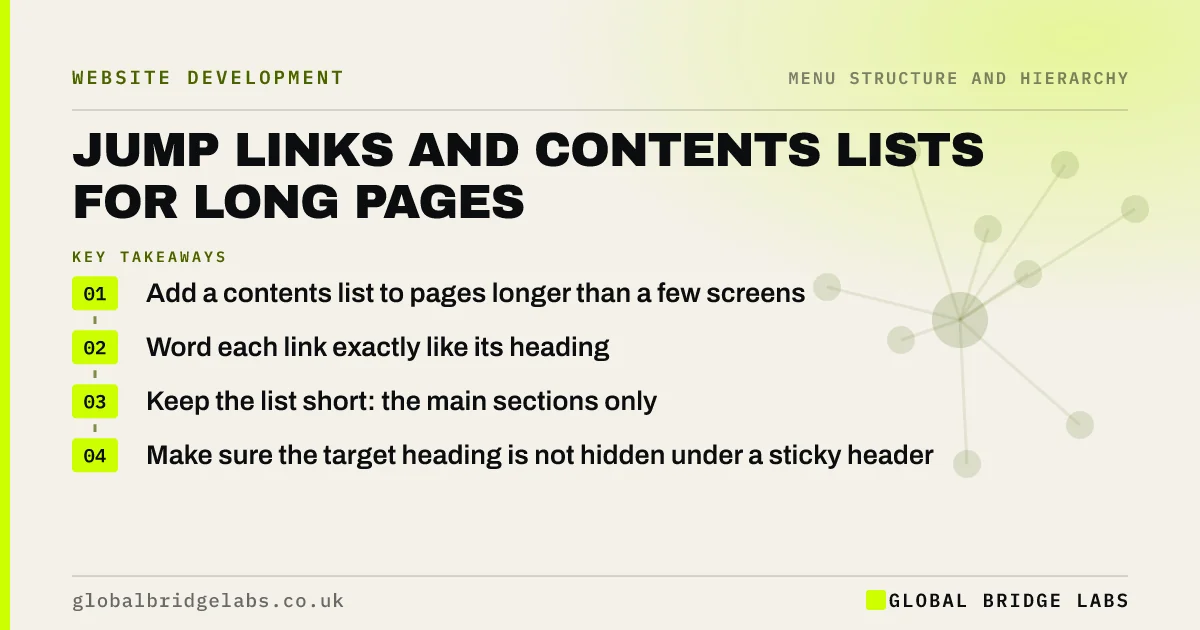
- Add a contents list to pages longer than a few screens.
- Word each link exactly like its heading.
- Keep the list short: the main sections only.
- Make sure the target heading is not hidden under a sticky header.
Want contents lists added to your longest pages? Message us on WhatsApp.
Chat on WhatsApp →What are jump links?
Jump links, also called anchor links, are links that take visitors to a specific point on the same page, identified by an anchor in the page code. A table of contents is a list of jump links to a page's main sections. Nielsen Norman Group describes a table of contents as helping users preview a page and navigate it quickly.
When does a page need jump links?
Long pages benefit: detailed service pages, guides, FAQ pages and policy pages. If visitors must scroll several screens to reach prices, process or FAQs, a contents list at the top lets them skip ahead. Short pages do not need one; it just adds clutter.
- Service pages with prices, process and FAQs.
- Long guides and articles.
- FAQ pages with many questions.
- Terms, policies and legal pages.
How should a contents list be designed?
Place it near the top, after the introduction. Use the section headings as the link text so visitors recognise where they land. Keep it to the main sections. On desktop, a sticky contents list in a sidebar can show progress; on phones, a collapsible list saves space.
- Near the top, after a short introduction.
- Link text identical to the headings.
- Main sections only, usually four to ten.
- Highlight the current section on long sidebars.
What goes wrong with jump links?
The common problems are a sticky header covering the target heading, links that jump with no visual cue that the page moved, contents lists that do not match the headings, and jump links mixed with ordinary links so visitors cannot tell they stay on the page. Add scroll margin in the code so headings land below the header.
Want jump links that land in the right place? Message us on WhatsApp and we will discuss your requirements.
Chat on WhatsApp →Do jump links help search?
They can. Google sometimes shows links to sections of a page in search results, and clear headings with anchors make that possible. The main benefit is still for visitors: a long page they can navigate is more likely to be read.
What does this look like in practice?
A pattern we see: a service page runs to eight screens on a phone, with prices near the bottom. Most visitors never reach them. A five-item contents list at the top, starting with 'What it costs', lets price-focused visitors jump straight there.
Jump links checklist
- Contents list on pages longer than a few screens.
- Links worded like the headings.
- Main sections only.
- Scroll margin so headings clear the sticky header.
- Back-to-top link on very long pages.
Next step
Open your longest service page on a phone and count the screens to reach the price.
Message us on WhatsApp for a long-page review, or book a 30-minute consultation.
Chat on WhatsApp →Sources and further reading
Frequently asked questions
Should I add a table of contents to my web pages?
Add one to pages long enough that visitors would otherwise scroll several screens to find what they want, such as detailed service pages, guides and FAQ pages. Short pages do not need one.
Why do my jump links land in the wrong place?
Usually because a sticky header covers the target. Adding scroll margin to headings in the site's CSS moves the landing point below the header. Check also that each link points to the correct anchor.
Are jump links good for SEO?
They can help Google understand page sections and sometimes show section links in results. Their main value is for visitors, who can find the part of a long page they need without scrolling through everything.
Written by

Global Bridge Labs (GBL) is a UK–Sri Lanka partner for social media, websites and BPO. Everything here comes from client delivery, not theory.


