
On this page
- 01Key takeaways
- 02What are accordions and tabs?
- 03When do accordions help?
- 04When does hiding content backfire?
- 05Are tabs worse than accordions?
- 06How should accordions be designed?
- 07Do accordions affect SEO?
- 08What does this look like in practice?
- 09Accordion checklist
- 10Next step
- 11Sources and further reading
- 12Frequently asked questions
Key takeaways
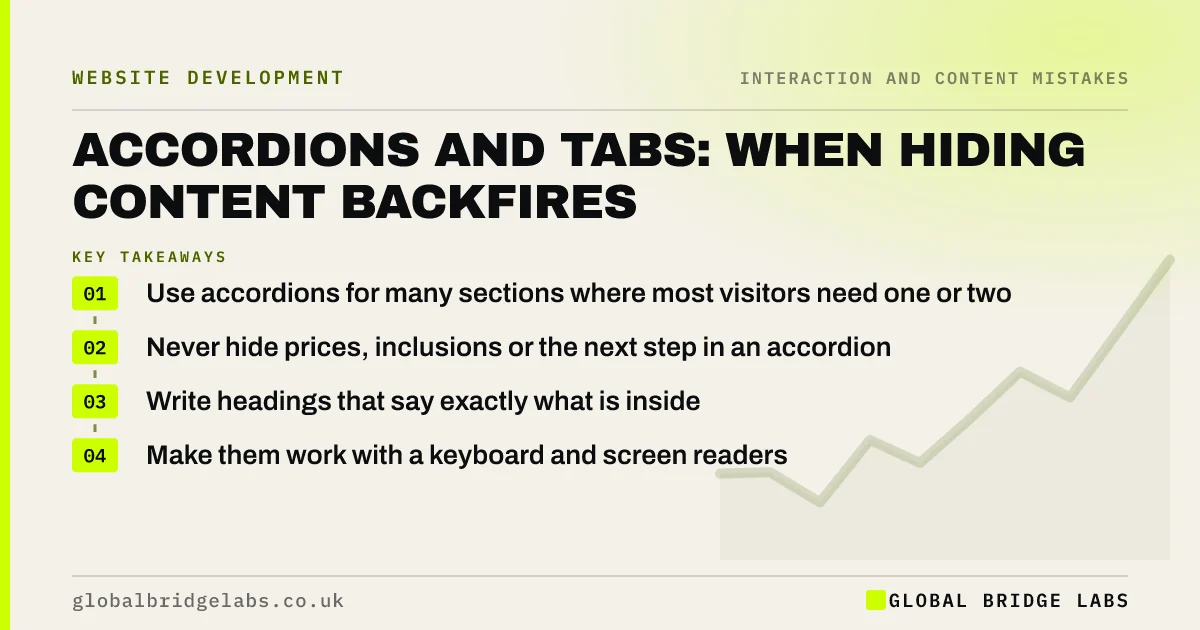
Accordions and tabs fold content away behind headings so a page looks shorter. They help when visitors need only one or two of many sections, such as FAQs or detailed specifications. They backfire when they hide information most visitors need, such as prices, what is included or how to book. Keep decision-making content visible.
- Use accordions for many sections where most visitors need one or two.
- Never hide prices, inclusions or the next step in an accordion.
- Write headings that say exactly what is inside.
- Make them work with a keyboard and screen readers.
Want your service pages checked for hidden answers? Message us on WhatsApp.
Chat on WhatsApp →What are accordions and tabs?
An accordion is a vertical list of headings that expand to reveal content when clicked. Tabs show one panel at a time, switched by labels across the top. Both reduce visible length by hiding content until the visitor asks for it.
When do accordions help?
Nielsen Norman Group suggests accordions work when people need only a few pieces of content on a page, such as FAQs, product specifications or policy details, and especially on mobile, where long pages are tiring. They let visitors scan headings and open only what is relevant.
When does hiding content backfire?
Hiding content backfires when most visitors need it. Every closed section is extra work and a chance to miss something. If prices, what is included, delivery times or the booking process sit in closed accordions, many visitors will never open them and will leave without the answer.
- Prices and what is included.
- How to book or get a quote.
- Key benefits and proof.
- Short content that would fit visibly anyway.
Are tabs worse than accordions?
Tabs hide more: visitors may not notice they exist, and on phones they are cramped. They suit a small number of parallel views, such as 'Domestic' and 'Commercial'. For anything longer, an accordion or simply headings with visible content usually works better.
Want to know what should stay visible on your pages? Message us on WhatsApp and we will discuss your requirements.
Chat on WhatsApp →How should accordions be designed?
Write headings that describe the content specifically ('What is included in a boiler service?', not 'Details'). Show a clear icon that indicates open and closed states. Allow several sections to be open at once. Make each heading a real button so keyboard and screen reader users can operate it.
Do accordions affect SEO?
Google indexes content hidden in accordions and tabs if it is in the page's HTML, and with mobile-first indexing it treats such content normally. The bigger risk is to visitors: content they never open does not persuade them. If it matters for the decision, show it.
What does this look like in practice?
A pattern we see: a service page puts 'Pricing', 'What's included' and 'How it works' into closed accordions to look tidy. Showing those three sections openly, and keeping accordions for the FAQs, puts the answers buyers need in front of them.
Accordion checklist
- Keep prices, inclusions and next steps visible.
- Use accordions for FAQs and specifications.
- Write specific headings.
- Show clear open and closed icons.
- Make headings keyboard-operable buttons.
- Prefer accordions to tabs on mobile.
Next step
Open your main service page and list everything hidden in accordions or tabs. Move anything a buyer must know into view.
Message us on WhatsApp for a service page review, or book a 30-minute consultation.
Chat on WhatsApp →Sources and further reading
- Accordions for complex website content on desktops · Nielsen Norman Group
- Mobile-first indexing best practices · Google Search Central
- Understanding SC 2.1.1: Keyboard · W3C
Frequently asked questions
Are accordions good for websites?
For content where visitors need only one or two of many sections, such as FAQs or specifications, yes. They are a poor choice for information most visitors need to decide, such as prices and what is included, which should stay visible.
Does Google index content in accordions?
Yes, if the content is in the page's HTML when it loads. Content loaded only after a click may not be indexed reliably. Either way, important information is better shown openly for visitors.
Should I use tabs or accordions?
Accordions usually work better, especially on mobile, and suit longer lists. Tabs suit two to four parallel views on desktop. If visitors need most of the content, use neither and show it with clear headings.
Written by

Global Bridge Labs (GBL) is a UK–Sri Lanka partner for social media, websites and BPO. Everything here comes from client delivery, not theory.


