
On this page
- 01Key takeaways
- 02What does scroll depth show?
- 03How do you track scroll depth in GA4?
- 04What do the drop-offs mean?
- 05How should scroll data change your layout?
- 06When does low scroll depth not matter?
- 07What does this look like in practice?
- 08Scroll depth checklist
- 09Next step
- 10Sources and further reading
- 11Frequently asked questions
Key takeaways
Homepage scroll depth tells you how many visitors see each section. GA4's enhanced measurement only records a scroll at 90% of the page, so add 25%, 50% and 75% markers through Google Tag Manager or use a heatmap tool. Then place proof and the call to action above the point where most visitors stop.
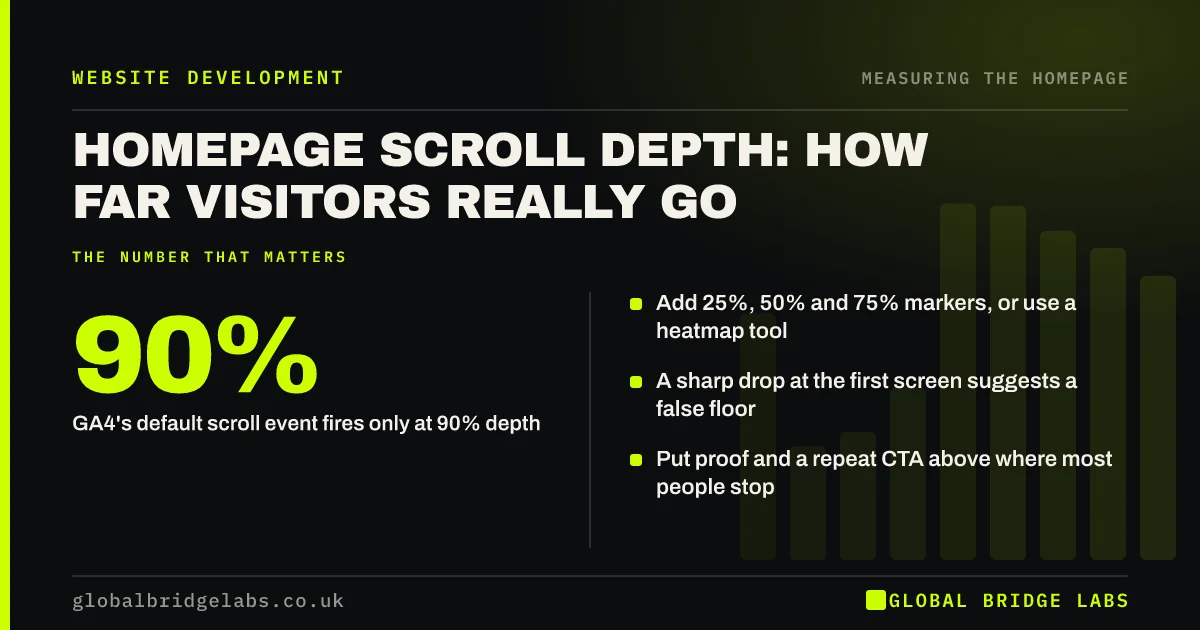
- GA4's default scroll event fires only at 90% depth.
- Add 25%, 50% and 75% markers, or use a heatmap tool.
- A sharp drop at the first screen suggests a false floor.
- Put proof and a repeat CTA above where most people stop.
Want scroll tracking set up on your homepage? Message us on WhatsApp.
Chat on WhatsApp →What does scroll depth show?
Scroll depth shows how far down the homepage visitors go before leaving or clicking away. It tells you which sections are seen by most visitors and which by few. Nielsen Norman Group found 57% of viewing time is spent above the fold and 74% within the first two screenfuls, so lower sections are seen by fewer people.
How do you track scroll depth in GA4?
GA4's enhanced measurement sends a scroll event when a visitor reaches 90% of the page, which is too coarse for a homepage. Add custom scroll triggers at 25%, 50% and 75% through Google Tag Manager, or use a free tool such as Microsoft Clarity, which shows a scroll map of the whole page.
What do the drop-offs mean?
A steep drop right at the first screen, followed by a gentle decline, often means a false floor or a weak hero. A steady decline is normal. A sudden drop at one section suggests that section looks like an ending or is not interesting, such as a big block of text or a dark full-width band.
How should scroll data change your layout?
Put the most important proof and a repeat of the call to action above the point where about half of visitors stop. Move long or secondary content lower. Do not put the only contact form at the very bottom if few visitors reach it.
When does low scroll depth not matter?
Low scroll depth is fine if visitors click through to the next page from the top. If most homepage sessions click a service link or the main button in the first screen, they never needed to scroll. Read scroll depth together with clicks.
What does this look like in practice?
A pattern we see: reviews and the contact form sit at the very bottom, and a scroll map shows only a small share of visitors get there. Moving a short review strip under the hero and adding a button after the services section usually lifts enquiries without adding anything new.
Scroll depth checklist
- Add 25%, 50% and 75% scroll markers or a heatmap tool.
- Look for a sharp drop at the first screen.
- Find where about half of visitors stop.
- Move key proof and a CTA above that point.
- Read scroll depth with click data.
Next step
Install a free heatmap tool on your homepage, wait for a few hundred sessions and look at the scroll map. Note where half the visitors stop.
Message us on WhatsApp to read the map together, or book a 30-minute consultation.
Chat on WhatsApp →Sources and further reading
- Scrolling and attention · Nielsen Norman Group
- Enhanced measurement events · Google Analytics Help
- About Microsoft Clarity (heatmaps and session recordings) · Microsoft
Frequently asked questions
How do I track scroll depth in GA4?
GA4's enhanced measurement records a scroll event at 90% of the page. For more detail, add custom scroll triggers at 25%, 50% and 75% using Google Tag Manager, or use a heatmap tool such as Microsoft Clarity that shows scroll depth visually.
How far do visitors scroll on a homepage?
It varies, but attention is concentrated near the top. Nielsen Norman Group found 57% of page-viewing time is spent above the fold and 74% within the first two screenfuls. Check your own scroll map, because layout strongly affects it.
Should my contact form be at the bottom of the homepage?
Only if most visitors reach it, or if the same action also appears higher up. Many visitors never scroll to the bottom, so repeat the main call to action after key sections and link it to the form.
Written by

Global Bridge Labs (GBL) is a UK–Sri Lanka partner for social media, websites and BPO. Everything here comes from client delivery, not theory.


