On this page
- 01Key takeaways
- 02What does going live mean?
- 03When is a live session worth doing?
- 04What format works for a small business?
- 05How do you prepare?
- 06How do you get value after the session?
- 07What are the risks of going live?
- 08What does this look like in practice?
- 09Live session checklist
- 10Next step
- 11Sources and further reading
- 12Frequently asked questions
Key takeaways
Going live on social media for business is worth it when you have an audience that already asks questions and a topic that benefits from real-time answers. For most small accounts the live audience is tiny. The value lies in the recording and the clips cut from it.
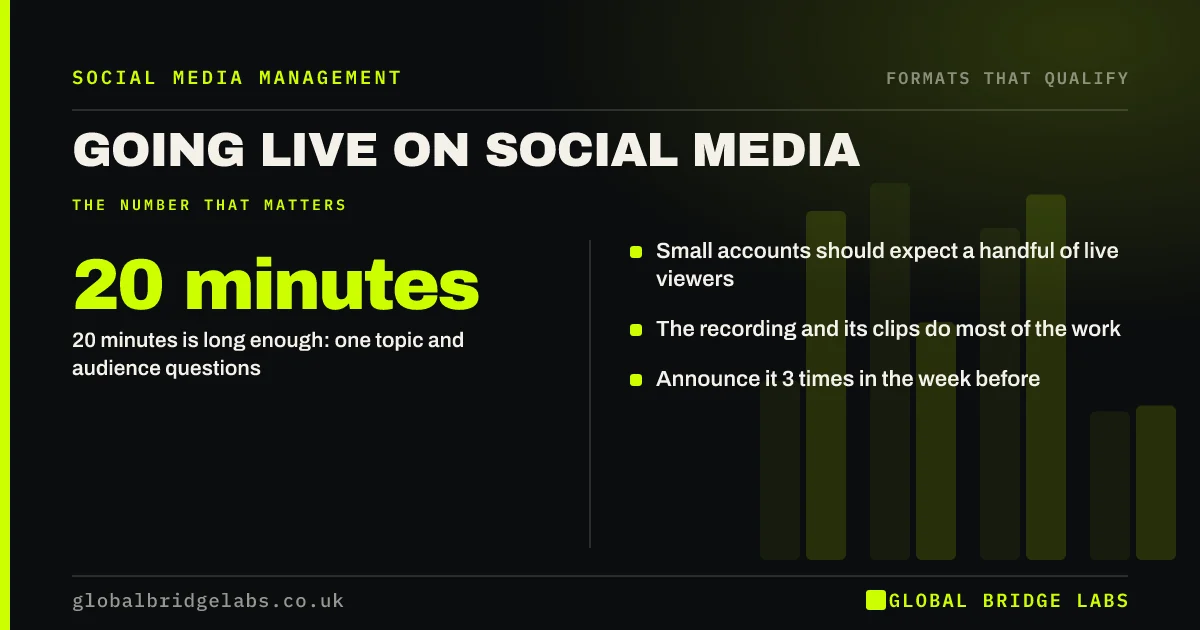
- 20 minutes is long enough: one topic and audience questions.
- Small accounts should expect a handful of live viewers.
- The recording and its clips do most of the work.
- Announce it 3 times in the week before.
Wondering whether live is worth your time? Message us on WhatsApp.
Chat on WhatsApp →What does going live mean?
Going live means broadcasting video in real time on a platform such as Instagram, Facebook, LinkedIn, TikTok or YouTube, with viewers able to comment as you speak. Afterwards the recording can usually be kept on your profile like any other video.
When is a live session worth doing?
A live session is worth doing when there is a reason to be there at that moment: a question and answer session before a deadline, a product launch, a walk round a finished project, or an event. Without a reason, a recorded video is easier to make and easier to watch.
- Questions and answers before a seasonal deadline.
- A launch or open day.
- A walk-through of a finished job.
- A conversation with a customer or partner.
What format works for a small business?
Use a 20-minute format with a clear title that names the audience. Spend two minutes on who it is for, ten on three prepared points, and the rest on questions. Have five questions ready in case nobody asks. End by saying exactly how to follow up.
- 2 minutes: who this is for and what you will cover.
- 10 minutes: three prepared points.
- 6 minutes: questions, with spares prepared.
- 2 minutes: summary and one next step.
Want a running order drafted for your first live? Message us on WhatsApp and we will discuss your requirements.
Chat on WhatsApp →How do you prepare?
Prepare by testing the connection, sound and framing at the same time of day, with a second person watching on another device. Announce the session at least three times in the week before. Have a colleague monitor comments, so you can keep talking.
- Test sound and connection in advance.
- Announce it three times beforehand.
- Give a colleague the comments.
- Keep notes beside the camera, not a script.
How do you get value after the session?
Get value by treating the live as a filming session. Save the recording, cut three to five short clips, each answering one question, and post them over the following weeks. Turn the questions asked into FAQ posts. This is where most of the return comes from.
What are the risks of going live?
The risks are technical failure, low attendance and saying something you cannot take back. Comments are public and unmoderated in the moment. Regulated businesses should be careful about answering individual cases on air. If any of this worries you, record instead. Little is lost.
What does this look like in practice?
A pattern we see with UK small businesses that try live video: six people watch live, the host is discouraged, and the recording is never used. The same session cut into clips usually reaches far more of the right people than the broadcast did.
Live session checklist
Before you press the button.
- There is a reason to be live.
- The title names the audience and topic.
- Sound and connection are tested.
- Spare questions are prepared.
- Someone else is watching comments.
- A plan exists for the recording.
Next step
Pick one date in the next two months when your customers have a deadline or decision. Plan a 20-minute question session for the week before.
Message us on WhatsApp for the 20-minute running order, or book a 30-minute consultation.
Chat on WhatsApp →Sources and further reading
- Meta Business Help Centre · Meta
- Create a YouTube channel · YouTube Help
- LinkedIn Pages best practices · LinkedIn
Frequently asked questions
Is going live on social media worth it for a small business?
It can be, if your audience already asks questions and there is a reason to be live, such as a deadline or launch. For small accounts the live audience is small, so plan to reuse the recording as clips. Without those, record a video instead.
How long should a live video be?
About 20 minutes suits most small businesses: a short introduction, three prepared points, time for questions and a clear close. Longer sessions need a larger audience to sustain the conversation. Finish on time even if questions are still arriving, and answer the rest in the comments afterwards.
What should I talk about on a live?
Choose one topic your customers face at that time of year and answer the questions they ask about it. Have five prepared questions in reserve in case the audience is quiet. A seasonal deadline or a common decision gives people a reason to join at that moment.
What if nobody watches?
Carry on as planned and treat it as a recording session. Most views come afterwards. Cut the recording into short clips, each answering one question, and post them over the following weeks. Many small accounts find the clips reach more of the right people than the broadcast did.
Written by

Global Bridge Labs (GBL) is a UK–Sri Lanka partner for social media, websites and BPO. Everything here comes from client delivery, not theory.