
On this page
- 01Key takeaways
- 02How does accessibility affect credibility?
- 03Which accessibility faults hurt credibility most?
- 04Is accessibility a legal requirement for UK businesses?
- 05Will an accessibility widget fix it?
- 06What does this look like in practice?
- 07Accessibility credibility checklist
- 08Next step
- 09Sources and further reading
- 10Frequently asked questions
Key takeaways
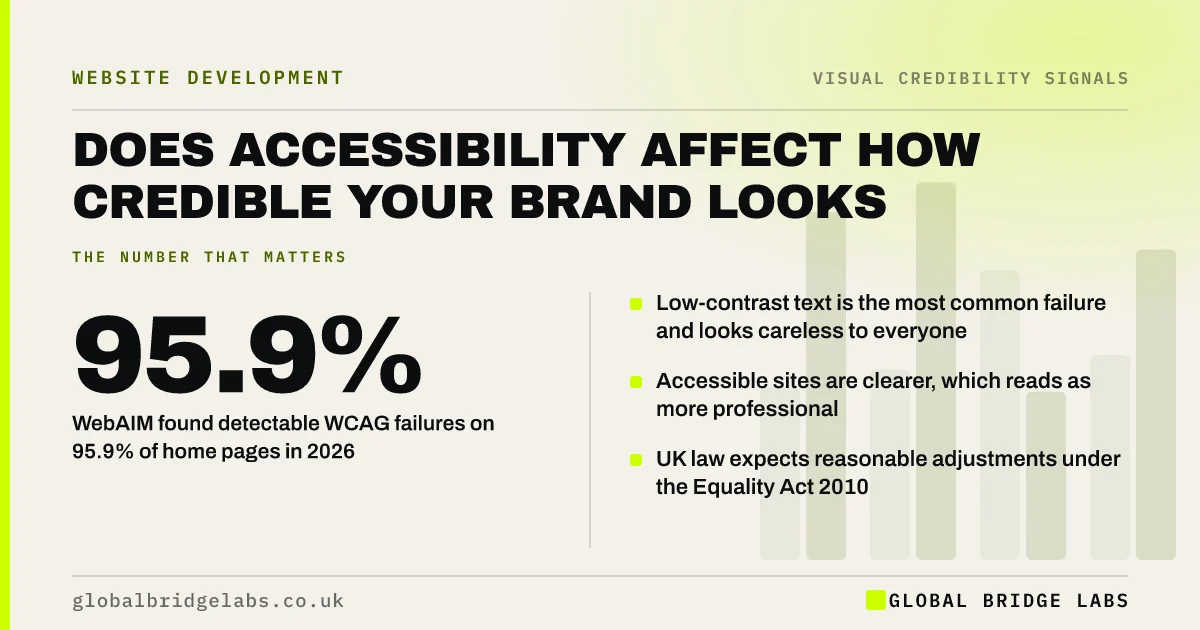
Accessibility affects how credible your brand looks because most accessibility faults are also visible quality faults: grey text that is hard to read, buttons that do not look clickable, forms without labels. Fixing them makes the site clearer for everyone. WebAIM's 2026 analysis found detectable accessibility failures on 95.9% of the top million home pages.
- WebAIM found detectable WCAG failures on 95.9% of home pages in 2026.
- Low-contrast text is the most common failure and looks careless to everyone.
- Accessible sites are clearer, which reads as more professional.
- UK law expects reasonable adjustments under the Equality Act 2010.
Want a quick accessibility and credibility check? Message us on WhatsApp.
Chat on WhatsApp →How does accessibility affect credibility?
Accessibility affects credibility in two ways. Directly, visitors who cannot read or use your site cannot believe it, and they include customers with low vision, older buyers and people on small screens in bright light. Indirectly, the same faults look like poor quality to everyone. Faint text, unlabelled forms and tiny buttons signal a business that did not finish the job.
Which accessibility faults hurt credibility most?
The faults that hurt credibility most are the visible ones. WebAIM's 2026 Million report found low-contrast text on most home pages, along with missing alternative text, empty links and missing form labels. Each makes a page harder to use, and the first is visible to every visitor.
- Low-contrast text: hard to read for everyone, especially outdoors on phones.
- Missing form labels: forms that are confusing once you start typing.
- Empty links and buttons: icons with no name for screen readers.
- Tiny tap targets: buttons that are fiddly on a phone.
Is accessibility a legal requirement for UK businesses?
Private UK businesses are not bound by the public sector accessibility regulations, but the Equality Act 2010 requires service providers to make reasonable adjustments for disabled people, and that can include websites. The Web Content Accessibility Guidelines (WCAG) 2.2 at level AA are the usual benchmark. Meeting them also protects credibility with larger clients who check suppliers.
- Your website and public sector tenders: what buyers check
- Legal requirements for a UK business website
Want your key pages checked against WCAG 2.2 AA? Message us on WhatsApp and we will discuss your requirements.
Chat on WhatsApp →Will an accessibility widget fix it?
No. Overlay widgets that promise instant accessibility do not fix the underlying code and can add problems. WebAIM notes automated tools detect only some failures. Fix the source: contrast, labels, alternative text, headings and keyboard access. These fixes also make the site look cleaner.
What does this look like in practice?
A pattern we see: a site uses light grey text on white because it looked elegant on the designer's large screen. On a phone outdoors it is barely readable. Darkening the text to meet 4.5:1 contrast makes the site look sharper and more confident, and costs almost nothing.
Accessibility credibility checklist
- Check text contrast is at least 4.5:1.
- Label every form field visibly.
- Give every image meaningful alternative text.
- Name every icon button.
- Make tap targets large enough on phones.
- Test the site with a keyboard only.
Next step
Run your homepage through a free automated checker and fix the contrast and label errors first.
Message us on WhatsApp for an accessibility and credibility review, or book a 30-minute consultation.
Chat on WhatsApp →Sources and further reading
- The WebAIM Million: accessibility of the top 1,000,000 home pages · WebAIM
- Web Content Accessibility Guidelines (WCAG) 2.2 · W3C
- Equality Act 2010 · legislation.gov.uk
Frequently asked questions
Does accessibility improve brand image?
Yes, mostly by removing faults that look like poor quality, such as faint text and confusing forms. An accessible site is clearer for every visitor, which reads as professional and considerate. It also widens the audience who can use and recommend the site.
Do UK small businesses need an accessible website?
The Equality Act 2010 requires service providers to make reasonable adjustments for disabled people, which can include websites. There is no specific certification requirement for private businesses, but WCAG 2.2 AA is the usual standard to aim for.
What is the most common accessibility problem on websites?
Low-contrast text is the most common detectable failure in WebAIM's annual analysis of the top million home pages. It is also one of the easiest to fix, by darkening text or lightening backgrounds until the ratio meets 4.5:1.
Written by

Global Bridge Labs (GBL) is a UK–Sri Lanka partner for social media, websites and BPO. Everything here comes from client delivery, not theory.


