
On this page
- 01Key takeaways
- 02Why does a website slow down when it gets busy?
- 03What does slowness at peak cost?
- 04How do you prepare a site for a traffic spike?
- 05Which pages cannot simply be cached?
- 06When is this not worth worrying about?
- 07What does this look like in practice?
- 08Peak traffic checklist
- 09Next step
- 10Sources and further reading
- 11Frequently asked questions
Key takeaways
A website that slows down at busy times fails on the days that matter most: the sale, the TV mention, the email to your whole list. Normal speed tests will not show it, because they send one visitor at a time. Sites buckle under load when every visit makes the server build the page from scratch. Caching, a content delivery network and a lighter campaign page prevent most of it.
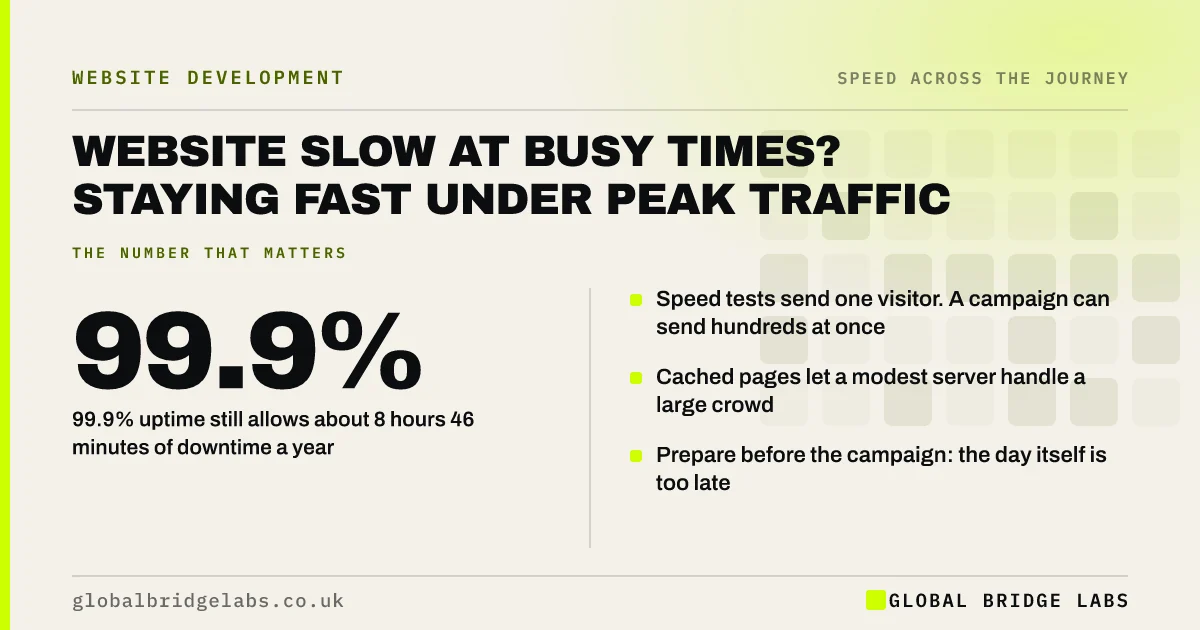
- 99.9% uptime still allows about 8 hours 46 minutes of downtime a year.
- Speed tests send one visitor. A campaign can send hundreds at once.
- Cached pages let a modest server handle a large crowd.
- Prepare before the campaign: the day itself is too late.
Planning a campaign or sale? Tell us the date on WhatsApp and we will check the site first.
Chat on WhatsApp →Why does a website slow down when it gets busy?
A website slows under load because the server has a limit on how much work it can do at once. On many sites, each visit asks the server to run code, query a database and assemble a page. Ten visitors a minute is easy. Three hundred in the minute after an email goes out forms a queue, and every visitor waits longer.
Shared hosting adds a second limit. Your site shares a machine with many others, and the host will restrict or suspend a site that uses too much.
What does slowness at peak cost?
It costs the return on whatever caused the peak. You paid for the advert, the email platform or the PR. If the landing page takes ten seconds or shows an error, that spend bought frustration at the moment the most people were watching.
Uptime figures can mislead here. A host promising 99.9% availability is allowing about 8 hours 46 minutes of downtime a year, and 99.5% allows nearly 44 hours. Nothing says those hours will fall at a quiet time.
How do you prepare a site for a traffic spike?
Reduce the work each visit needs, and move as much of it as possible away from your server.
- 1. Turn on full-page caching so the server sends a stored copy.
- 2. Put a content delivery network in front to serve files from nearby locations.
- 3. Send campaign traffic to a light page, not the homepage.
- 4. Remove sliders, video and non-essential scripts from that page.
- 5. Ask your host what the plan's limits are and what happens when they are hit.
- 6. Stagger large email sends over an hour or two.
Want to know what your hosting plan can handle? Ask us on WhatsApp.
Chat on WhatsApp →Which pages cannot simply be cached?
Pages that differ for each visitor cannot be served from a single stored copy. Baskets, checkouts, account pages, live stock levels and search results all need the server. These are the pages that fail first in a sale.
Protect them by keeping everything else off the server, simplifying the checkout and, for shops expecting a real surge, upgrading the plan temporarily. Hosted platforms such as Shopify handle this for you, which is one of the things the subscription pays for.
When is this not worth worrying about?
It is not worth much effort if your traffic is steady and your site is mostly informational. A local firm receiving 2,000 visits a month spread across working hours will not overload a decent host. Basic caching is still worth having, because it makes every visit faster, but load testing and standby capacity are for businesses that create their own peaks.
What does this look like in practice?
A pattern we see around promotions: the offer goes to the whole mailing list at nine in the morning, linking to the homepage. The site was fast in testing. Within minutes it slows to a crawl, and the business spends the morning apologising.
Pointing the email at a cached, single-purpose page and sending in batches spreads the load and keeps the offer visible. Global Bridge Labs (GBL) asks about campaign dates before recommending hosting for this reason.
Peak traffic checklist
- List the dates when you will send traffic in bulk.
- Confirm full-page caching is on and working.
- Check your hosting plan's limits and overage behaviour.
- Build a light landing page for each campaign.
- Place a test order during a busy hour.
- Set up uptime alerts to a phone, not only email.
Next step
The time to find your site's limit is before the campaign, not during it. Tell us what you are planning and we will check the site can carry it.
Message us on WhatsApp for a pre-campaign speed and capacity check.
Chat on WhatsApp →Sources and further reading
- Uptime and availability: keeping your service online · GOV.UK Service Manual
- Content delivery networks (CDNs) · web.dev (Google)
- Prevent unnecessary network requests with the HTTP cache · web.dev (Google)
Frequently asked questions
Why does my website slow down when lots of people visit?
Because the server can only do so much at once. If every visit makes it build the page from scratch, a surge creates a queue and everyone waits. Shared hosting adds limits that restrict busy sites. Page caching and a content delivery network remove most of the strain.
How do I stop my website crashing during a sale?
Turn on full-page caching, use a content delivery network, send traffic to a light landing page and check your hosting limits in advance. Keep checkout pages free of non-essential scripts. For a large surge, upgrade the hosting plan for the period.
Is 99.9% uptime good enough?
For most small businesses, yes, but understand what it means: about 8 hours 46 minutes of permitted downtime a year. Ask the host how they measure it, what is excluded and what happens when your site exceeds its resource limits during a busy period.
Will a speed test show how my site copes with heavy traffic?
No. Standard speed tests send a single visitor. They do not show how the server behaves when hundreds arrive together. A load test or a careful review of caching and hosting limits is needed for that.
Written by

Global Bridge Labs (GBL) is a UK–Sri Lanka partner for social media, websites and BPO. Everything here comes from client delivery, not theory.


