On this page
Key takeaways
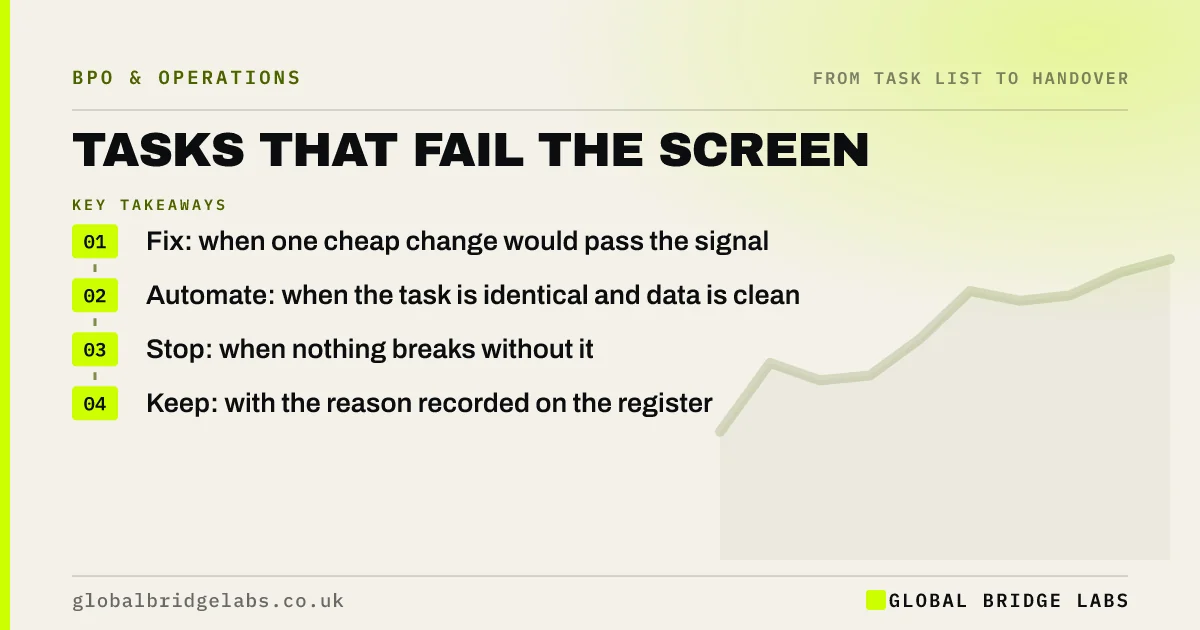
What to do with tasks that cannot be outsourced depends on why they failed. Each failing task gets one of four outcomes: fix it (write it down, add a check, bundle it), automate it (if software can do it reliably), stop it (if nothing breaks without it) or keep it (with the reason recorded). Failing the screen is a diagnosis, not a dead end.
- Fix: when one cheap change would pass the signal.
- Automate: when the task is identical and data is clean.
- Stop: when nothing breaks without it.
- Keep: with the reason recorded on the register.
Want help sorting your failed tasks? Message us on WhatsApp.
Chat on WhatsApp →Why does the failing signal matter?
Because it tells you the remedy. A task that fails teachable needs writing down. One that fails checkable needs a defined result. One that fails worthwhile needs bundling. One that fails recoverable needs a control or should stay. Recording the failing signal turns a rejected list into an action list.
Which remedy fits each failing signal?
Use this as a starting point.
- Teachable fails: record it and write a one-page note.
- Checkable fails: define a right result or add a control total.
- Remote fails: scan paper, or split off the on-site step.
- Recurring fails: batch it or bundle it with similar work.
- Recoverable fails: add an approval, or keep it.
- Worthwhile fails: bundle with related small tasks.
When should a task simply stay?
When it is a decision, a legal duty or a key; when it builds an advantage customers choose you for; or when the cost of fixing it outweighs the hours it would free. Keeping a task is a valid outcome. Record the reason, so the next review can see whether it still holds.
What does this look like in practice?
A pattern we see: the tasks that fail screening are sorted by failing signal. Many fail only because nobody wrote them down and are fixed quickly; a few are automated, some stop and the rest are kept with reasons. The fixed tasks join the candidate pipeline for the next quarter.
Failed task checklist
- Record the failing signal for every task.
- Match each to fix, automate, stop or keep.
- Fix the cheap ones first.
- Check automation for identical tasks.
- Record reasons for every kept task.
Next step
Sort the tasks that failed your screen by failing signal. The biggest group usually shares one cheap fix.
Message us on WhatsApp for the fix, automate, stop or keep sheet, or book a 30-minute consultation.
Chat on WhatsApp →Sources and further reading
- The probability of automation in England: 2011 and 2017 · Office for National Statistics
- Human factors: managing human failures · Health and Safety Executive
Frequently asked questions
What should I do with tasks that are not suitable for outsourcing?
Look at why they failed. Fix them if one cheap change would make them suitable, automate them if software can do them reliably, stop them if nothing would break without them, or keep them with the reason recorded so it can be revisited later.
Can an unsuitable task become suitable later?
Often. Writing a task down, adding a check, scanning paper inputs or bundling it with similar tasks can each turn a failing task into a candidate. Recording the failing signal on your register makes these fixes easy to spot at the next review.
Is it bad if most tasks fail the screen?
Not necessarily. Many tasks rightly stay inside. What matters is that the tasks that pass add up to meaningful hours, and that failing tasks have a clear outcome. If almost everything fails on one signal, fixing that signal may make a lot of work suitable.
Written by

Global Bridge Labs (GBL) is a UK–Sri Lanka partner for social media, websites and BPO. Everything here comes from client delivery, not theory.