On this page
Key takeaways
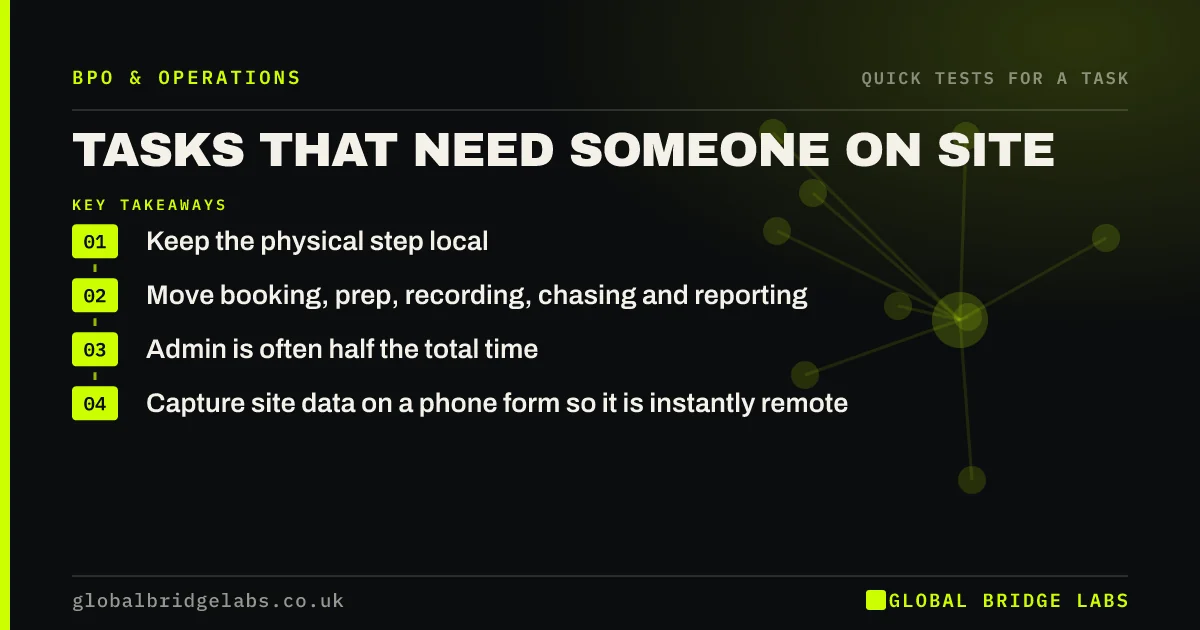
Tasks that need someone on site, such as inspections, deliveries, stock checks and customer visits, cannot move as a whole, but most contain remote parts: booking the visit, preparing the paperwork, recording results, chasing sign-offs and reporting. Split the physical step from the admin around it. The admin share is often half the task's time.
- Keep the physical step local.
- Move booking, prep, recording, chasing and reporting.
- Admin is often half the total time.
- Capture site data on a phone form so it is instantly remote.
Want to split your on-site tasks into keep and move? Message us on WhatsApp.
Chat on WhatsApp →Why not rule out on-site work entirely?
Because the site visit is only the middle of the task. A gas safety check involves booking, reminders, the visit, certificate processing, sending it to the customer and logging the renewal date. Only the visit needs to be local. Ruling out the whole task leaves hours of remote admin with your most expensive people.
How do you split an on-site task?
Map the task from trigger to finish and mark each step.
- Before: booking, confirming, preparing documents and routes.
- During: the physical work, kept local.
- After: entering results, sending certificates, invoicing, chasing.
- Ongoing: renewal reminders and reporting.
- Move every step marked before, after or ongoing that is screen-based.
What makes the split work?
Getting site information into a system immediately. A phone form or app that captures photos, readings and signatures on site turns paperwork into digital inputs the remote team can process the same day. Without it, paper sheets sit in vans and the admin cannot start.
What does this look like in practice?
A pattern we see: a maintenance firm's engineers do their paperwork after visits, often in the evening. With job data captured on a phone form, a remote team prepares reports, raises invoices and books follow-up visits, and engineers only check and sign.
On-site task split checklist
- Map the task from trigger to finish.
- Mark the physical step to keep local.
- Mark before, after and ongoing admin to move.
- Capture site data digitally on the day.
- Agree a same-day turnaround for after-visit admin.
Next step
Pick your most common site task and map every step from booking to renewal. Count how many steps need someone physically there.
Message us on WhatsApp for the on-site split sheet, or book a 30-minute consultation.
Chat on WhatsApp →Sources and further reading
- Health and safety basics for your business · Health and Safety Executive
- Gas safety: landlords and letting agents · Health and Safety Executive
Frequently asked questions
Can you outsource work that needs someone on site?
Not the physical step itself, but usually most of the admin around it: booking, preparing documents, recording results, sending certificates, invoicing and chasing. Splitting the task this way keeps skilled people on site and moves the screen-based work elsewhere.
How do remote teams get information from site?
Through digital capture on the day: phone forms or job apps that record photos, readings, notes and signatures and send them straight to a shared system. Paper job sheets slow everything down because the remote team cannot start until they are collected and scanned.
How much of an on-site task is admin?
It varies, but in trades, maintenance and inspection work the admin before and after a visit is often as long as the visit itself. A simple map of one job from booking to renewal is the quickest way to see your own split.
Written by

Global Bridge Labs (GBL) is a UK–Sri Lanka partner for social media, websites and BPO. Everything here comes from client delivery, not theory.