On this page
Key takeaways
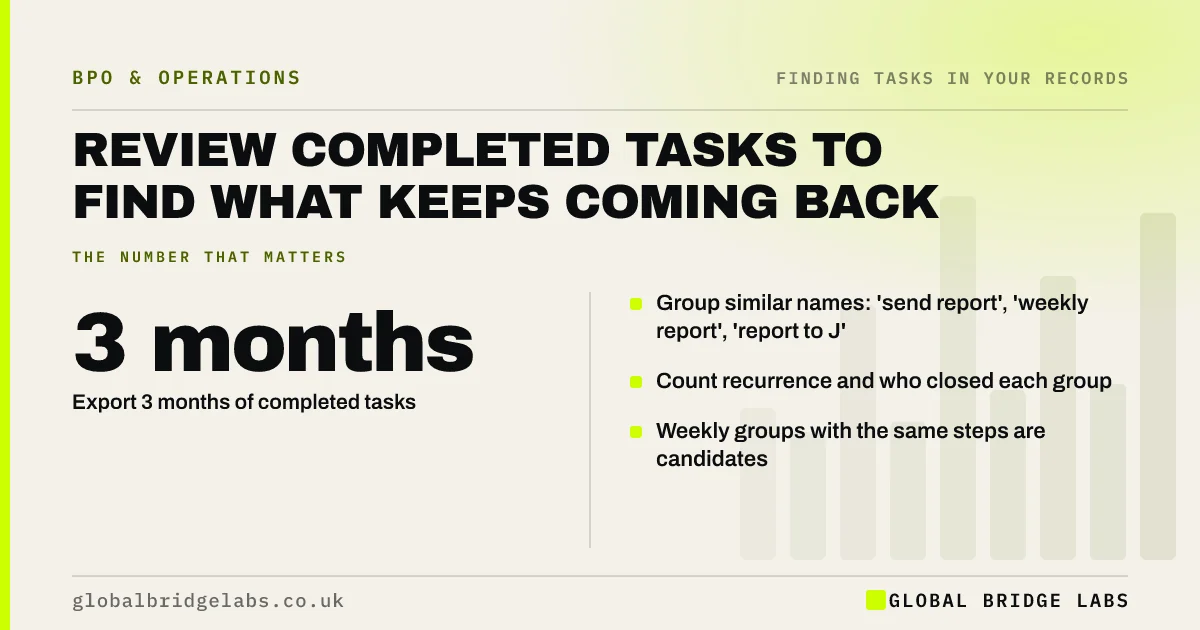
To review completed tasks in a task manager for outsourcing, export three months of closed tasks, group those with similar names, and count how often each group recurs and who closes it. Groups that recur weekly, take similar time and follow the same steps are candidates. Most teams find recurring work hiding under dozens of slightly different task names.
- Export 3 months of completed tasks.
- Group similar names: 'send report', 'weekly report', 'report to J'.
- Count recurrence and who closed each group.
- Weekly groups with the same steps are candidates.
Want help grouping your task history? Message us on WhatsApp.
Chat on WhatsApp →Why look at completed tasks?
Completed tasks are a record of work actually done, with dates and owners, rather than plans. If your team uses Trello, Asana, Monday, Planner or a CRM task list, the history shows repeat jobs, who does them and how often, without asking anyone to remember. It complements diary and inbox reviews.
How do you review the history?
Export to a spreadsheet and sort; an hour is usually enough for a small team.
- 1. Export three months of completed tasks with names, owners and dates.
- 2. Normalise names: strip dates and client names.
- 3. Group similar tasks and count each group.
- 4. Note owners and typical gaps between repeats.
- 5. Add weekly or monthly groups to the long list.
What does the history miss?
Task tools only capture work someone bothered to log. Small, frequent jobs such as email replies, record edits and chasing rarely become tasks, and some people never use the tool at all. Treat the history as one source among several, alongside inboxes, system data and leave cover notes.
What does this look like in practice?
A pattern we see: a team's board holds hundreds of completed tasks with slightly different names. After stripping dates and client names, a large share fall into a few recurring groups, such as 'prepare client pack' and 'update tracker', each closed weekly by the same people.
Task history checklist
- Export three months of completed tasks.
- Strip dates and client names from task titles.
- Group and count similar tasks.
- Note owners and frequency.
- Add recurring groups to the long list.
Next step
Export last quarter's completed tasks from your main tool this week and group them. The top five groups by count are your first candidates to screen.
Message us on WhatsApp for the task history template, or book a 30-minute consultation.
Chat on WhatsApp →Sources and further reading
- Labour productivity · Office for National Statistics
- User research · GOV.UK Service Manual
Frequently asked questions
How can a task manager help find tasks to outsource?
Its completed task history shows which jobs recur, who does them and how often. Exporting three months, stripping dates and client names, and grouping similar tasks reveals recurring work that people no longer think of as separate tasks.
How far back should a task history review go?
Three months is usually enough to show weekly and monthly patterns. If your business is seasonal or has quarterly cycles, use six or twelve months so the peak tasks and quarter-end jobs appear in the data.
What if my team does not log tasks consistently?
Use what is there and fill gaps with other sources: inboxes, diaries, system logs and leave cover notes. An inconsistent history still shows the recurring jobs people do log, and the gaps themselves tell you which work is invisible.
Written by

Global Bridge Labs (GBL) is a UK–Sri Lanka partner for social media, websites and BPO. Everything here comes from client delivery, not theory.