
On this page
Key takeaways
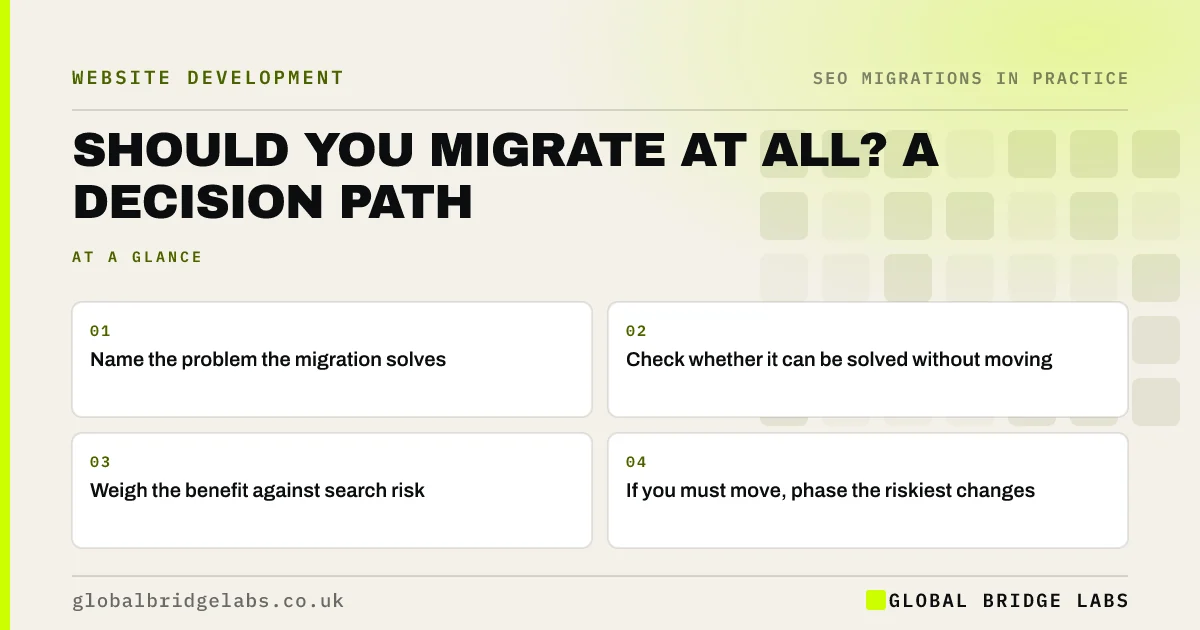
Before planning a migration, check whether you need one. Ask what problem the change solves, whether it can be solved without changing URLs, domain or platform, and whether the benefit outweighs the risk to search traffic. If the current setup works and only looks dated, a redesign on the same URLs may be enough. If you must move, phase the riskiest changes.
- Name the problem the migration solves.
- Check whether it can be solved without moving.
- Weigh the benefit against search risk.
- If you must move, phase the riskiest changes.
Unsure whether to migrate? Message us on WhatsApp for a second opinion.
Chat on WhatsApp →What questions should you ask first?
Work through these in order before committing to a migration.
- What specific problem are we solving?
- Can we solve it on the current platform and URLs?
- How much of our business comes from search?
- What would a three-month dip cost us?
- Do we have the time and budget to do it properly?
When is migrating the right call?
Migrating is usually justified when the current platform is unsupported or insecure, cannot do what the business needs, costs far more than alternatives, or forces poor URLs and slow pages you cannot fix. A rebrand or merger may justify a domain change. In those cases, the long-term benefit outweighs a planned, temporary risk.
When should you stay put?
Stay put, or redesign on the same URLs, when the reason is mainly appearance, when a new platform offers little you need, or when you cannot give the migration proper time and monitoring. Changing clean URLs or a trusted domain for cosmetic reasons adds risk with little gain. If you do move, change one thing at a time where you can.
- Redesign or migration? When a site change needs a plan
- Migrating one section at a time: a phased site move
- Low, medium or high risk: grade your website migration
Want help weighing your options? Message us on WhatsApp.
Chat on WhatsApp →What does this look like in practice?
A pattern we see: a business plans to move platform because its site looks dated. Working through the questions shows the platform does everything needed, and the real problem is an old theme and thin content. A new theme and better service pages on the same URLs deliver the improvement without a migration.
Migration decision checklist
- Name the problem clearly.
- Check fixes that keep URLs and platform.
- Estimate the cost of a dip.
- Confirm time and budget for doing it properly.
- Phase the riskiest changes if you move.
Next step
Write one sentence describing the problem your website change will solve. If it can be solved without changing URLs, domain or platform, start there.
Message us on WhatsApp about your website plans, or book a 30-minute consultation.
Chat on WhatsApp →Sources and further reading
- Site moves with URL changes · Google Search Central
- URL structure best practices for Google Search · Google Search Central
- Moving a site without URL changes · Google Search Central
Frequently asked questions
Should I migrate my website to a new platform?
Migrate if the current platform is unsupported, insecure, too limited or too costly, or forces problems you cannot fix. If the main issue is appearance or content, a redesign on the same platform and URLs is often enough and avoids most of the search risk.
Is it worth changing my domain name?
Only for a strong business reason, such as a rebrand, merger or a domain that genuinely confuses customers. A domain change is one of the riskiest migrations. If you do it, redirect page by page, use the Change of Address tool and keep the old domain renewed for years.
Can I improve my website without a migration?
Often, yes. A new theme, better content, faster pages, clearer navigation and stronger calls to action can all be delivered on the same platform and URLs. That gives most of the benefit of a new site with far less search risk.
Written by

Global Bridge Labs (GBL) is a UK–Sri Lanka partner for social media, websites and BPO. Everything here comes from client delivery, not theory.


