
On this page
- 01Key takeaways
- 02What do diners look for on a restaurant website?
- 03Mistake 1: menus as PDFs or images
- 04Mistake 2: a hidden booking button
- 05Mistake 3: autoplay video and heavy galleries
- 06Mistake 4: out-of-date hours and details
- 07Mistake 5: no allergen information
- 08What does this look like in practice?
- 09Restaurant website checklist
- 10Next step
- 11Sources and further reading
- 12Frequently asked questions
Key takeaways
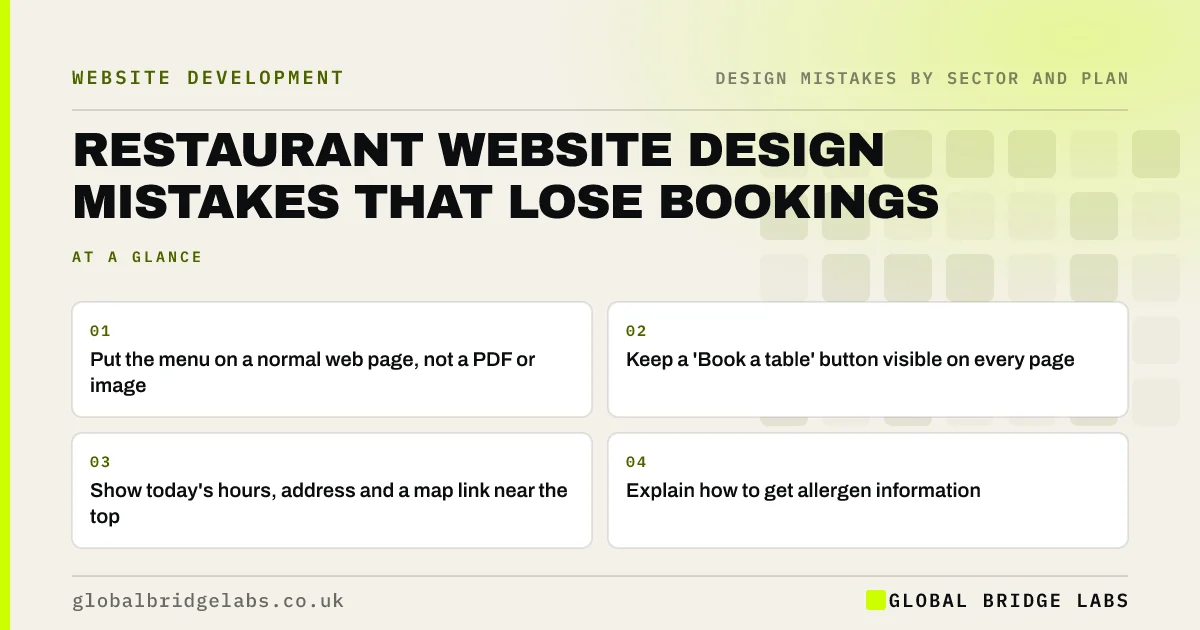
The restaurant website design mistakes that lose bookings are menus as PDFs or images, a booking button that is hard to find on a phone, autoplay video and heavy galleries that slow the page, out-of-date opening hours and no clear allergen information. Diners mostly check on a phone, often on the move: show the menu, hours, location and booking in the first two taps.
- Put the menu on a normal web page, not a PDF or image.
- Keep a 'Book a table' button visible on every page.
- Show today's hours, address and a map link near the top.
- Explain how to get allergen information.
Want your restaurant site reviewed? Message us on WhatsApp.
Chat on WhatsApp →What do diners look for on a restaurant website?
Most diners want the same few things: the menu and prices, opening hours, location, how to book and what the place looks like. They are usually on a phone and deciding between options. Every design choice that delays those answers loses bookings to the venue down the road.
Mistake 1: menus as PDFs or images
PDF menus are slow to open and hard to read on phones, and image menus cannot be read by search engines or screen readers. Put the menu on a web page as text with prices. It is easier to update, appears in searches for dishes and works on every device.
Mistake 2: a hidden booking button
If booking means opening a menu, finding a page and scrolling to an embedded widget, many diners will give up and call or go elsewhere. Keep a 'Book a table' button in the header on every page, and make sure the booking system works well on a phone.
Mistake 3: autoplay video and heavy galleries
Full-screen atmospheric videos and large photo galleries look good on a fast connection and slow the page on mobile data, pushing the menu and booking button further away. Use one strong, compressed image and a short gallery further down.
Want a restaurant site that loads fast and books tables? Message us on WhatsApp and we will discuss your requirements.
Chat on WhatsApp →Mistake 4: out-of-date hours and details
Wrong opening hours, especially on bank holidays, send diners to a closed door and damage trust. Keep hours on the website and your Google Business Profile in step, and show special hours clearly.
Mistake 5: no allergen information
UK food businesses must provide allergen information for the 14 major allergens. For food ordered online or by phone, it must be available before purchase and at delivery. On the website, mark allergens on the menu or explain clearly how diners can get the information.
What does this look like in practice?
A pattern we see: a restaurant homepage opens with a video, the menu is a PDF and the booking widget is on a separate page. Putting the menu on a page, the booking button in the header and the hours near the top means diners can decide and book in a couple of taps.
Restaurant website checklist
- Menu as a web page with prices.
- Book a table button on every page.
- Hours, address and map link near the top.
- Hours matched to Google Business Profile.
- One strong compressed image, no autoplay video.
- Allergen information clearly explained.
Next step
On your phone, try to find your menu and book a table for Saturday. Count the taps.
Message us on WhatsApp for a hospitality website review, or book a 30-minute consultation.
Chat on WhatsApp →Sources and further reading
- Allergen guidance for food businesses · Food Standards Agency
- Why GOV.UK content should be published in HTML and not PDF · Government Digital Service
- Google Business Profile Help · Google
Frequently asked questions
Should a restaurant menu be a PDF on the website?
Ideally not. PDFs are slow and awkward on phones and less visible to search engines. Put the menu on a web page as text with prices, which loads quickly, is easy to update and works on every device.
What should a restaurant website include?
The menu with prices, opening hours including special hours, address with a map link, a booking button on every page, photos of the food and venue, allergen information and contact details.
Do restaurants need allergen information on their website?
UK food businesses must provide information on the 14 major allergens. For distance selling, such as online orders, it must be available before purchase. Mark allergens on the online menu or explain clearly how to get the information.
Written by

Global Bridge Labs (GBL) is a UK–Sri Lanka partner for social media, websites and BPO. Everything here comes from client delivery, not theory.


