
On this page
- 01Key takeaways
- 02Why is autoplay a design mistake?
- 03What does WCAG require for autoplay?
- 04Do browsers block autoplay?
- 05Is muted background video acceptable?
- 06How should you use video instead?
- 07What does this look like in practice?
- 08Video checklist
- 09Next step
- 10Sources and further reading
- 11Frequently asked questions
Key takeaways
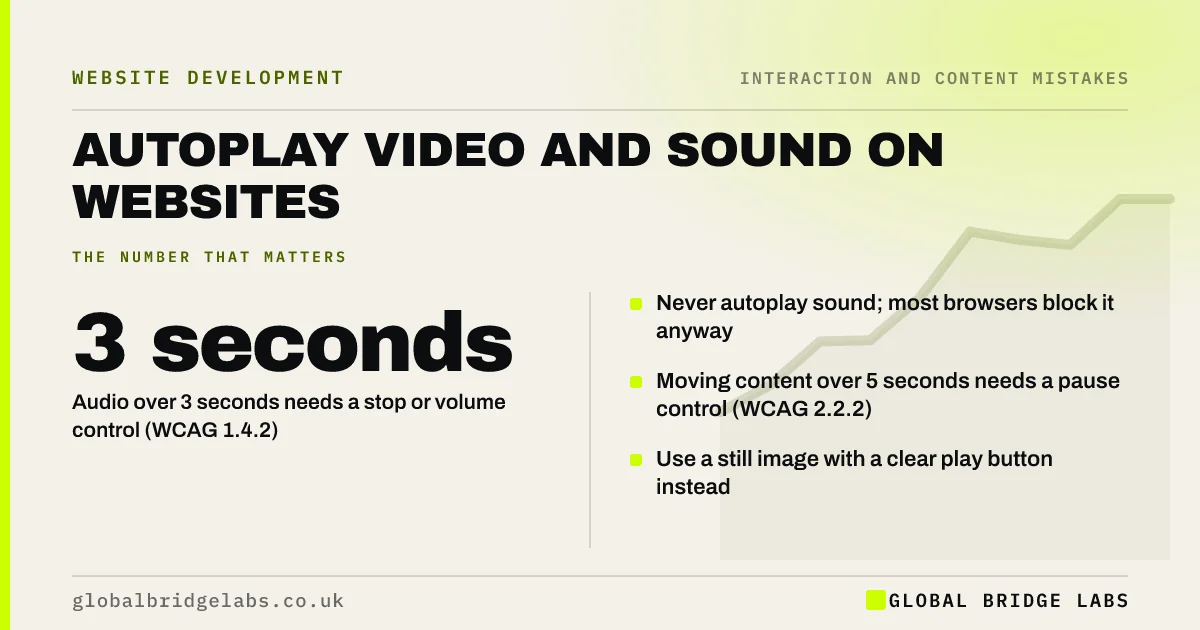
Autoplay video with sound is one of the fastest ways to make visitors leave: it startles people in offices and on public transport and competes with your headline. WCAG requires a way to stop audio that plays automatically for more than three seconds and to pause moving content that lasts more than five seconds. Let visitors choose to play video.
- Never autoplay sound; most browsers block it anyway.
- Audio over 3 seconds needs a stop or volume control (WCAG 1.4.2).
- Moving content over 5 seconds needs a pause control (WCAG 2.2.2).
- Use a still image with a clear play button instead.
Want your homepage video reviewed? Message us on WhatsApp.
Chat on WhatsApp →Why is autoplay a design mistake?
Autoplay takes a decision away from the visitor. Sound that starts unexpectedly sends people reaching for the back button, and moving video draws attention away from the offer and call to action. It also slows the page, especially on mobile data, before the visitor has shown any interest.
What does WCAG require for autoplay?
Two WCAG criteria apply. Audio Control (1.4.2) requires a way to pause or stop audio that plays automatically for more than three seconds, or to control its volume separately. Pause, Stop, Hide (2.2.2) requires a way to pause moving content that starts automatically, lasts more than five seconds and appears alongside other content.
Do browsers block autoplay?
Most modern browsers block video from autoplaying with sound unless the visitor has interacted with the site, and allow muted autoplay. That means a carefully produced video with a voiceover will usually start silently, and visitors may never realise there is sound.
Is muted background video acceptable?
A short, muted, looping background video can work for atmosphere, such as a restaurant interior or a venue, if it is light, has a visible pause button and does not sit behind important text. It should respect the reduced-motion setting and fall back to a still image on slow connections.
Want video that helps rather than hinders? Message us on WhatsApp and we will discuss your requirements.
Chat on WhatsApp →How should you use video instead?
Show a still frame that tells the story on its own, with a clear play button and the video length ('90 seconds'). Add captions, because many people watch without sound, and a transcript for search engines and screen readers. Place it beside or below the headline, not instead of it.
What does this look like in practice?
A pattern we see: a homepage opens with a full-screen brand video and the headline appears only once it ends. Swapping to a still image, the headline and a play button puts the offer in front of visitors immediately while keeping the video for those who want it.
Video checklist
- Turn off autoplay with sound.
- Add a pause button to any moving video.
- Use a still image with a play button and length.
- Add captions and a transcript.
- Keep the headline visible without the video.
- Respect the reduced-motion setting.
Next step
Load your homepage on a phone with sound on and note anything that moves or plays without you asking.
Message us on WhatsApp for a homepage review, or book a 30-minute consultation.
Chat on WhatsApp →Sources and further reading
- Understanding SC 1.4.2: Audio Control · W3C
- Understanding SC 2.2.2: Pause, Stop, Hide · W3C Web Accessibility Initiative
- prefers-reduced-motion · MDN Web Docs
Frequently asked questions
Should videos autoplay on a website?
Not with sound. A short, muted background video with a pause button can work in some cases, but for most business sites a still image with a play button is better. It loads faster and lets visitors choose.
Is autoplay video bad for accessibility?
It can be. WCAG requires a way to stop automatic audio lasting more than three seconds and to pause moving content lasting more than five seconds. Motion can also distract or cause discomfort for some visitors.
Why does my website video not play with sound?
Most browsers block autoplay with sound until the visitor interacts with the page. Videos usually autoplay muted or not at all. Let visitors press play, which also allows sound.
Written by

Global Bridge Labs (GBL) is a UK–Sri Lanka partner for social media, websites and BPO. Everything here comes from client delivery, not theory.


