On this page
Key takeaways
The IT support company tasks to outsource are the operational admin around technical work: logging and categorising tickets, licence and subscription admin, routine monitoring checks, asset register updates, onboarding and offboarding paperwork, and monthly client reports. Escalated technical work, security decisions, admin credentials and client relationships stay inside.
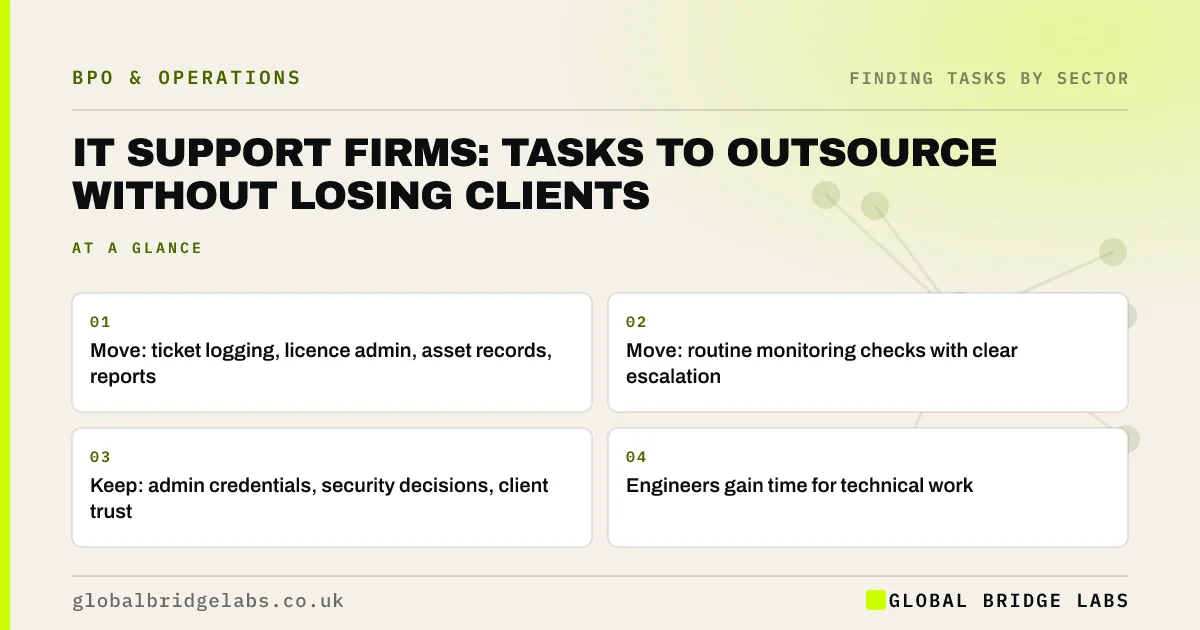
- Move: ticket logging, licence admin, asset records, reports.
- Move: routine monitoring checks with clear escalation.
- Keep: admin credentials, security decisions, client trust.
- Engineers gain time for technical work.
Want your MSP's admin screened? Message us on WhatsApp.
Chat on WhatsApp →Why do IT support firms carry so much admin?
Every client brings licences to manage, devices to record, starters and leavers to process and reports to send. Engineers end up doing paperwork between tickets, and the most experienced people spend hours on licence counts and report formatting. That admin scales with every new client.
Which tasks usually move?
These are recurring, system-based and checkable.
- Logging, categorising and routing incoming tickets.
- Software licence counts, renewals and seat changes.
- Updating client asset registers.
- Starter and leaver request paperwork.
- Routine backup and patch status checks.
- Monthly client service reports.
What must stay inside the business?
Privileged access to client systems, admin credentials, security incident decisions and technical changes stay with your own vetted engineers. Client relationships and anything that commits you to a service level also stay. Outside staff should work with least-privilege accounts and never hold master passwords.
What does this look like in practice?
A pattern we see: an MSP's engineers spend time every week on licence admin, asset updates and client reports. Moving those tasks to an admin team, with read-only access where possible, lets engineers spend more of their day closing tickets.
MSP admin checklist
- List admin done by engineers each week.
- Separate admin from privileged technical work.
- Screen licence, asset and report tasks.
- Use least-privilege accounts for outside staff.
- Keep credentials and security decisions inside.
Next step
Ask your engineers to tag last week's work as technical or admin. The admin share shows how much engineering capacity you could recover.
Message us on WhatsApp for the MSP task list, or book a 30-minute consultation.
Chat on WhatsApp →Sources and further reading
- Cyber Essentials overview · National Cyber Security Centre
- Small organisations guide to cyber security · National Cyber Security Centre
Frequently asked questions
What can an IT support company outsource?
Operational admin such as logging and routing tickets, licence and subscription admin, asset register updates, starter and leaver paperwork, routine monitoring checks with escalation, and monthly client reports. Privileged technical work, credentials, security decisions and client relationships should stay in-house.
Is it safe to give outsourced staff access to client systems?
Only with least-privilege accounts limited to their tasks, multi-factor authentication and logging. Many admin tasks need read-only access or none at all. Admin credentials and privileged access should stay with your own vetted engineers.
Will clients mind if we outsource admin?
Most care about response times, accuracy and security. Be open where contracts require it, keep client-facing technical work with your own team, and make sure data protection terms flow down to any provider handling client information.
Written by

Global Bridge Labs (GBL) is a UK–Sri Lanka partner for social media, websites and BPO. Everything here comes from client delivery, not theory.