
On this page
- 01Key takeaways
- 02What is homepage exit rate?
- 03How do you calculate exit rate in GA4?
- 04How is exit rate different from bounce rate?
- 05When is a high homepage exit rate fine?
- 06What should you fix if exits are high?
- 07What does this look like in practice?
- 08Homepage exit rate checklist
- 09Next step
- 10Sources and further reading
- 11Frequently asked questions
Key takeaways
Homepage exit rate is the share of homepage views that were the last page in a session. GA4 shows exits in explorations; divide exits by views to get the rate. A high exit rate on the homepage means many visitors leave from the front door without going further, which usually points to the message or the next step, unless they found what they needed there.
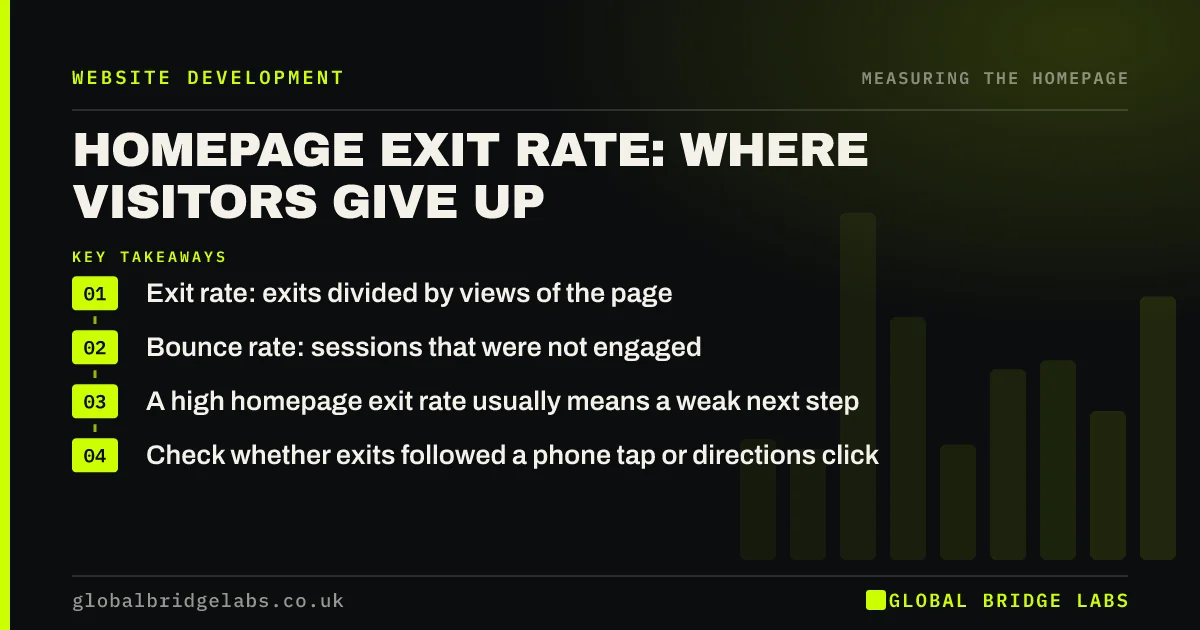
- Exit rate: exits divided by views of the page.
- Bounce rate: sessions that were not engaged.
- A high homepage exit rate usually means a weak next step.
- Check whether exits followed a phone tap or directions click.
Want help reading your homepage exits? Message us on WhatsApp.
Chat on WhatsApp →What is homepage exit rate?
Homepage exit rate is the percentage of homepage views after which the visitor left the site. It counts visitors who arrived elsewhere and came to the homepage, as well as those who started there. A homepage that many visitors leave from is a front door that people walk back out of.
How do you calculate exit rate in GA4?
GA4 does not show exit rate in its standard reports. In Explore, build a free-form exploration with page path as the dimension and views and exits as metrics, filtered to the homepage. Exits divided by views gives the exit rate. Compare it with your main service pages.
How is exit rate different from bounce rate?
In GA4, bounce rate is the share of sessions that were not engaged: shorter than 10 seconds, with no key event and only one page view. Exit rate is about the last page viewed, whatever happened before. A visitor can read for two minutes and leave, which is an exit but not a bounce.
When is a high homepage exit rate fine?
It is fine when visitors got what they came for on the homepage: a phone number, opening hours or directions. Track phone taps and direction clicks as events; if many exits follow those, the homepage did its job. Exits with no action are the ones to worry about.
What should you fix if exits are high?
Work up the ladder: check the traffic source, then the first-screen message, then proof and the next step. Scroll depth helps: if most exits happen before visitors scroll, the first screen is the problem; if they scroll and still leave, the proof or the call to action is.
What does this look like in practice?
A pattern we see: the homepage has a higher exit rate than any service page, and scroll data shows most visitors never pass the hero. Rewriting the headline and adding a trust line and one clear button is usually the first fix, before any design change.
Homepage exit rate checklist
- Build an exploration with views and exits for the homepage.
- Compare the rate with your service pages.
- Track phone taps and directions as events.
- Separate exits after an action from exits with none.
- Use scroll depth to see where people leave.
Next step
Build the exploration and compare your homepage exit rate with your top three service pages. If the homepage is much higher, start with its first screen.
Message us on WhatsApp with the numbers, or book a 30-minute consultation.
Chat on WhatsApp →Sources and further reading
- Engagement rate and bounce rate · Google Analytics Help
- Path exploration · Google Analytics Help
- Enhanced measurement events · Google Analytics Help
Frequently asked questions
What is a good exit rate for a homepage?
There is no universal figure. Compare your homepage with your own service pages and with its past trend. A homepage exit rate well above other key pages, with few phone taps or clicks before exit, suggests visitors are not finding a next step.
What is the difference between exit rate and bounce rate?
Exit rate is the share of views of a page that were the last in a session. In GA4, bounce rate is the share of sessions that were not engaged. A visitor who reads for two minutes and leaves exits but does not bounce.
Does GA4 show exit rate?
Not in the standard reports. You can add exits and views to a free-form exploration filtered to the page and divide one by the other. Some third-party dashboards calculate it for you.
Written by

Global Bridge Labs (GBL) is a UK–Sri Lanka partner for social media, websites and BPO. Everything here comes from client delivery, not theory.


