
On this page
- 01Key takeaways
- 02Do you have to show an address on a UK website?
- 03Why do buyers look for an address?
- 04What are the alternatives to a home address?
- 05What about Google Business Profile?
- 06When does a virtual address hurt credibility?
- 07What does this look like in practice?
- 08Address checklist
- 09Next step
- 10Sources and further reading
- 11Frequently asked questions
Key takeaways
You usually do not need to publish your home address, and for privacy you may not want to. But buyers look for a real location, and some UK rules require a geographic or registered address. Use a registered office or business address that receives post, show your service area, and be honest that you work from home if asked.
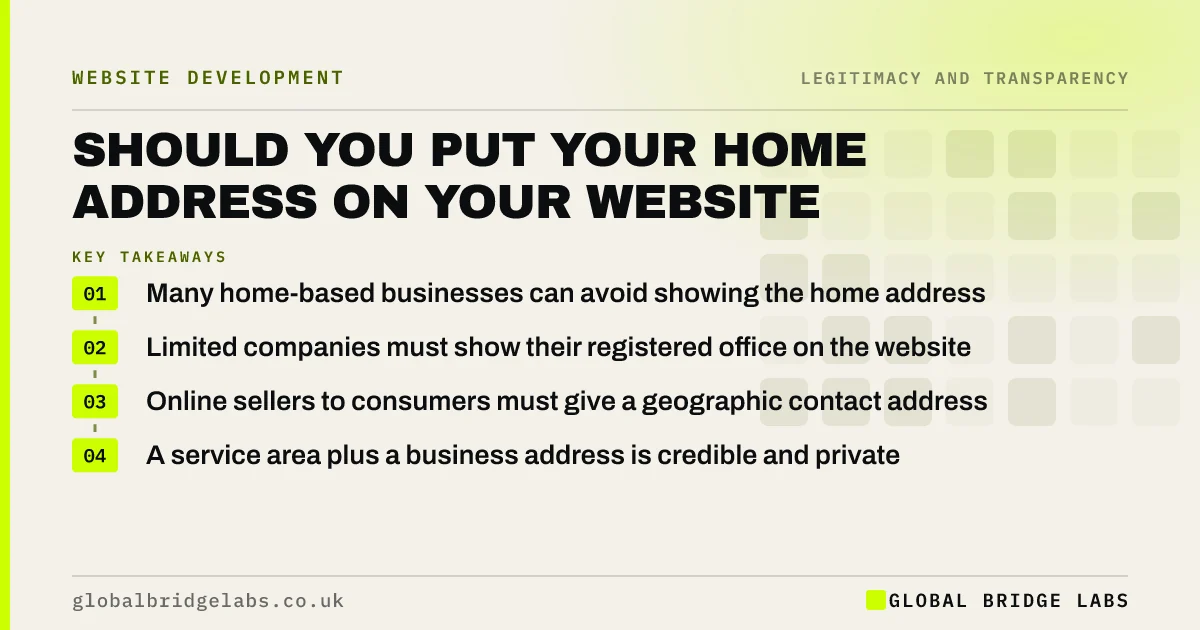
- Many home-based businesses can avoid showing the home address.
- Limited companies must show their registered office on the website.
- Online sellers to consumers must give a geographic contact address.
- A service area plus a business address is credible and private.
Want your address and location details set up credibly? Message us on WhatsApp.
Chat on WhatsApp →Do you have to show an address on a UK website?
It depends on your structure and what you sell. Limited companies must show their registered office address on their website under the Trading Disclosures Regulations 2015. Businesses selling to consumers online must give a geographic address under the Electronic Commerce Regulations 2002 and Consumer Contracts Regulations 2013. Check your situation with an adviser if unsure.
Why do buyers look for an address?
Buyers look for an address because it suggests a real, accountable business that can be found if something goes wrong. The Stanford guidelines for web credibility recommend showing there is a real organisation behind the site, including a physical address. No location at all can make a business look temporary or anonymous.
What are the alternatives to a home address?
Credible options for home-based businesses:
- A registered office at your accountant's or a formation agent's address.
- A business address service that receives and forwards post.
- Your town and the areas you cover, without a street address.
- A map of your service area instead of a pin on your house.
Want your address, service area and Google profile aligned? Message us on WhatsApp and we will discuss your requirements.
Chat on WhatsApp →What about Google Business Profile?
Google lets service-area businesses hide their address on their Business Profile and show the areas they serve instead. You still verify an address privately. Keep the business name, phone number and service area consistent between the profile and your website.
When does a virtual address hurt credibility?
It hurts when it implies premises you do not have, such as 'our London office' for a mail-forwarding address. Buyers who visit or search the address may find a shared service. Describe it honestly, as a business or registered address, and use your real working area in your copy.
What does this look like in practice?
A pattern we see: a sole trader removes their home address for privacy and leaves no location at all. Enquiries from new customers drop. Adding 'Based in Harrogate, covering North Yorkshire', a service area map and a business address for post restores the sense of a real local business.
Address checklist
- Check which address rules apply to your business.
- Show your registered office if you are a limited company.
- Show your town and service area clearly.
- Use a business address service if you want privacy.
- Describe any virtual address honestly.
Next step
Check your footer. If there is no address or service area, add one this week.
Message us on WhatsApp for a legitimacy review, or book a 30-minute consultation.
Chat on WhatsApp →Sources and further reading
Frequently asked questions
Do I legally have to put my address on my website?
Limited companies must show their registered office address. Businesses selling to consumers online must provide a geographic address. Other businesses may not be required to, but showing a location helps credibility. Check the rules that apply to you.
Can I use a virtual office address on my website?
Yes, for receiving post and as a registered office if it meets Companies House rules. Describe it honestly as a business address, not as an office you work from, to avoid misleading buyers.
How do I hide my home address on Google?
Set up your Google Business Profile as a service-area business, hide the address and list the areas you serve. Google still verifies the address privately, but it is not shown publicly.
Written by

Global Bridge Labs (GBL) is a UK–Sri Lanka partner for social media, websites and BPO. Everything here comes from client delivery, not theory.


