On this page
- 01Key takeaways
- 02What is an exit-intent pop-up?
- 03When do exit-intent pop-ups help?
- 04When do pop-ups hurt?
- 05How do you use exit pop-ups carefully?
- 06What is the alternative to a pop-up?
- 07What does this look like in practice?
- 08Pop-up checklist
- 09Next step
- 10Sources and further reading
- 11Frequently asked questions
Key takeaways
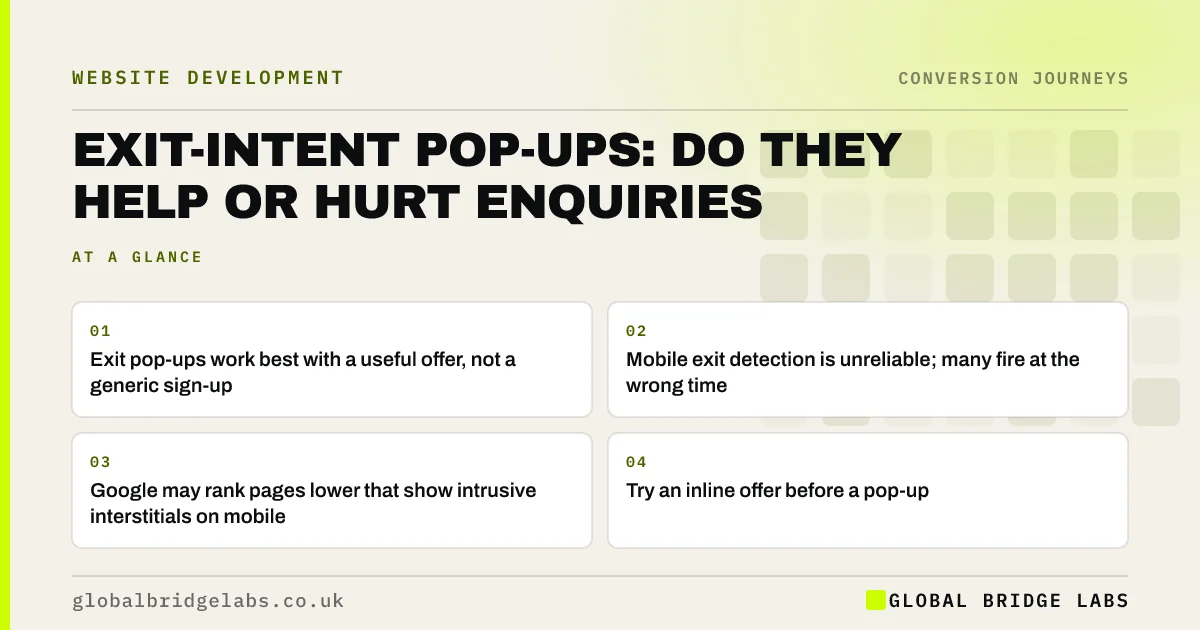
Exit-intent pop-ups appear when a visitor seems about to leave. They can recover some leaving visitors with a genuinely useful offer, such as a price guide, but they annoy many others, work poorly on mobile and can hurt search if they block content. For most service businesses, a well-placed inline offer does the same job with less risk.
- Exit pop-ups work best with a useful offer, not a generic sign-up.
- Mobile exit detection is unreliable; many fire at the wrong time.
- Google may rank pages lower that show intrusive interstitials on mobile.
- Try an inline offer before a pop-up.
Wondering whether a pop-up suits your site? Ask us on WhatsApp.
Chat on WhatsApp →What is an exit-intent pop-up?
An exit-intent pop-up is an overlay that appears when a visitor's behaviour suggests they are about to leave, typically when the mouse moves towards the browser's close button or tabs. It makes a last offer, such as a discount, guide or callback, to keep the visitor engaged.
When do exit-intent pop-ups help?
They help when the offer is genuinely useful to someone who is leaving because they are not ready yet. A price guide for a buyer still comparing, or a checklist for someone researching, can turn a lost visit into a contact. They also work better on desktop, where exit intent can be detected more reliably.
When do pop-ups hurt?
Pop-ups hurt when they interrupt rather than help. Generic 'sign up for our newsletter' offers, pop-ups that fire on arrival, ones that are hard to close and ones that fire repeatedly all damage trust. On mobile, where exit intent is hard to detect, pop-ups often appear at the wrong time and cover the page.
Google's guidance warns against intrusive interstitials on mobile that make content less accessible, which can affect how pages perform in search.
How do you use exit pop-ups carefully?
If you use one, keep it useful, polite and rare.
- Offer something relevant to the page, such as a price guide on a pricing page.
- Show it on desktop only, or use a small, non-blocking banner on mobile.
- Show it once per visitor, not on every page.
- Make closing it obvious and easy.
- Do not use fake urgency or guilt-tripping 'No thanks, I hate saving money' links.
- Measure qualified enquiries, not just sign-ups.
Want a pop-up offer written that helps rather than annoys? Ask us on WhatsApp.
Chat on WhatsApp →What is the alternative to a pop-up?
An inline offer placed at the natural end of the content or beside the pricing section catches visitors who are not ready, without interrupting anyone. A quiet sticky bar on mobile can do the same. For most small business sites, these deliver most of the benefit of a pop-up with none of the annoyance.
What does this look like in practice?
A UK garden building supplier used a pop-up offering 10% off that fired five seconds after arrival on every page. Removing it and adding an inline 'Get our size and price guide' box on product pages lowered sign-ups slightly, but quote requests rose and the business stopped discounting to buyers who would have paid full price.
Pop-up checklist
- Try an inline offer first.
- If using a pop-up, make the offer useful and relevant.
- Avoid blocking pop-ups on mobile.
- Show it once per visitor.
- Make closing easy and avoid guilt-tripping wording.
- Measure qualified enquiries, not just sign-ups.
Next step
Pop-ups are a tool, not a strategy. We can help you decide whether one belongs on your site and, if so, how to make it help rather than annoy.
Message us on WhatsApp for a pop-up review, or book a 30-minute consultation.
Chat on WhatsApp →Sources and further reading
- Creating helpful, reliable, people-first content · Google Search Central
- Online choice architecture: how digital design can harm competition and consumers · Competition and Markets Authority
- Mobile-first indexing best practices · Google Search Central
Frequently asked questions
Do exit-intent pop-ups work?
They can recover some visitors on desktop when the offer is genuinely useful, such as a price guide. They work less well on mobile, where exit intent is hard to detect, and poorly designed pop-ups damage trust. Measure qualified enquiries, not sign-ups alone.
Do pop-ups hurt SEO?
Intrusive interstitials that block content on mobile can affect how pages perform in Google Search. Small banners, legally required notices and pop-ups that do not cover the main content are less of a concern. If you use one, test the page on a phone first to check the main content stays visible and readable.
Are pop-ups annoying to customers?
Many are, especially when they appear immediately, cover the page, are hard to close or repeat. Useful, relevant offers shown once, and easy to dismiss, are far better received. Pop-ups that block the page before visitors have read anything are the most disliked, and on mobile they can make the page almost unusable.
What is better than a pop-up for capturing leads?
An inline offer at the end of content or beside pricing, or a small sticky bar on mobile. These reach visitors who are not ready to enquire without interrupting those who are. Track qualified enquiries from each option, not just sign-ups, so you can tell which approach genuinely helps the business.
Written by

Global Bridge Labs (GBL) is a UK–Sri Lanka partner for social media, websites and BPO. Everything here comes from client delivery, not theory.