On this page
- 01Key takeaways
- 02What does event registration admin involve?
- 03What does a standard event timeline look like?
- 04What does registration admin take?
- 05What should stay with the organiser?
- 06What does this look like in practice?
- 07Event registration checklist
- 08Next step
- 09Sources and further reading
- 10Frequently asked questions
Key takeaways
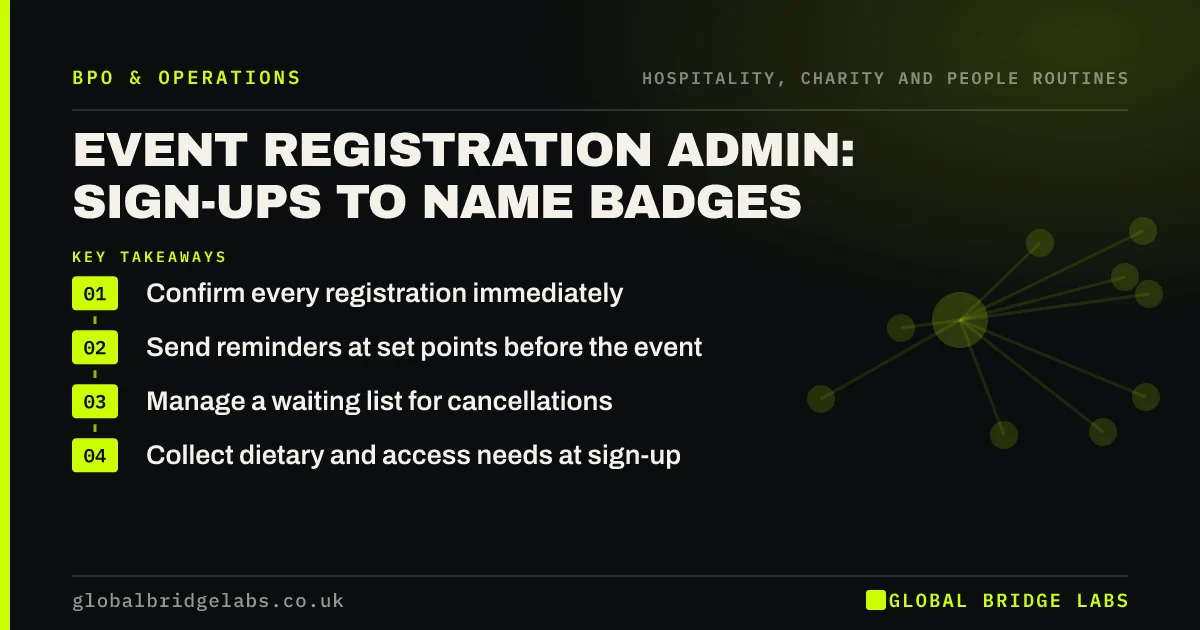
Event registration admin covers everything between sign-up and the day: confirmations, payments, reminders, waiting lists, dietary and access needs, changes and cancellations, badges and the final attendee list. It is repetitive for every attendee and every event. A routine and a template set free the organiser to focus on the event itself.
- Confirm every registration immediately.
- Send reminders at set points before the event.
- Manage a waiting list for cancellations.
- Collect dietary and access needs at sign-up.
Running events and drowning in sign-up admin? Message us on WhatsApp with your event calendar.
Chat on WhatsApp →What does event registration admin involve?
It involves setting up the registration form, confirming each sign-up, taking payments where needed, answering queries, sending reminders and joining instructions, managing cancellations and the waiting list, passing dietary and access needs to the venue, producing badges and the attendee list, and following up afterwards.
What does a standard event timeline look like?
Using the same timeline for every event makes the admin predictable and easy to hand over.
- Launch: form live, confirmations automatic.
- 2 weeks before: reminder and joining details.
- 3 days before: final reminder and waiting list release.
- 1 day before: attendee list, badges and venue numbers.
- After: thank-you, feedback and next event.
What does registration admin take?
In an illustrative example, a 120-person event takes about 10 to 15 hours of registration admin from launch to follow-up, mostly queries, changes and lists. A business running a monthly event spends that every month. These are example figures. Templates and one routine halve it after the first few events.
Send us your event schedule on WhatsApp and we will estimate the routine with you.
Chat on WhatsApp →What should stay with the organiser?
Programme, speakers, venue contracts and decisions about refunds outside policy stay with the organiser. Dietary and access information can include health data, so collect only what is needed, share it only with the venue as required, and delete it after the event.
What does this look like in practice?
A pattern we see: no-shows are high because the only reminder is the original confirmation. Two scheduled reminders and a waiting list fill the room.
Event registration checklist
Use this for every event.
- Form collects only what is needed.
- Instant confirmation.
- Two scheduled reminders.
- Waiting list managed.
- Data deleted after the event.
Next step
Send us your next event and how registration works today. We will suggest a timeline and templates, and say plainly what a team could handle.
Message us on WhatsApp about event registration, or book a 30-minute consultation.
Chat on WhatsApp →Sources and further reading
- Special category data · Information Commissioner's Office
- Electronic and telephone marketing under PECR · Information Commissioner's Office
Frequently asked questions
How do you reduce no-shows at free events?
Send reminders at set points, such as two weeks and three days before, with clear joining details and an easy way to cancel. Release cancelled places to a waiting list. Free events typically have higher no-show rates, so some organisers slightly over-register.
What information should an event registration form collect?
Collect only what you need: name, email, organisation if relevant, ticket type and any dietary or access needs. Dietary and access details can be health data, so explain why you collect them, share them only with the venue and delete them after the event.
Can event registration admin be outsourced?
Yes. A managed team can confirm sign-ups, answer queries, send reminders, manage waiting lists and prepare badges and attendee lists using your event platform. Programme, venue and refund decisions outside policy should stay with the organiser.
Written by

Global Bridge Labs (GBL) is a UK–Sri Lanka partner for social media, websites and BPO. Everything here comes from client delivery, not theory.