On this page
- 01Key takeaways
- 02What are the common employee mistakes?
- 03Why do these mistakes matter to the business?
- 04What should a staff policy cover?
- 05Should you stop staff posting about work?
- 06How do you spot staff posting risks?
- 07What does this look like in practice?
- 08Staff posting checklist
- 09Next step
- 10Sources and further reading
- 11Frequently asked questions
Key takeaways
Employee social media mistakes that affect a business include complaining about customers, posting photos that show confidential information, replying to complaints as if speaking for the company and promoting the business without saying they work there. Most staff mean well. A short policy, a little training and clear examples prevent most problems without banning anyone from social media.
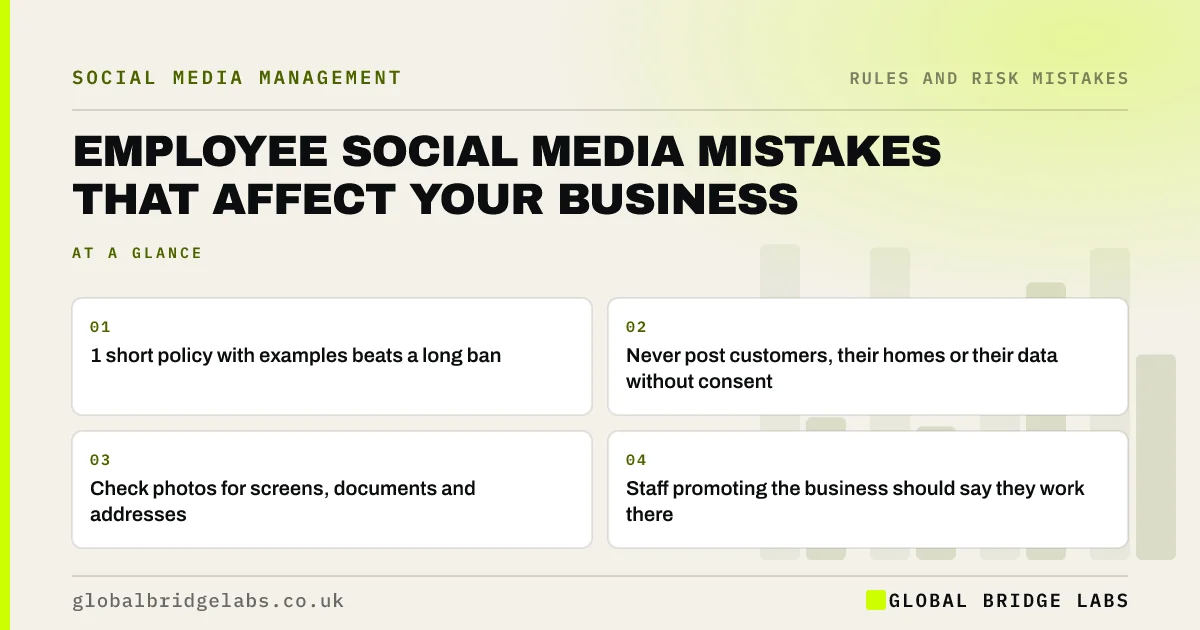
- 1 short policy with examples beats a long ban.
- Never post customers, their homes or their data without consent.
- Check photos for screens, documents and addresses.
- Staff promoting the business should say they work there.
Want a staff social media policy written? Message us on WhatsApp.
Chat on WhatsApp →What are the common employee mistakes?
The common mistakes are well-meant posts that cause problems, and occasional angry ones.
- Venting about a customer or job online.
- Photos showing screens, documents or addresses.
- Replying to a complaint about the business personally.
- Promoting the business without disclosing employment.
- Posting from a site where photos are not allowed.
Why do these mistakes matter to the business?
They matter because customers do not separate an employee's post from the business. A complaint about a customer reads as the company's view. A photo showing a client's documents can be a data breach. A glowing review from an undisclosed employee can mislead under consumer law.
Want staff training on social media? Message us on WhatsApp and we will discuss your requirements.
Chat on WhatsApp →What should a staff policy cover?
A staff policy should cover what not to post (customers, confidential information, complaints), how to check photos, who replies for the business, how to disclose employment when promoting the business and what to do if they see a problem. Keep it to a page with examples.
Should you stop staff posting about work?
No. Staff sharing their work often reaches more people than the business account, and it builds trust. The aim is safe, confident posting, not silence. Policies should be reasonable and respect staff's private lives.
How do you spot staff posting risks?
Spot staff posting risks by looking at public posts that mention or tag the business, and by asking staff what they share. Look for customers' homes or details in photos, comments about customers or competitors, and promotion of the business without saying they work there.
- Customer details visible in photos.
- Comments about customers.
- Undisclosed promotion of the business.
- Replies to complaints from personal accounts.
What does this look like in practice?
A pattern we see: a proud engineer posting a finished job with the customer's house number and car registration visible. Nothing bad was intended. A two-minute 'check the background' habit, covered in a one-page policy, prevents it.
Staff posting checklist
- Write a one-page policy with examples.
- Never post customers without consent.
- Check photos for screens, documents and addresses.
- Let one person reply for the business.
- Disclose employment when promoting.
Next step
Share three example posts with staff this week: one great, one to avoid and one fixed. Examples work better than rules.
Message us on WhatsApp for a policy template, or book a 30-minute consultation.
Chat on WhatsApp →Sources and further reading
- Advice for small organisations · Information Commissioner's Office
- Publishing consumer reviews and complying with consumer protection law · Competition and Markets Authority
- Recognising ads: brand-owned and paid social media · ASA / CAP
Frequently asked questions
Can I stop employees posting about work?
You can set reasonable rules, such as not sharing confidential information or customer details, but banning all mention of work is rarely necessary or wise. Staff posts often help the business. Take HR advice for specific situations.
What should a staff social media policy include?
What not to post, how to check photos, who replies for the business, how to disclose employment when promoting, and how to report problems. Keep it short, with examples.
Do employees need to disclose they work for the business?
When promoting the business or reviewing its products, yes. Undisclosed staff reviews or endorsements can mislead consumers. Ask staff to make the connection clear.
Written by

Global Bridge Labs (GBL) is a UK–Sri Lanka partner for social media, websites and BPO. Everything here comes from client delivery, not theory.