
On this page
Key takeaways
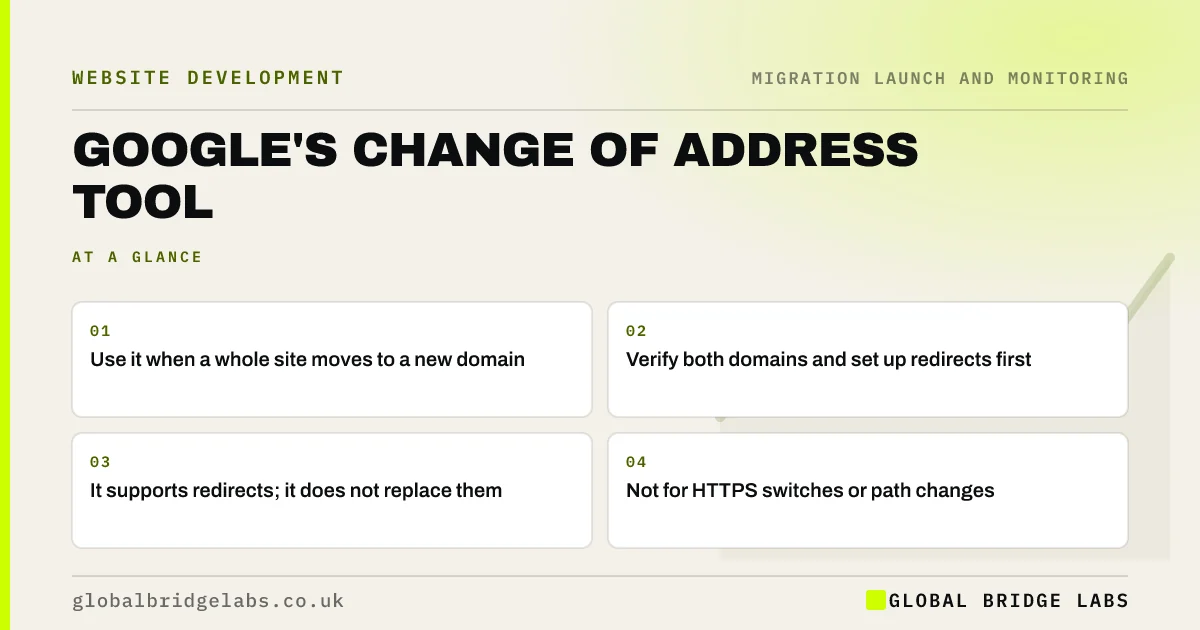
Google's Change of Address tool in Search Console tells Google you have moved a whole site from one domain to another. Use it after your page-level redirects are live, with both domains verified in Search Console. It helps Google process the move, but it does not replace redirects, and it is not for HTTP to HTTPS moves or changes within the same domain.
- Use it when a whole site moves to a new domain.
- Verify both domains and set up redirects first.
- It supports redirects; it does not replace them.
- Not for HTTPS switches or path changes.
Moving domain? Message us on WhatsApp before you submit Change of Address.
Chat on WhatsApp →When should you use it?
Use the Change of Address tool when your whole site moves from one domain or subdomain to another, such as a rebrand from an old .co.uk to a new one. Google's help page sets out when it applies. It is not needed when only paths change on the same domain, when you switch from HTTP to HTTPS, or when only part of the site moves.
How do you submit it?
Prepare before launch so the request can go in on the day.
- Verify the old and new domains in Search Console with the same account.
- Set up page-level 301 redirects from old URLs to new ones.
- Make sure the old homepage redirects to the new homepage.
- Open Change of Address in the old property's settings.
- Choose the new property and let the tool run its checks.
- Submit the request once the checks pass.
What happens next?
Google uses the request alongside your redirects to move signals to the new domain. The old property shows that a move is in progress. Keep the redirects in place for at least a year, as Google advises, and keep the old domain renewed. Watch both properties: old URLs should move into redirect status while new URLs are indexed and gain clicks.
- Reading the Page indexing report after a migration
- Let your old domain lapse? What to do now
- The 90-day monitoring plan after a migration
Want help reading your Change of Address checks? Message us on WhatsApp.
Chat on WhatsApp →What does this look like in practice?
A pattern we see: a rebrand moves domain and the Change of Address checks fail because the old homepage redirects to a new landing page rather than the new homepage. Pointing the homepage redirect at the new homepage lets the checks pass, and the request goes in on launch day.
Change of Address checklist
- Verify both domains in Search Console.
- Set up page-level redirects first.
- Redirect old homepage to new homepage.
- Submit from the old property's settings.
- Keep redirects and the old domain for a year or more.
Next step
Verify your new domain in Search Console well before launch, using the same account as the old one. That way the Change of Address request can be submitted on the day.
Message us on WhatsApp about Change of Address, or book a 30-minute consultation.
Chat on WhatsApp →Sources and further reading
- Change of Address tool · Search Console Help
- Site moves with URL changes · Google Search Central
- Redirects and Google Search · Google Search Central
Frequently asked questions
What does the Change of Address tool do?
It tells Google that your whole site has moved from one domain to another, helping it process the move alongside your redirects. It checks that redirects are in place and that you control both domains. It does not create redirects or replace them; those must be set up on your server or platform.
Do I need Change of Address for HTTP to HTTPS?
No. The tool is for moves between domains or subdomains. For a switch from HTTP to HTTPS on the same domain, use permanent redirects, update canonicals and internal links, and submit an HTTPS sitemap. Verify the HTTPS version in Search Console, or use a domain property.
How long should redirects stay after Change of Address?
Google advises keeping redirects in place for at least a year, and longer is better. Old links, bookmarks and printed materials will keep using the old domain for years. Keep the old domain renewed and redirecting so those visitors and links are not lost.
Written by

Global Bridge Labs (GBL) is a UK–Sri Lanka partner for social media, websites and BPO. Everything here comes from client delivery, not theory.


