
On this page
Key takeaways
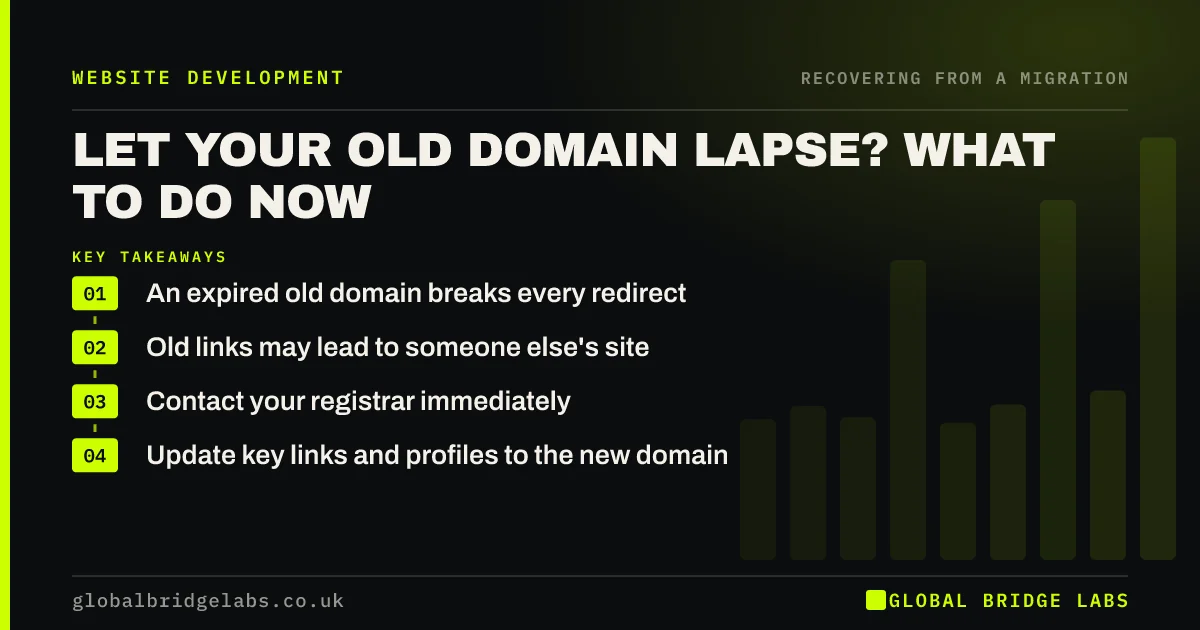
If your old domain expires after a migration, its redirects stop working and every old link, bookmark and printed address leads nowhere, or worse, to someone else's site. Try to renew or recover it straight away through your registrar. If it has been bought by someone else, ask key linking sites to update links, and update printed materials and profiles.
- An expired old domain breaks every redirect.
- Old links may lead to someone else's site.
- Contact your registrar immediately.
- Update key links and profiles to the new domain.
Old domain expired? Message us on WhatsApp straight away.
Chat on WhatsApp →What happens when the old domain lapses?
Redirects live on the old domain, so when it stops resolving, they stop too. Visitors from old links see an error, and search engines can no longer follow the redirects. If the domain is later bought by someone else, they can use the traffic and links your business built, sometimes for unrelated or spammy content that still appears connected to your old brand.
Can you get it back?
Act quickly, because expired domains often pass through a grace period before they are released.
- Contact your registrar and ask about renewal or redemption.
- Check who holds the registrar account and its login.
- Renew for several years once recovered.
- Restore the redirects and test them.
- If someone else owns it, ask whether it can be bought back.
How do you limit the damage?
If the domain cannot be recovered, focus on what you control. Ask the sites behind your most valuable links to update them to the new domain. Update your Google Business Profile, directories, social profiles and email signatures. Replace printed materials and QR codes that use the old address. And keep an eye on how the old domain is used, in case it misrepresents your business.
Want help planning the clean-up? Message us on WhatsApp.
Chat on WhatsApp →What does this look like in practice?
A pattern we see: a business rebrands, the old domain renewal email goes to a former employee's inbox and the domain expires a year later. Old links from trade directories suddenly fail. Because it was still in the registrar's grace period, it could be renewed, and it is now set to renew automatically for five years.
Old domain checklist
- Know who holds the registrar account.
- Set old domains to auto-renew.
- Renew for several years at a time.
- Act fast if a domain expires.
- Update key links if it cannot be recovered.
Next step
List every domain your business has ever used and check its expiry date and auto-renew setting today. Keep them all renewing for as long as old links might still use them.
Message us on WhatsApp about old domains, or book a 30-minute consultation.
Chat on WhatsApp →Sources and further reading
- Site moves with URL changes · Google Search Central
- Redirects and Google Search · Google Search Central
- Change of Address tool · Search Console Help
Frequently asked questions
What happens to SEO if my old domain expires?
The redirects stop working, so links and bookmarks to old URLs no longer reach your new site, and the value of those links is lost. If someone else buys the domain, they can use its traffic and links. Renew it quickly if you can, and update key links if not.
How long should I keep my old domain after moving?
For as long as practical, and at least a year. Many businesses keep old domains indefinitely, because domain renewal is cheap compared with the value of old links and the risk of someone else using the name. Set it to renew automatically.
Can I get my expired domain back?
Often, if you act quickly. Many domains pass through a grace period and then a redemption period, during which the original owner can renew, sometimes for an extra fee. Contact your registrar at once. If it has been released and bought, you may be able to buy it back.
Written by

Global Bridge Labs (GBL) is a UK–Sri Lanka partner for social media, websites and BPO. Everything here comes from client delivery, not theory.


