On this page
- 01Key takeaways
- 02Why does job software access matter?
- 03What permissions should the service have?
- 04What should each job record contain?
- 05What if the service cannot use your software?
- 06How do you keep access secure?
- 07What does this look like in practice?
- 08Job software checklist
- 09Next step
- 10Sources and further reading
- 11Frequently asked questions
Key takeaways
If your answering service can log into your job management software, each call becomes a job record with the customer, address, notes and booked slot, instead of a message you must type up later. Give the service its own user with limited permissions, and agree which fields it fills in on every call.
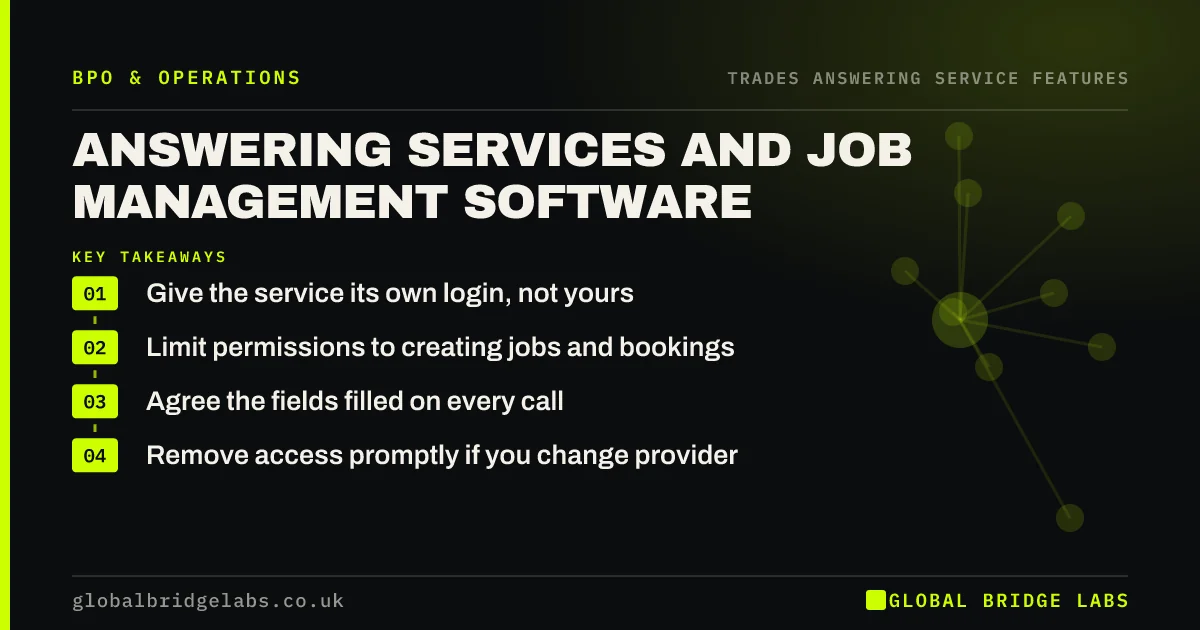
- Give the service its own login, not yours.
- Limit permissions to creating jobs and bookings.
- Agree the fields filled on every call.
- Remove access promptly if you change provider.
Want calls logged straight into your job system? Message us on WhatsApp.
Chat on WhatsApp →Why does job software access matter?
It matters because retyping messages wastes time and causes errors. When the service creates the job directly, the details are in one place, the engineer sees them on their phone, and you can track which calls became work.
What permissions should the service have?
Give it enough to do the job and no more: create customers and jobs, add notes and photos, and book into the diary. Avoid access to pricing settings, financial data or the ability to delete records. Use a separate login for each provider.
What should each job record contain?
Agree a short, fixed set of fields so records are consistent and useful on site.
- Customer name and contact numbers.
- Address and postcode.
- Job type and description in the caller's words.
- Urgency and access notes.
- Photos requested or received.
- Booked slot or callback time.
Want a job record template agreed with your service? Message us on WhatsApp and we will discuss your requirements.
Chat on WhatsApp →What if the service cannot use your software?
Some message-taking services cannot log into client systems. Then ask for notes in a fixed format you can paste or forward, or choose a service that can work in your system. For growing firms, system access is worth paying for.
How do you keep access secure?
Use separate logins, strong passwords and two-factor sign-in where your software offers it. Remove access the day a contract ends. Check the audit log occasionally to see what the service has changed.
What does this look like in practice?
A pattern we see: once the service creates jobs directly, the owner stops spending Sunday evening typing up the week's messages, and engineers arrive with the details they need.
Job software checklist
- Create a separate user for the service.
- Limit permissions.
- Agree the fields for every call.
- Turn on two-factor sign-in.
- Check the audit log monthly.
- Remove access when the contract ends.
Next step
Ask your shortlisted services whether they can work in your job software, and set up a test user for the trial.
Message us on WhatsApp for a job software set-up, or book a 30-minute consultation.
Chat on WhatsApp →Sources and further reading
- Contracts and liabilities between controllers and processors · Information Commissioner's Office
- Small Business Guide: cyber security · National Cyber Security Centre
- Cyber Essentials overview · National Cyber Security Centre
Frequently asked questions
Can an answering service work in trades job management apps?
Many can, if the app allows extra user logins and the service is willing to work in client systems. Managed teams usually do this as standard. Basic message-taking services may not. Ask each provider which systems it has used and test it during a trial before relying on it.
Is it safe to give an answering service access to my job software?
It can be, with sensible controls: a separate login, limited permissions, two-factor sign-in and a processor contract covering data protection. Avoid sharing your own login. Remove access promptly when the contract ends, and check the activity log now and then for anything unexpected.
Do I need to pay for an extra user licence?
Often, yes. Many job management systems charge per user. Include that cost when comparing services. The extra licence is usually small compared with the time saved by not retyping messages and the jobs saved by having full details on site.
Written by

Global Bridge Labs (GBL) is a UK–Sri Lanka partner for social media, websites and BPO. Everything here comes from client delivery, not theory.