
On this page
- 01Key takeaways
- 02What do prospects check after outreach?
- 03How do you pass the check?
- 04Does email authentication matter for outreach?
- 05When does the website not matter?
- 06What does this look like in practice?
- 07Outreach-ready website checklist
- 08Next step
- 09Sources and further reading
- 10Frequently asked questions
Key takeaways
When you send a cold email or LinkedIn message, the prospect usually checks your website before replying. They spend a minute or two answering: is this real, is it relevant to me and is it worth a reply? Make sure the sender is named on the site, the offer matches the message, and there is proof from similar clients and a low-commitment next step.
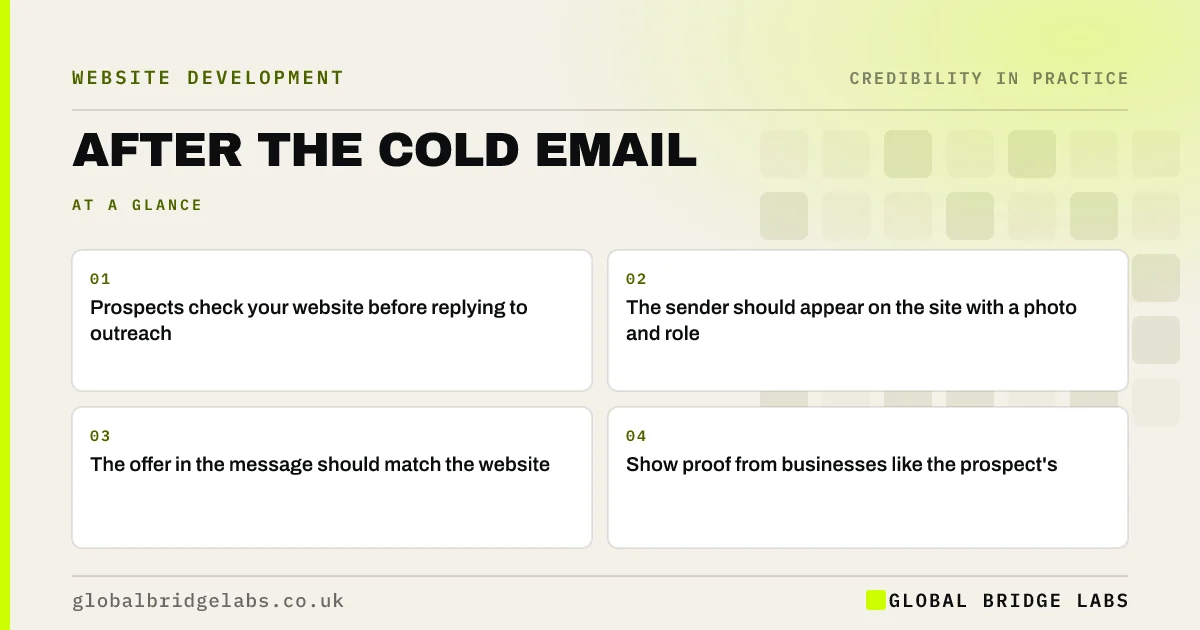
- Prospects check your website before replying to outreach.
- The sender should appear on the site with a photo and role.
- The offer in the message should match the website.
- Show proof from businesses like the prospect's.
Want your website to back up your outreach? Message us on WhatsApp.
Chat on WhatsApp →What do prospects check after outreach?
Prospects check whether the sender and company are real, whether the company does what the message claims and whether it has helped businesses like theirs. They often arrive on the homepage or the sender's LinkedIn first. If the website contradicts the message, or the sender is nowhere to be found, they ignore it.
How do you pass the check?
Align the website with your outreach.
- Feature the people who send outreach, with photos and roles.
- Make the service you pitch easy to find from the homepage.
- Create sector pages that match the audiences you contact.
- Show case studies from similar businesses.
- Offer a small next step, such as a 30-minute call.
- Team photos on your website: what works and what does not
- How B2B buyers shortlist suppliers from their websites
Want sector pages that match your outreach audiences? Message us on WhatsApp and we will discuss your requirements.
Chat on WhatsApp →Does email authentication matter for outreach?
Yes. Outreach from a domain without SPF, DKIM and DMARC is more likely to land in spam, and Google requires authentication from bulk senders. Use your business domain, not a free address, and keep outreach volumes modest. In the UK, direct marketing to individuals and sole traders also has specific consent rules under PECR.
When does the website not matter?
If the message is irrelevant or poorly targeted, no website will rescue it. The website supports good outreach; it does not fix bad targeting. Similarly, a strong referral may skip the website check entirely.
What does this look like in practice?
A pattern we see: a firm sends outreach to logistics companies, but its website shows only hospitality examples and the sender has no profile on the site. Adding a logistics page with a relevant case study and the sender's profile gives prospects a reason to reply.
Outreach-ready website checklist
- Named, pictured senders on the team page.
- The pitched service one click from the homepage.
- Sector pages for your target audiences.
- Relevant case studies.
- Authenticated email on your own domain.
Next step
Click the link in your last outreach email as the prospect would. Does the page confirm what the message said?
Message us on WhatsApp for an outreach and website review, or book a 30-minute consultation.
Chat on WhatsApp →Sources and further reading
- Email sender guidelines · Google
- Electronic and telephone marketing under PECR · Information Commissioner's Office
- Email security and anti-spoofing · National Cyber Security Centre
Frequently asked questions
Do prospects look at your website after a cold email?
Many do, to check the sender and company are real and relevant before replying. Make sure the sender appears on the site and the offer and proof match the message.
Should I link to my website in cold emails?
A link to a relevant page, such as a sector page or case study, can help, but keep links minimal for deliverability. Prospects will often search for you anyway, so the homepage must support the message too.
What makes outreach look like spam?
A free email address, no matching website, generic messages, no named sender and an irrelevant offer. Using your business domain with email authentication and a website that backs up the message reduces this.
Written by

Global Bridge Labs (GBL) is a UK–Sri Lanka partner for social media, websites and BPO. Everything here comes from client delivery, not theory.


