
On this page
Key takeaways
The System Usability Scale (SUS) is a 10-question survey that gives a usability score from 0 to 100. Participants answer it after using a site in a test. It was created by John Brooke in 1986 and is widely used because it is quick, free and comparable. An average score across many studies is about 68, so above that is better than typical.
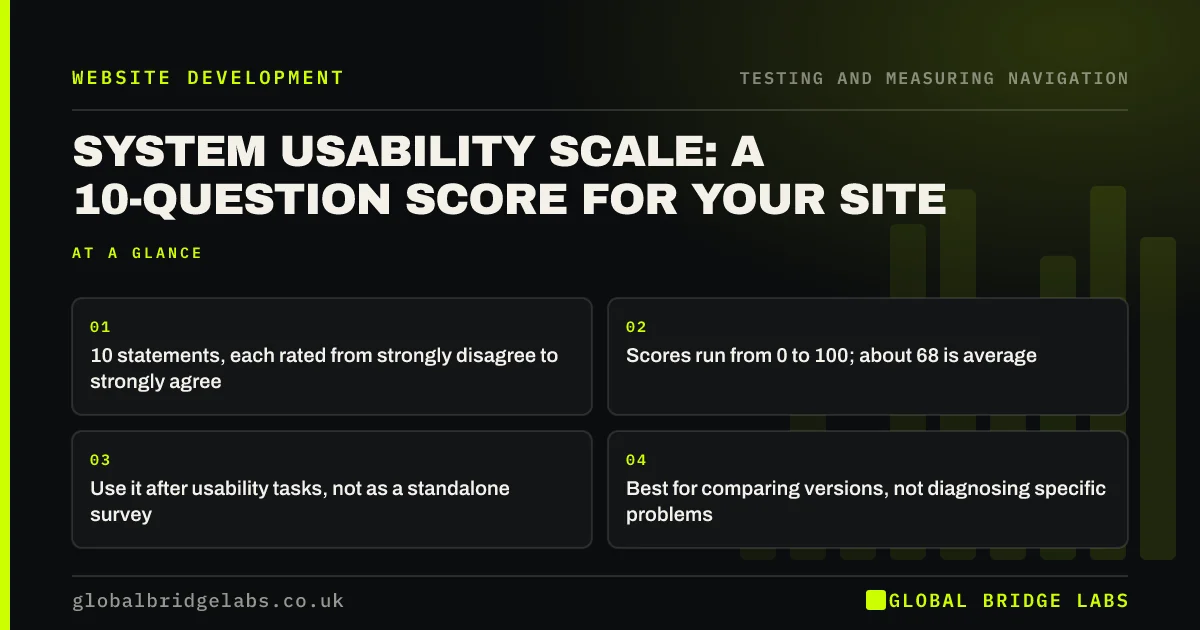
- 10 statements, each rated from strongly disagree to strongly agree.
- Scores run from 0 to 100; about 68 is average.
- Use it after usability tasks, not as a standalone survey.
- Best for comparing versions, not diagnosing specific problems.
Want a SUS score for your site before and after changes? Message us on WhatsApp.
Chat on WhatsApp →What is the System Usability Scale?
The System Usability Scale is a standardised questionnaire of 10 statements about how easy a system was to use, each answered on a five-point scale. Created by John Brooke at Digital Equipment Corporation in 1986, it produces a single score from 0 to 100. It measures perceived usability, not task success.
How do you calculate a SUS score?
Each answer is scored 1 to 5. For the odd-numbered statements, which are positive, subtract 1 from the answer. For the even-numbered statements, which are negative, subtract the answer from 5. Add the ten results and multiply by 2.5. The result is a score from 0 to 100, which is not a percentage.
- Odd statements: answer minus 1.
- Even statements: 5 minus answer.
- Add all ten results.
- Multiply by 2.5 for a score out of 100.
What is a good SUS score?
Analysis by Jeff Sauro across hundreds of studies put the average SUS score at about 68. Scores above 68 are better than average, and scores in the 80s are generally considered good. Below about 50 suggests serious usability problems. Treat scores from small samples as indicative.
Want your site benchmarked with SUS and task tests? Message us on WhatsApp and we will discuss your requirements.
Chat on WhatsApp →How should a website use SUS?
Ask participants to complete it straight after a usability test with realistic tasks, so they rate an actual experience. Use the same tasks and the same questionnaire before and after a redesign to compare versions. Pair it with task success and time on task, which show what went wrong.
What are the limits of SUS?
SUS tells you how usable people felt the site was, but not why. It covers the whole experience, not navigation alone. With five participants, scores vary a lot. Use it as a summary number to track over time, and rely on observation to find the fixes.
What does this look like in practice?
A pattern we see: a site scores in the low 60s with five participants, who all struggled to find prices and a service area page. After the menu is relabelled and the price link moved, the same tasks with five new participants usually score noticeably higher, and the observation notes explain why.
SUS checklist
- Run it after realistic tasks.
- Use the standard 10 statements unchanged.
- Score with the standard formula.
- Compare with about 68 as an average.
- Pair with task success and observations.
Next step
Add the SUS questionnaire to the end of your next usability test, and record the score.
Message us on WhatsApp for a usability benchmark, or book a 30-minute consultation.
Chat on WhatsApp →Sources and further reading
- Why you only need to test with 5 users · Nielsen Norman Group
- User research · GOV.UK Service Manual
- 10 usability heuristics for user interface design · Nielsen Norman Group
Frequently asked questions
What is a good System Usability Scale score?
The average across many studies is about 68. Scores above 68 are above average, scores in the 80s are generally good and scores below about 50 suggest serious usability problems. Small samples make scores less precise.
Is a SUS score a percentage?
No. Although it runs from 0 to 100, a SUS score is not a percentage. A score of 68 means average usability, not 68% usable. Compare scores with benchmarks or earlier results rather than reading them as percentages.
Can I change the SUS questions?
Minor wording changes, such as 'website' instead of 'system', are common. Changing the statements more than that makes the score incomparable with published benchmarks, so keep them as close to the standard as possible.
Written by

Global Bridge Labs (GBL) is a UK–Sri Lanka partner for social media, websites and BPO. Everything here comes from client delivery, not theory.


